
Blog
Why Online Privacy Tools Matter in Remote Work Environments

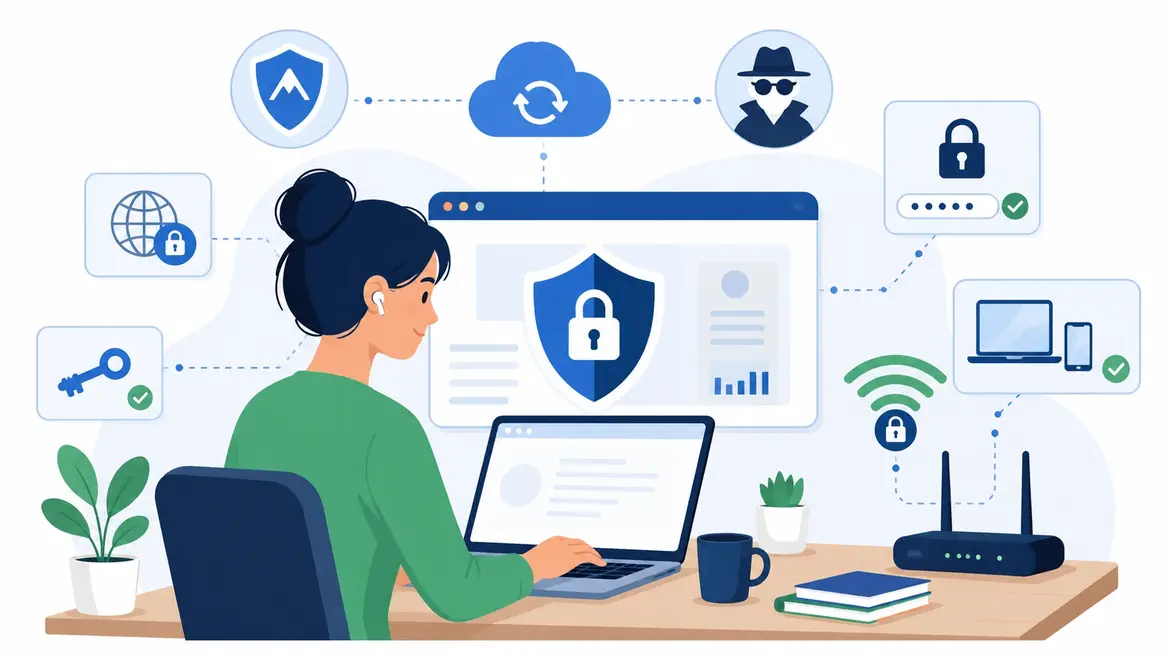
Not long ago, keeping company data safe mostly meant locking the office door. The network lived inside four walls, and IT could see everything on it. That world is gone.
Today the average knowledge worker logs in from home, then a coffee shop, then maybe an airport gate before Friday (hotel lobby, take your pick). Gallup pegs 27% of U.S. employees as fully remote and another 52% as hybrid. Every one of those logins runs across a network nobody at headquarters controls.
So the tools that protect privacy stopped being a nice-to-have. They became the whole game.
Your Home Wi-Fi Was Never Built For This
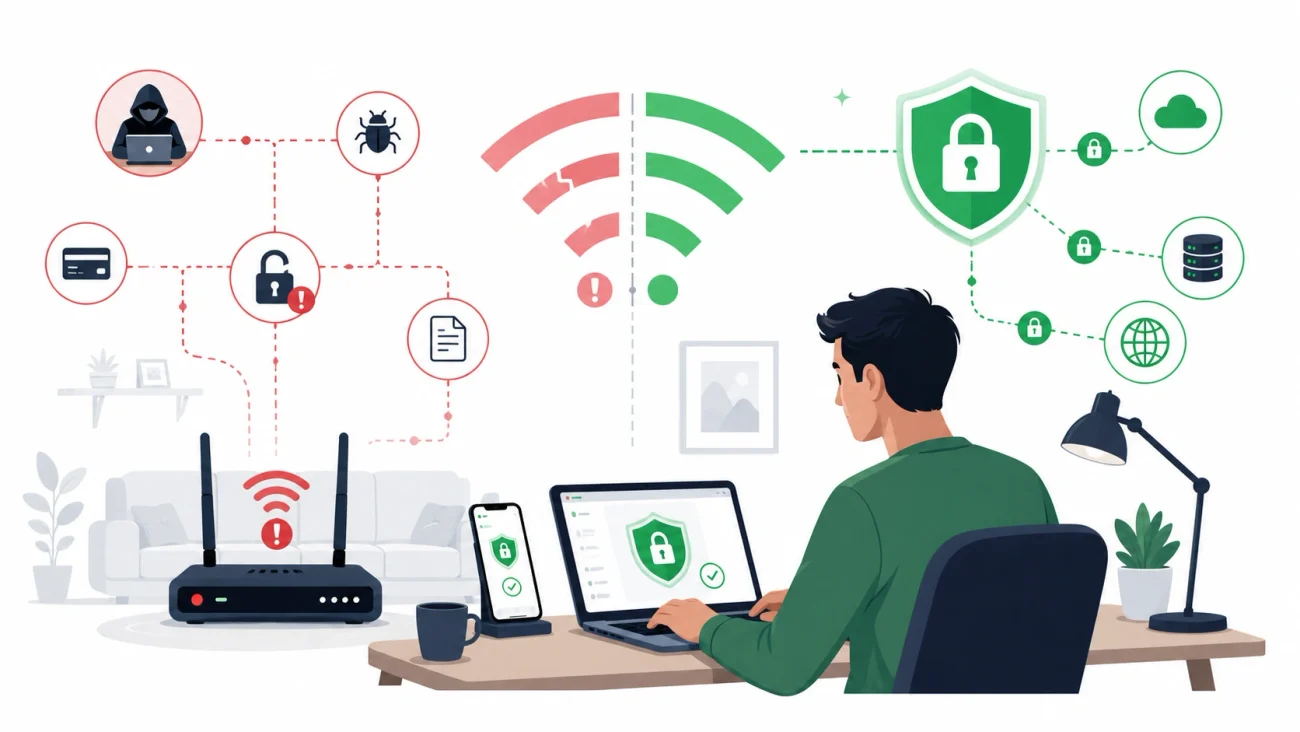
A corporate firewall handles a ton of work you never see. A $40 home router? Not so much. And café Wi-Fi is basically a public hallway with a password taped to the wall.
Attackers already know the odds are in their favor. Coalition’s 2025 claims report tied 87% of ransomware entry points to remote access services, with VPN compromises alone making up 73% of intrusions where the entry point could be identified.
Here’s the part people miss, though. You can do everything right, pay for a solid VPN, keep your laptop patched, and still leak your real IP address straight out of the browser. The culprit is a quiet little feature behind your video calls in Zoom, Google Meet, and pretty much every meeting app you use.
That’s exactly why it’s worth running a quick proxy leak test before you assume a proxy or VPN has your back. It takes about ten seconds and tells you whether your actual IP is slipping through anyway.
Browser Flaw Hiding In plain sight
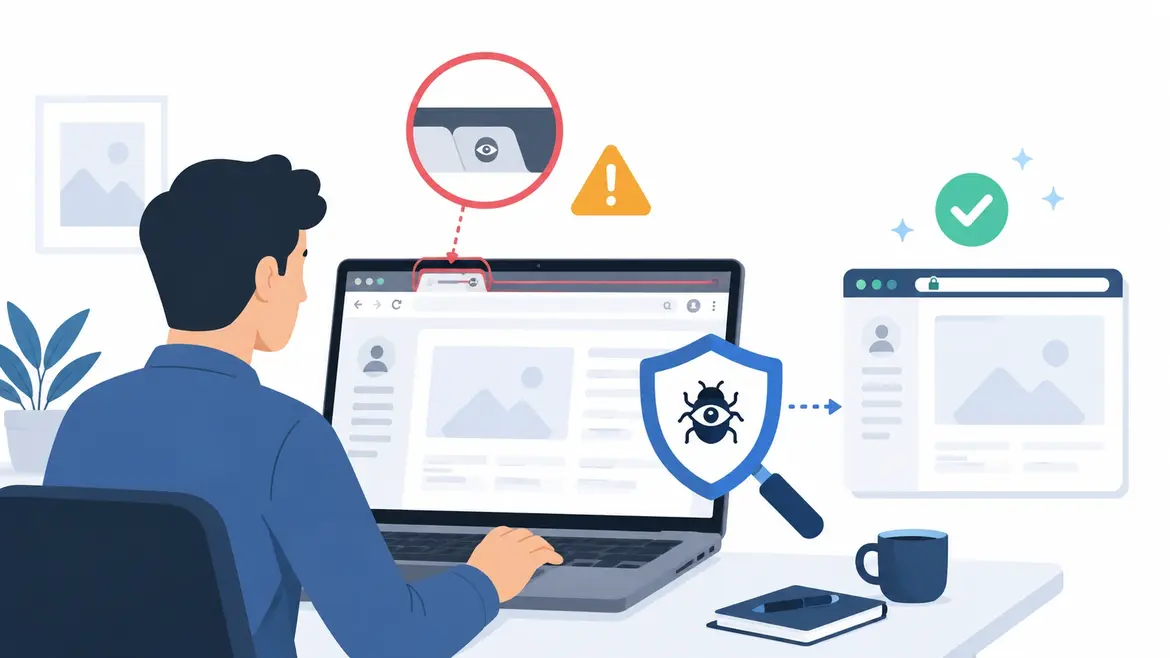
The feature is WebRTC, and it’s not some bug someone forgot to fix. WebRTC is what lets browsers run calls without clunky plugins, so it’s baked into Chrome, Firefox, and Edge by default. Handy for meetings, less handy when it quietly hands out your true IP behind a proxy’s back.
The fix is boring; that’s why it works. Disable WebRTC in the browser, use a privacy tool that reroutes that traffic, or run a proxy configured to block the leak. Then test it, because assuming is how people get burned.
Compliance Is Watching Too
Location used to be mostly about speed. Now it’s a legal question too. A remote worker in one country touching data that’s supposed to stay in another can break contracts and privacy law without ever noticing, a scenario security pros keep flagging in TechTarget’s rundown of work-from-anywhere risks.
GDPR in Europe, plus similar rules in the UK and California, don’t care where your laptop happens to be sitting. The obligation follows the data. Open the wrong file in the wrong airport lounge and a company can land on the wrong side of a regulator.
The numbers back up the worry. Verizon’s 2025 Data Breach Investigations Report clocked exploited vulnerabilities at 20% of initial breach vectors, up 34% year over year, and a lot of those weak spots live on the edge devices remote staff connect through (routers, VPN gateways, the usual).
Small Stuff, Big Difference
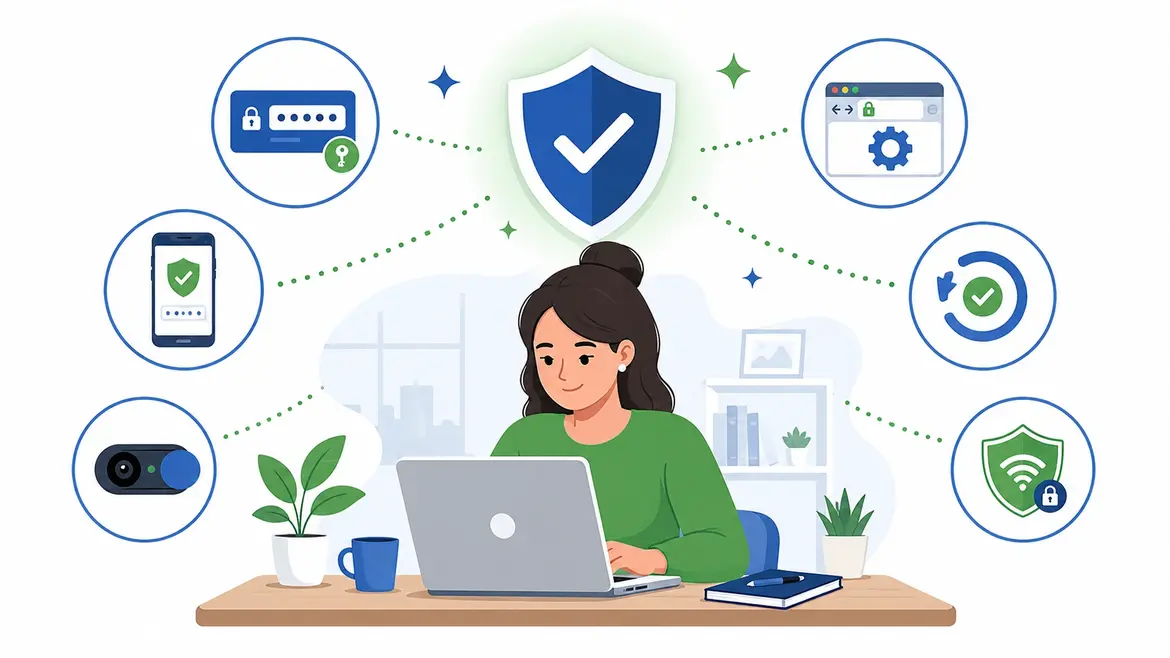
The teams that get this right don’t chase one magic product. They stack encrypted connections, endpoint protection, multi-factor authentication, and a short list of networks that are simply off limits.
A VPN on its own won’t save you either. It guards the tunnel and does nothing about a browser leak or a reused password, which is the whole argument for layering tools instead of betting on one.
But none of it works if people ignore it. That’s why Forbes Technology Council contributors keep coming back to plain training and habits that actually stick, not 40-page policy PDFs nobody opens. A tool your team doesn’t understand protects nobody.
And testing is the habit that gets dropped first. A leak check costs you ten seconds and catches the exact failures a pricey security stack tends to wave through.
Where This Goes Next
The office perimeter isn’t coming back, and honestly, most people don’t want it to. Work will keep spilling across home routers, hotel Wi-Fi, and whatever network is closest. Privacy tools are just part of the furniture now.
So treat the checks like brushing your teeth: quick, routine, easy to skip until something hurts. A ten-second test this week is a lot cheaper than a breach notice next quarter.
Closing Thoughts
Remote work changed where the security boundary sits. It is no longer the office network protecting everyone behind the same firewall. The boundary now follows each employee from one connection, browser, device, and location to another.
That makes online privacy tools useful, but only when they are combined with good habits. Encrypted connections, multi-factor authentication, updated devices, browser privacy controls, and regular leak checks all cover different weaknesses. None of them should be treated as a complete solution on its own.
The practical approach is simple: protect the connection, secure the device, limit unnecessary access, and verify that the protection is actually working. A quick privacy or leak test can catch problems that would otherwise stay invisible.
Remote work is unlikely to become less flexible, so security needs to work wherever employees do. Teams that make these checks routine are in a much better position to protect company information without making remote work unnecessarily complicated.