
Blog
Is Online Faxing Still Safe for Sensitive Documents?

Recent breach headlines have made one thing painfully clear: uploading sensitive documents online is never a casual click. The 2026 Verizon Data Breach Investigations Report examined over 22,000 confirmed breaches worldwide, highlighting a threat landscape in which digital information is constantly under siege.
Between identity documents exposed via age-verification systems, nearly one million records leaked through a cannabis software vulnerability, and unverified dark-web claims of massive legal-platform leaks, high-value paperwork has become a prime target.
So, is online faxing still a secure way to move that paperwork? The short answer is yes but only when both the provider and the user get the security basics right.
Big Question Has a Nuanced Answer
What makes online faxing different from random file uploads?
Online faxing isn’t just dropping a PDF into a generic web form. Even when using an accessible or free fax service, a reputable provider wraps your document in specific encryption protocols, enforces strict account controls, and generates detailed transmission logs. They provide delivery status updates, definitive privacy policies, and workflows built around accountability.
This doesn’t guarantee absolute safety, but these tools make online faxing meaningfully different from sending email attachments or using generic dropboxes that offer no delivery confirmation. Think of it like the difference between handing a legal document to a professional courier service versus leaving it on a park bench with a sticky note.
Security Essentials Checklist
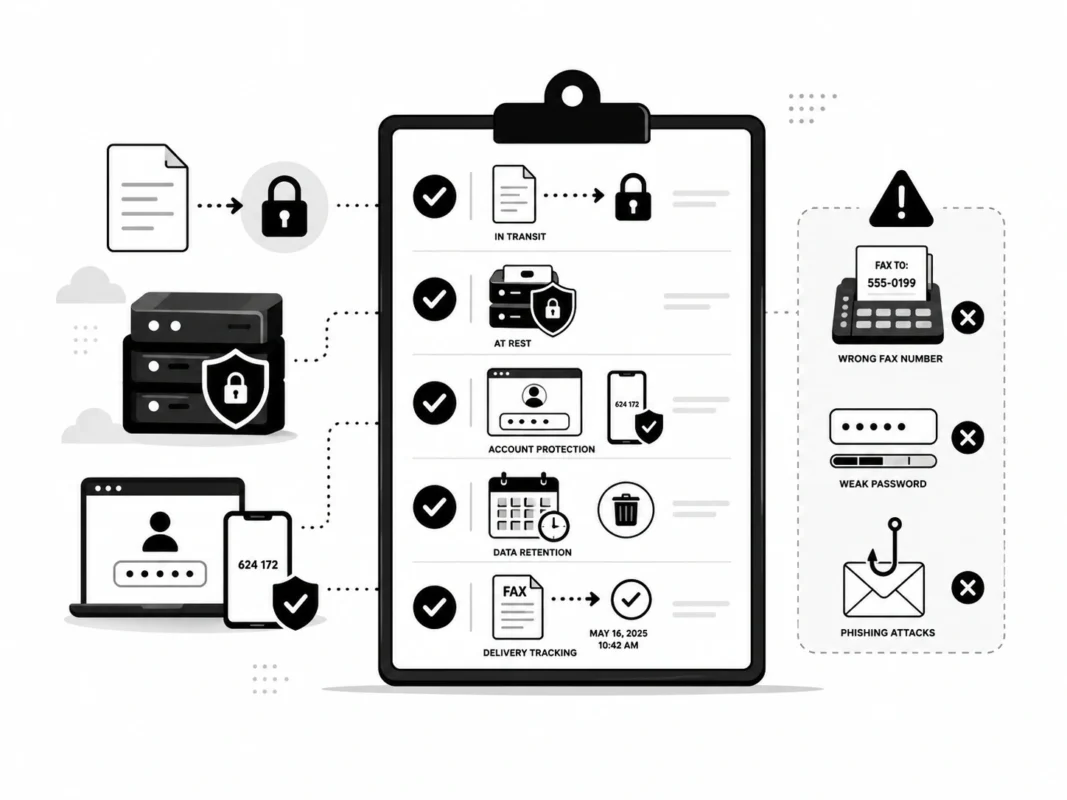
To evaluate whether a platform meets your safety standards, whether it’s a premium enterprise suite or a straightforward free account, look for a service that ticks every box in this fundamental security matrix:
When evaluating an online fax service, make sure it includes the following security features:
| Security Factor | Why It Matters | �� Green Flag | �� Red Flag |
| Encryption in Transit | Protects uploads while moving | TLS 1.2 or 1.3 clearly disclosed | No mention of a secure connection |
| Encryption at Rest | Protects stored documents | AES-256 is stated on the server side | Vague “secure servers” language |
| Account Protection | Stops unauthorized access | MFA/2FA, session alerts, SSO | Password-only access |
| Data Retention Policy | Limits document exposure window | Clear, user-controlled deletion terms | Indefinite storage by default |
| Delivery Tracking | Confirms transmission status | Sent/delivered logs with time stamps | No audit trail or proof of delivery |
⚠️ Where Encryption Stops Helping: Encryption cannot fix human error. It won’t protect you if you type the wrong recipient fax number, use a weak password, or fall for a phishing page that captures your document before it even reaches the secure server.
HIPAA Claims Sound Reassuring, but Read the Fine Print
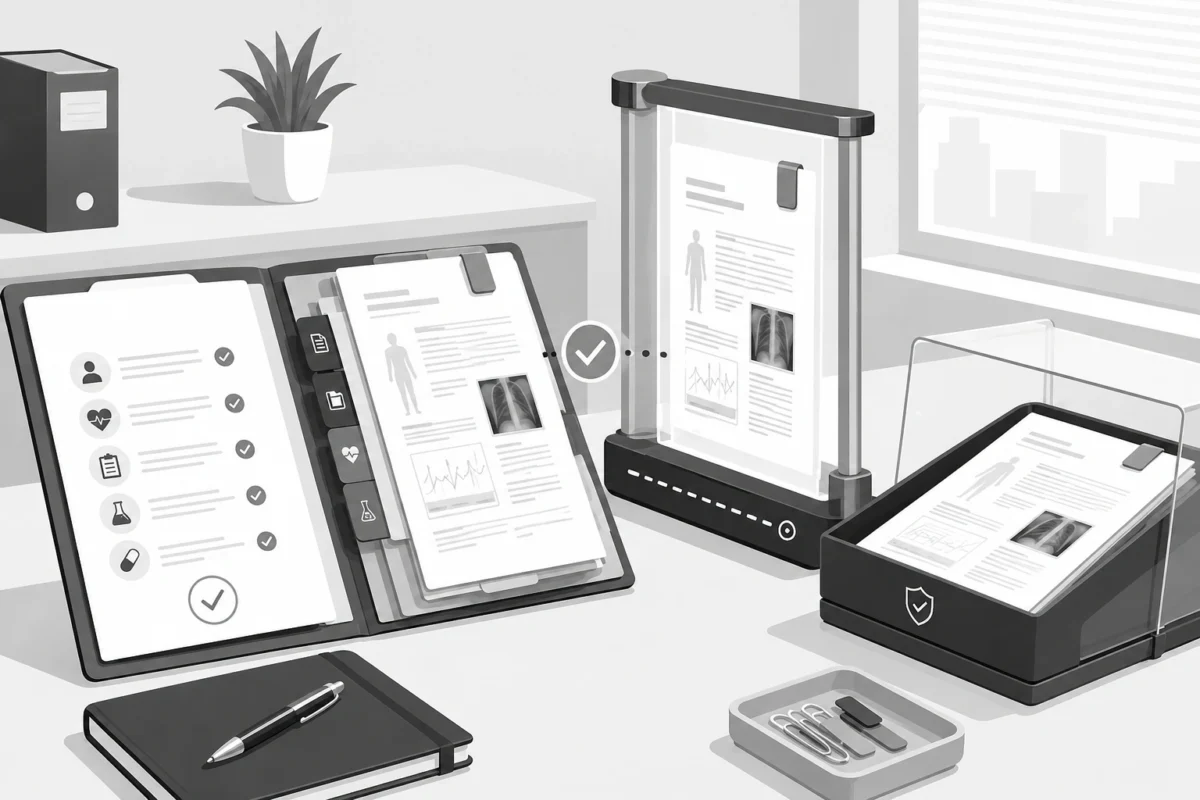
When a service notes that it supports “HIPAA-compliant faxing,” it means it has implemented a full suite of physical, technical, and administrative safeguards designed to protect sensitive health information.
For everyday users or individuals faxing personal records, a platform utilizing these rigorous technical standards offers exceptional data protection. However, if you are operating a business in a regulated field, remember that a software tool is only one part of the legal compliance framework:
- The BAA Requirement: For businesses handling protected health information, a tool isn’t legally HIPAA-compliant unless you establish a signed Business Associate Agreement with the provider.
- Plain Language Policies: A secure provider will always clearly explain how they handle data isolation and who has access to the servers, ensuring you can verify the workflow before hitting send.
Real Risk May Be Your Account, Not the Fax Technology
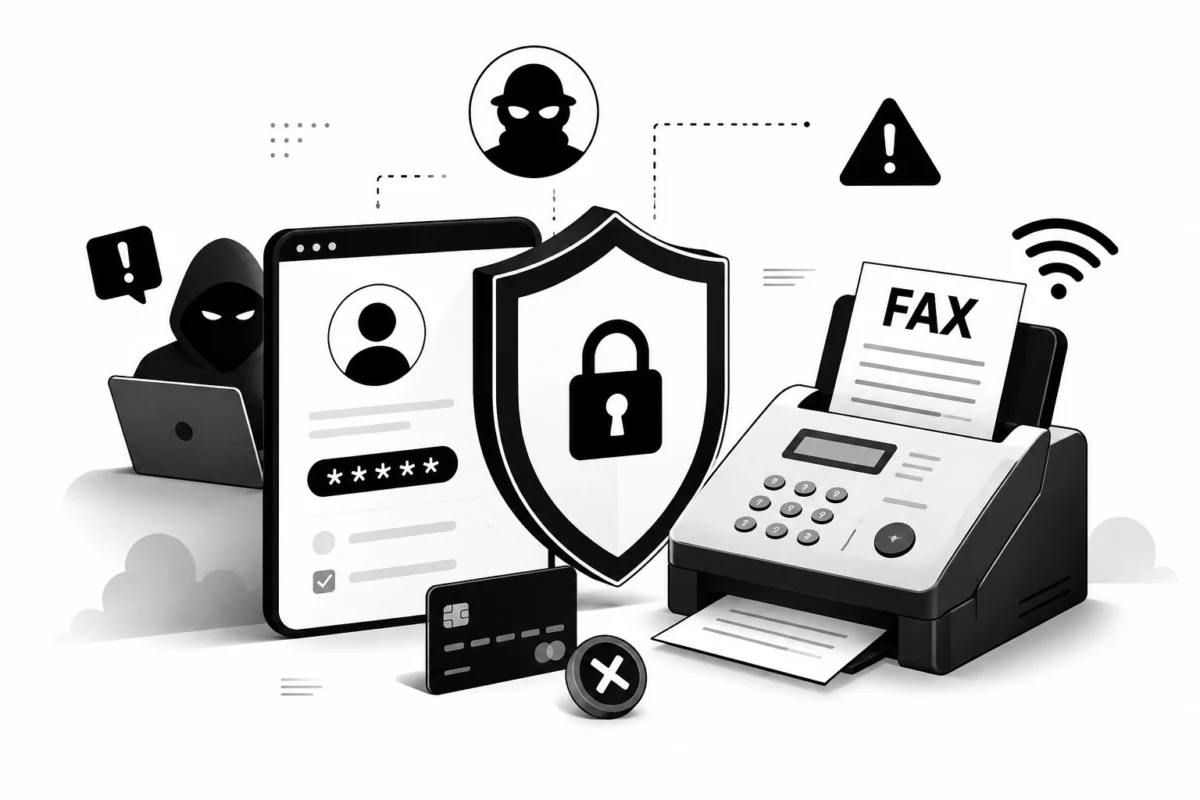
While the 2026 Verizon DBIR highlighted that exploitation of software vulnerabilities is now the leading initial breach vector globally, account compromise and credential theft remain major threats. Attackers are heavily using sophisticated social engineering and automated kits to bypass traditional defenses.
For instance, security agencies have warned of advanced phishing campaigns targeting productivity suites (such as Microsoft 365) that use adversary-in-the-middle (AiTM) kits. These tools bypass multi-factor authentication (MFA) entirely by stealing session tokens rather than passwords.
A Good Online Fax Provider Has Nothing to Hide
With the global online fax market projected to reach $12.52 billion by 2031, this is an active, modern software category—not a fringe relic kept alive by dust-gathering machines in hospital hallways. The trusted companies driving this growth focus on transparency. Whether you are building an enterprise workflow or simply using a streamlined free fax service for personal paperwork, you can ensure strong security by verifying what the provider discloses about data retention and encryption before hitting send.
A Good Online Fax Provider Has Nothing to Hide
With the global online fax market projected to reach $12.52 billion by 2031, this is an active, modern software category—not a fringe relic kept alive by dust-gathering machines in hospital hallways. The trusted companies driving this growth focus on transparency. Whether you are building an enterprise workflow or simply using a streamlined free fax service for personal paperwork, you can ensure strong security by verifying what the provider discloses about data retention and encryption before hitting send.
🚩 Red flags that should make you leave a site immediately:
●Asking for excessive personal information (like a Social Security number or mother’s maiden name) just to send a basic trial document.
●A complete lack of clear terms of service or standard account management options prior to entering your details.
●A complete absence of an easily accessible privacy policy or direct customer support channels.
Verdict: Online Fax vs. Standard Email
Online faxing works incredibly well for signed forms, medical records, invoices, and legal contracts—especially in industries like healthcare, where fax endpoints remain the compliance standard. It offers an audit trail and structured delivery confirmation that traditional email simply cannot replicate.
Furthermore, it eliminates the overhead of physical hardware, saving operators anywhere from $50 to $500 per month on paper, dedicated analog lines, and maintenance.
However, the “safer choice” is always the one you actually verify. Online faxing is a highly secure, efficient workflow, but its safety ultimately relies on a transparent provider and your own vigilant security habits.