
Blog
Your Phone Is Full Of Apps You Opened Once. The Web Is Quietly Fixing That

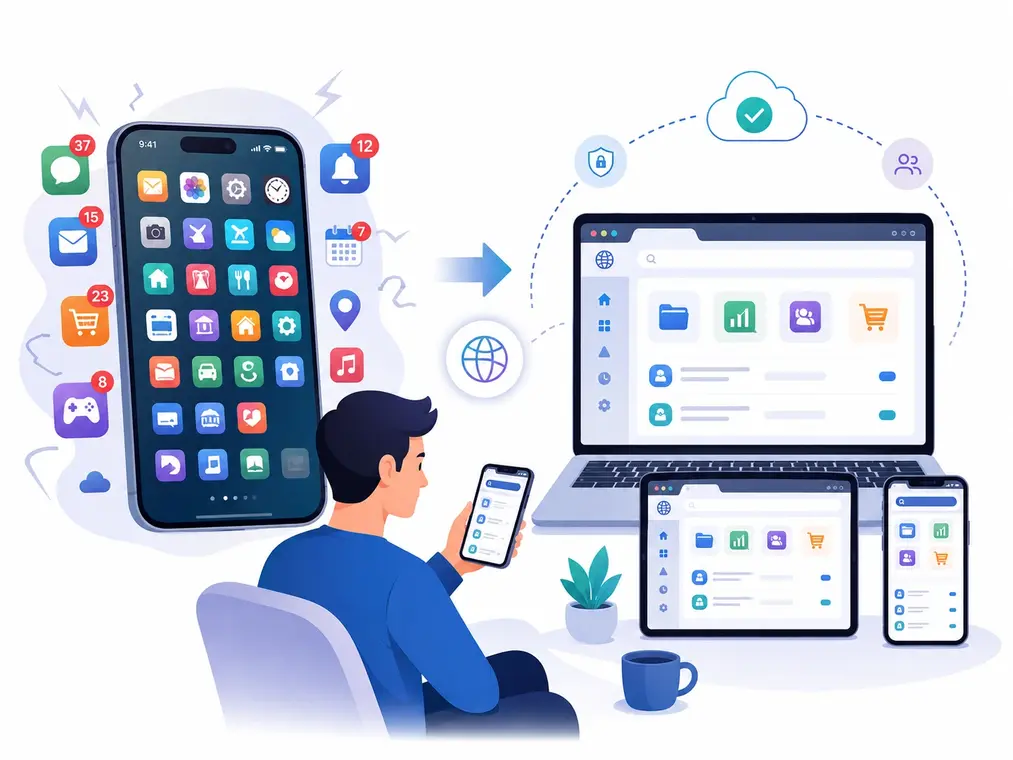
Look at your home screen. Somewhere in there is an app you installed for a single job, used one time, and never touched again. A photo resizer. A file converter. A thing that downloaded one video for one reason. It is still sitting there, still taking up space, maybe still sending you the occasional notification about a feature you will never use.
For a long time this was how software worked. You needed a tool, so you installed an app. That reflex is starting to fade, and the reason is plain: the browser you already have open can now do a lot of what those little apps used to do. Instead of installing something, you open a tab, get the thing done, and close it. SaveFromIns is a decent illustration of the pattern, a browser-based Instagram utility you visit when you need it rather than a permanent resident on your device.
None of this is a brand-new idea. What changed is that the web finally got good enough to make it practical.
Why Browsers Finally Caught Up
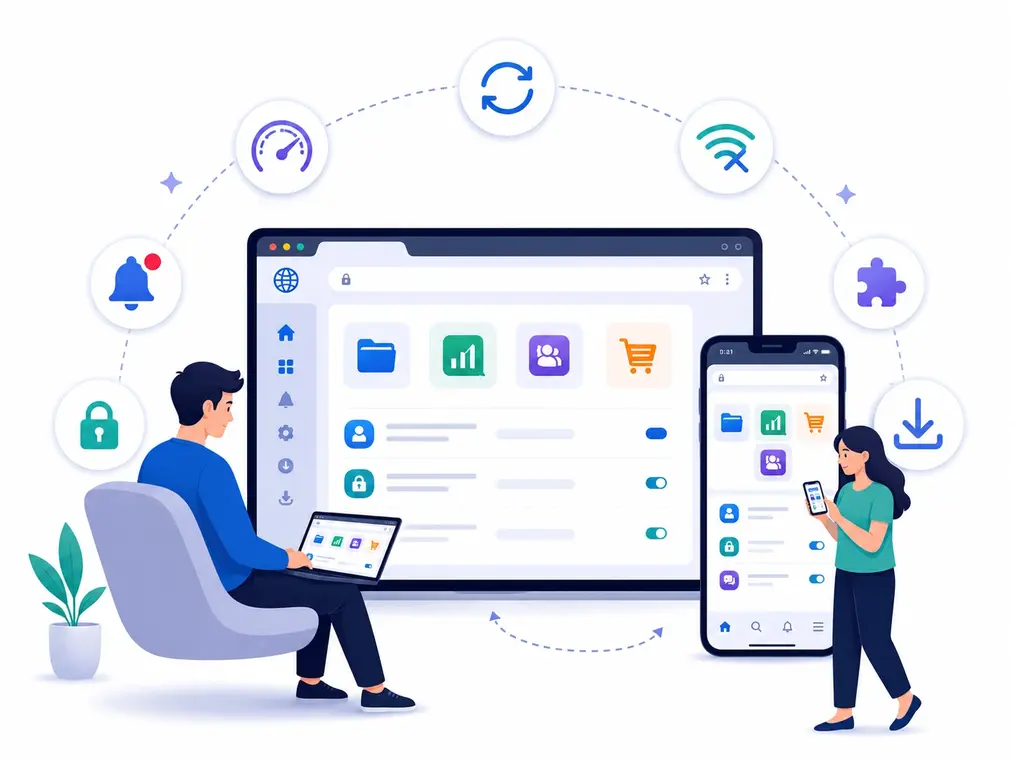
Early websites mostly showed you things. You read them, and that was about it. The web of today is closer to an operating system that happens to run inside a tab. Browsers now handle a deep stack of built-in capabilities, from fast JavaScript and modern media handling to local storage, background work, and notifications, which is exactly the toolbox a developer needs to build something that behaves like real software instead of a brochure.
The other half of the story is that the browser does not have to do all the heavy lifting itself. With cloud computing, the demanding work can happen on a remote server while the page in front of you acts as the doorway. That pairing, a capable browser on your side and real infrastructure on the other, is why a lightweight website can now pull off things that used to demand a fully installed program.
One Link That Works On Every Screen
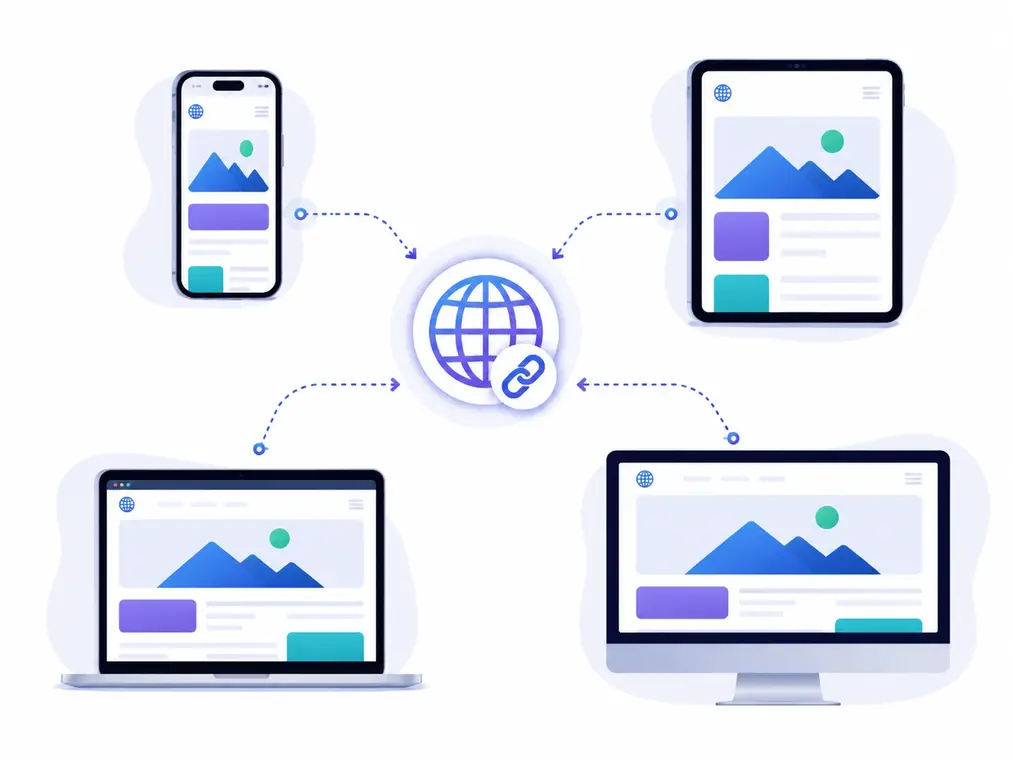
Here is the part native apps have always struggled with. Build an app, and you often end up maintaining separate versions for Android, iOS, Windows, and macOS, each with its own quirks and its own update cycle. A web tool sidesteps most of that. If it runs in a modern browser, it tends to run everywhere a modern browser does.
That matches how people actually move through a day. You might catch a video on your phone at breakfast, want to deal with it on your laptop at lunch, and finish on a tablet that night. Nobody wants to install the same single-purpose app three times to make that happen.
It also changes how people find tools in the first place. Most of us no longer open an app store and browse. We type the task straight into a search bar. Queries like “compress a PDF online,” “convert an image to WebP,” or “instagram video downloader online” are pure intent, and a web app can answer that intent in the very next click. The question quietly shifted from “which app should I install for this” to “which page can just solve it.”
Nothing To Install, Nothing To Clean Up
The old routine had a lot of steps. Find the app, check that it fits your device, download it, install it, wave through the permission prompts, then keep it updated more or less forever. A web tool folds most of that into opening a link.
Storage is a real part of the appeal. Phones hold more than ever, but between photos, video, and everything else, space still runs out, and a drawer full of rarely-used apps chips away at it for no good reason. Keep the apps you open every day, and let the occasional stuff live in the browser.
Updates get quieter too. When the developer improves a web tool, you generally get the newer version the next time you load the page. There is no download, no waiting on an app store, no copy of the app three releases behind because you kept dismissing the prompt. For small utilities where you want the current thing to work, that is a genuinely nicer deal for everyone involved.
The Instagram Case, And Using It Responsibly
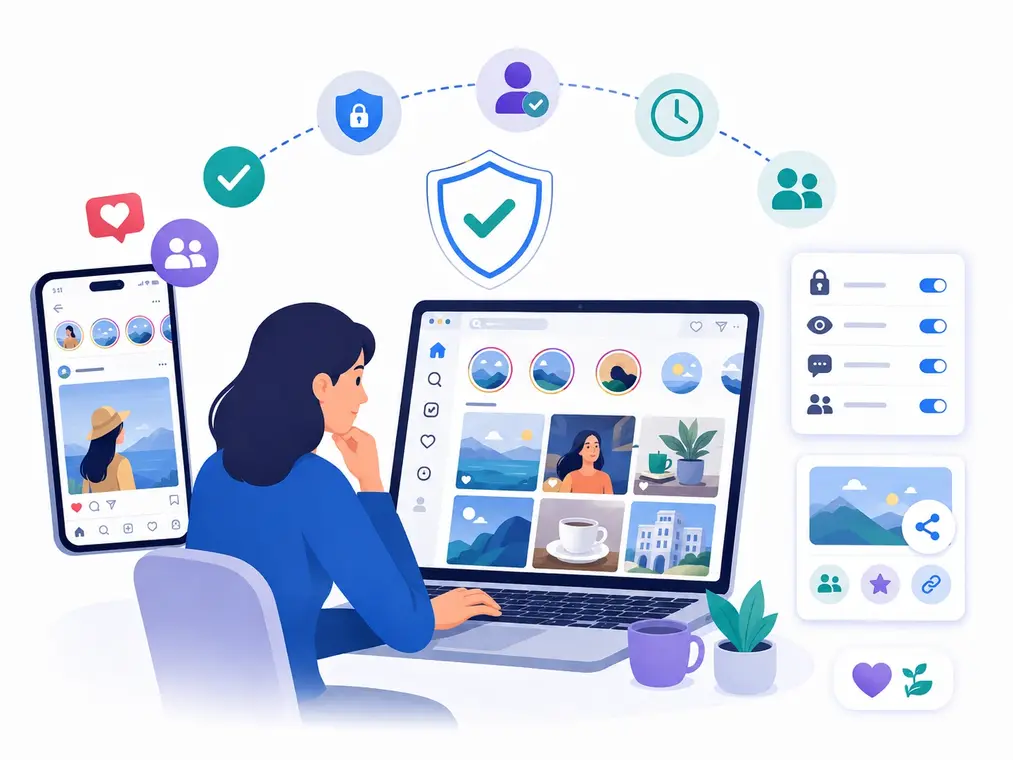
Instagram is a clean example because the content lives everywhere you do. You bump into something on your phone, then later want to view it or organize it from a desktop. Installing a dedicated app for each of those small moments gets old fast, which is why a browser-based approach fits so naturally here. SaveFromIns sits inside that broader shift: a single feature delivered as a web service rather than one more download.
Worth saying plainly, though: convenience does not cancel the rules. Save and reuse only material you actually have the right to, stay mindful of what copyright protects, and keep inside Instagram’s Terms of Use. A good tool respects those boundaries instead of pretending they are not there.
When A Web App Starts Feeling Like An App
The line between website and application is getting genuinely blurry, mostly thanks to Progressive Web Apps. Depending on your browser and device, a PWA can add itself to your home screen, keep working offline through cached data and service workers, send notifications, and generally carry itself like installed software while still being, underneath it all, a web page.
For developers, that hybrid model is appealing because it delivers something close to an app experience without maintaining a separate product for every platform. For everyone else, it means the “is this a website or an app” question is becoming less and less worth asking.
Look Before You Hand Anything Over
None of this means you should trust every site you land on. A web tool can still set cookies, run analytics, and send data off to servers you know nothing about, so it pays to understand what a service actually collects before you feed it anything sensitive. Uploading private or confidential files to a random website is a bad habit no matter how polished the interface looks.
The same caution goes double for anything that touches your accounts. Be wary of tools that ask for your Instagram password, demand sweeping permissions, or try to nudge you into installing a shady browser extension. A trustworthy utility is upfront about what it does and asks for as little as it can.
Where Native Software Still Wins
For all of this, native apps are not going anywhere, and they should not. Anything that leans hard on your device- serious video editing, high-end games, augmented reality, heavy graphics, or robust offline work- still benefits from being built natively, closer to the hardware and the operating system.
So the honest future is not “web apps replace everything.” It is that you get to choose per task. A powerful video editor probably earns a dedicated app and the space it asks for. A converter you reach for twice a month probably belongs in a tab.
Opening, Not Installing
The biggest change here might be less about technology and more about expectation. For decades, “software” meant something you installed. Now people increasingly assume a useful tool will be there the moment they need it, one search away, no download required.
That assumption is only going to grow as browsers get more capable and cloud infrastructure gets more sophisticated. More everyday tasks will drift out of installed packages and into the browser, which for most of us means less clutter, easier hopping between devices, and fewer apps quietly competing for space we would rather spend elsewhere. Native software keeps its place for the heavy lifting. But for a growing pile of small, occasional jobs, the future is less about finding the right app to install and more about opening the right page at the right moment.