
Blog
What Makes A Good Racing Sim Setup For Beginners?

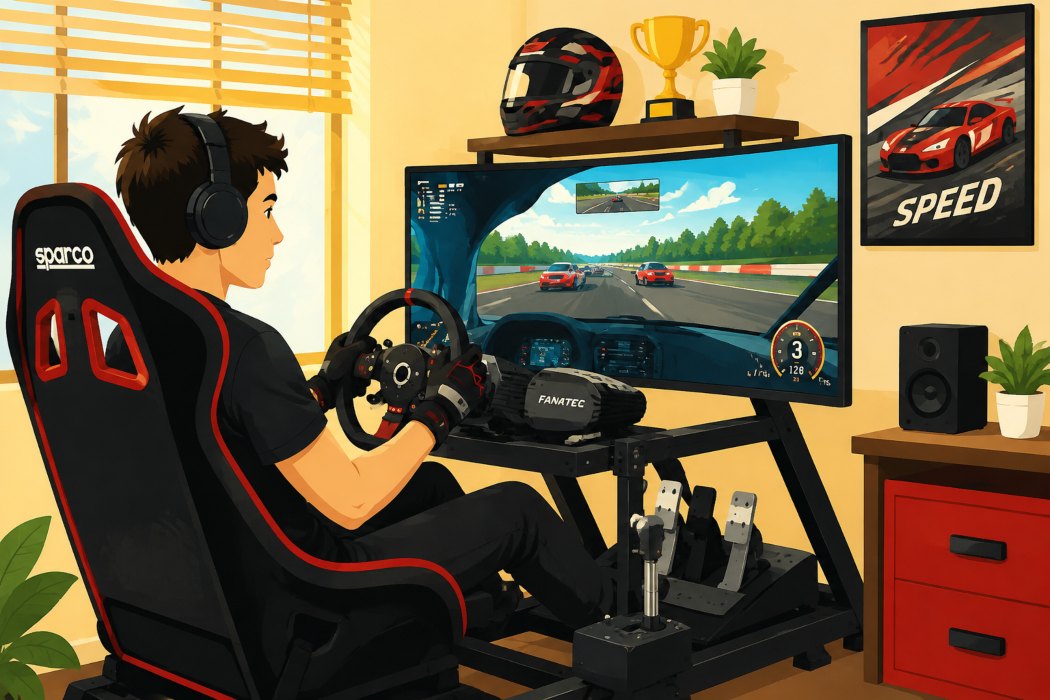
Starting a racing video game sim setup can feel harder than the first lap. You want something fun, stable, and worth your money. For beginners, the best first sim racing simulator is not the biggest one. It is the one that fits your space, budget, and goals in sim racing. If you are moving from a video game to something more serious, this guide will help.
Understanding Racing Sims For Beginners
A racing sim is a setup that combines hardware and software to copy realistic driving as closely as possible, making it ideal for sim racing competition. In simple terms, it uses a wheel, pedals, a screen or VR, and sim racing software to turn your inputs into car movement. That is what makes simulation racing different from a basic arcade-style video game.
What makes it useful for beginners is feedback. Your racing simulator reacts to braking, steering, and grip in a way that can suit your driving style. Many drivers use sim racing, including those involved in auto racing, to build consistency, and even professional motorsport drivers use it away from the track. Next, it helps to know which parts matter most.
Essential Hardware For A Racing Sim Setup
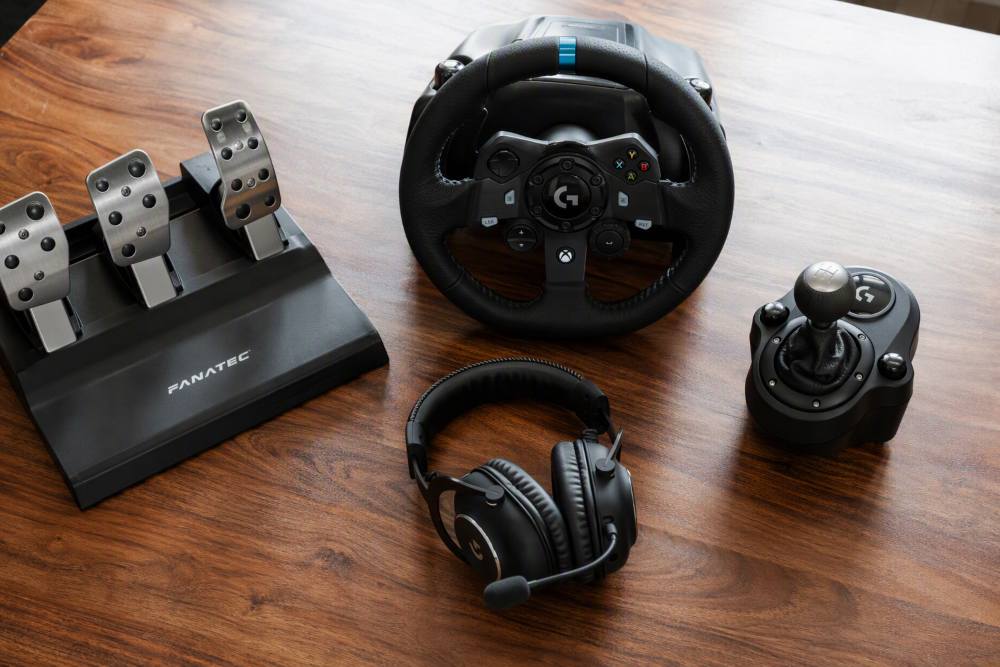
At its simplest, your setup needs a capable PC, a display, a steering wheel, pedals, and software. That core group is enough to start learning and enjoy racing games without overbuying sim gear.
After that, you can build slowly. Force feedback, better pedals, and added controls improve feel, but they only help when the basics are stable. Start with the parts you will use every session.
Choosing The Right Racing Wheel For Starters
For most beginners, the racing wheel is the first part that shapes the whole experience, including understanding aspects like tyre wear. A good starter option should feel solid, give clear force feedback, and work well with the rest of your setup. That matters more than chasing the strongest wheel base on day one.
If you are comparing options for competitive racing, think about ease of use. A quick release system can help with future upgrades, while a stable wheel base helps you avoid flex and movement during longer sessions.
Direct drive can be part of a higher-end path, but casual players and beginners do not need to rush there. A practical choice matches your budget, space, and comfort from the start.
Selecting Pedals, Shifters, And Handbrakes
Pedals are where many beginners notice the biggest jump in control. Good pedals help you brake with more confidence and keep your inputs consistent, making it a key focus for those looking for early access to better performance. That is often more useful than adding every extra piece of sim gear at once.
If you want to expand later, start with the items that match how you drive:
- Pedals should feel stable under pressure.
- Shifters suit drivers who want a more manual feel.
- A handbrake makes more sense for rally-style driving.
Tactile feedback can also add immersion, but it is not essential for your first build. A better approach is to get the core controls working well before adding accessories.
Monitors Vs VR – Which Display Option Suits You?
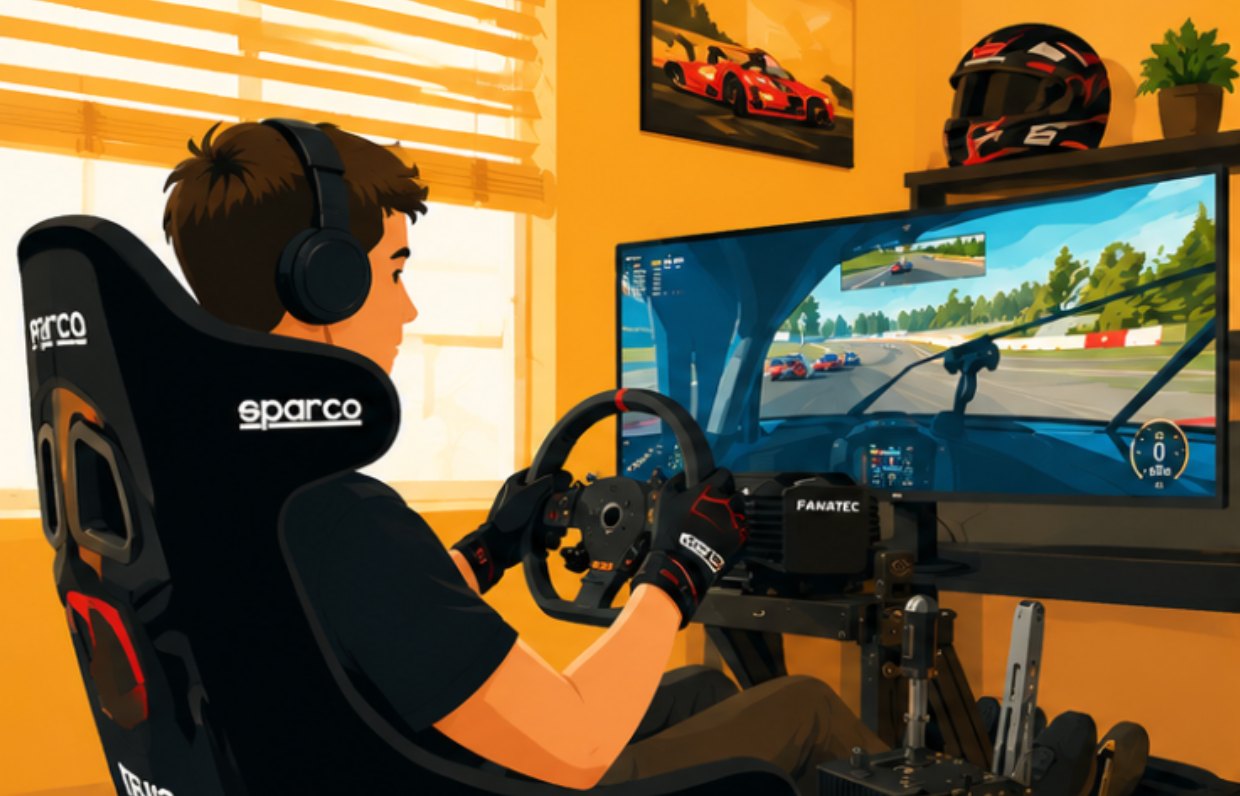
Your display choice changes how connected you feel to the car. Monitors, much like an arcade game setup, are simple to set up, easy to adjust, and often the easier option for a first home system. VR can feel more immersive because it places your focal point inside the cockpit.
The trade-off is comfort and performance:
- Monitors are easier for longer sessions.
- VR can feel closer to the real world.
- Frame rates matter with both options.
If your capable PC is modest, monitors may be the safer start. If immersion is your main goal, virtual reality can be worth it once the rest of your setup is sorted.
Choosing The Best Racing Sim Cockpit Or Stand
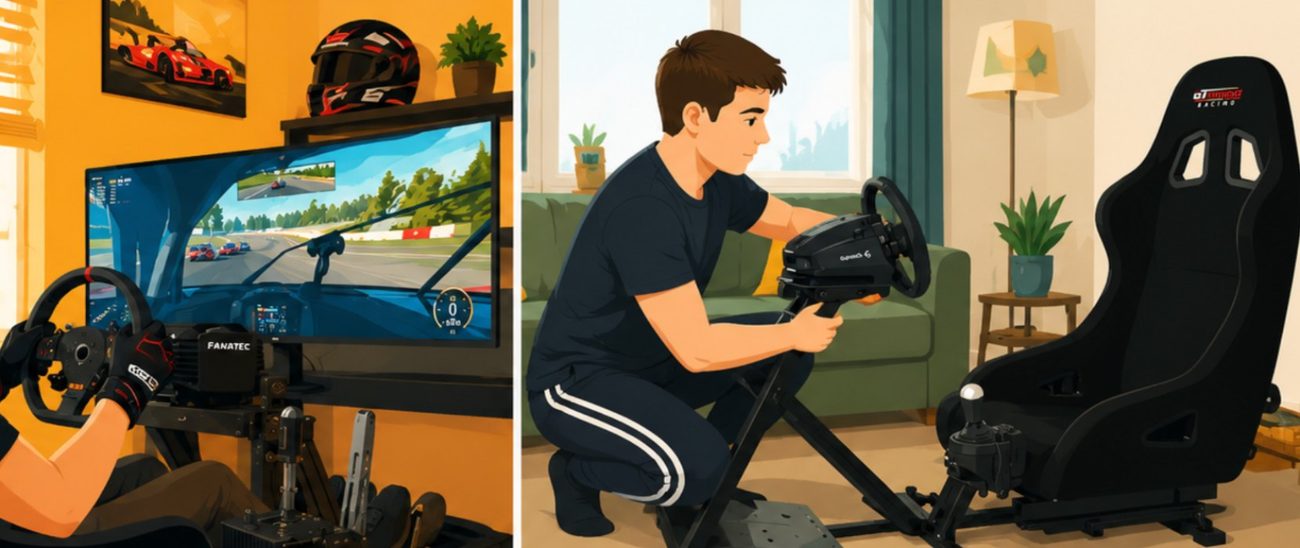
A cockpit or stand gives your setup a stable base. That stability matters because a moving wheel or pedals can make even good hardware feel weak, reflecting real-life conditions. For a beginner, the right sim rig is the one that fits your home system and leaves room to improve later.
You do not need bucket seats straight away, but you do need comfort and support. That brings us to the biggest beginner question: cockpit or stand?
Cockpits Vs Stands – Pros And Cons For Beginners
A cockpit gives you a more complete racing setup because the seat, wheel, and pedals work as one unit, much like a motion simulator. That helps with consistency. It is often the better long-term choice if you know sim racing will become a regular hobby.
Stands are simpler and can suit tighter rooms:
- A cockpit offers better stability and upgrade potential.
- Stands take less space and can cost less.
- Bucket seats add support, but only if the frame suits your body.
For many beginners, a stand is a good first step if space is limited. If you want fewer compromises, a cockpit usually feels better over time.
What To Look For In An Entry-Level Sim Rig
A strong entry-level sim rig should be stable, adjustable, and easy to live with, providing an experience that prepares users for the thrill of real racing. You want something that fits your room, supports your wheel and pedals, and does not make future changes hard. That matters more than chasing trends.
Here is a simple way to judge an entry-level option:
| Feature | Why it matters |
|---|---|
| Stable frame | Reduces flex in the wheel and pedals |
| Adjustable position | Helps suit different heights and seat preferences |
| Upgrade-friendly design | Makes later changes easier |
| Compact fit | Works better in a smaller home setup |
Some buyers also look for open source compatibility in software or accessories, but the main goal is simpler: a rig that feels secure every time you drive.
Budget-Friendly Sim Setups In Australia
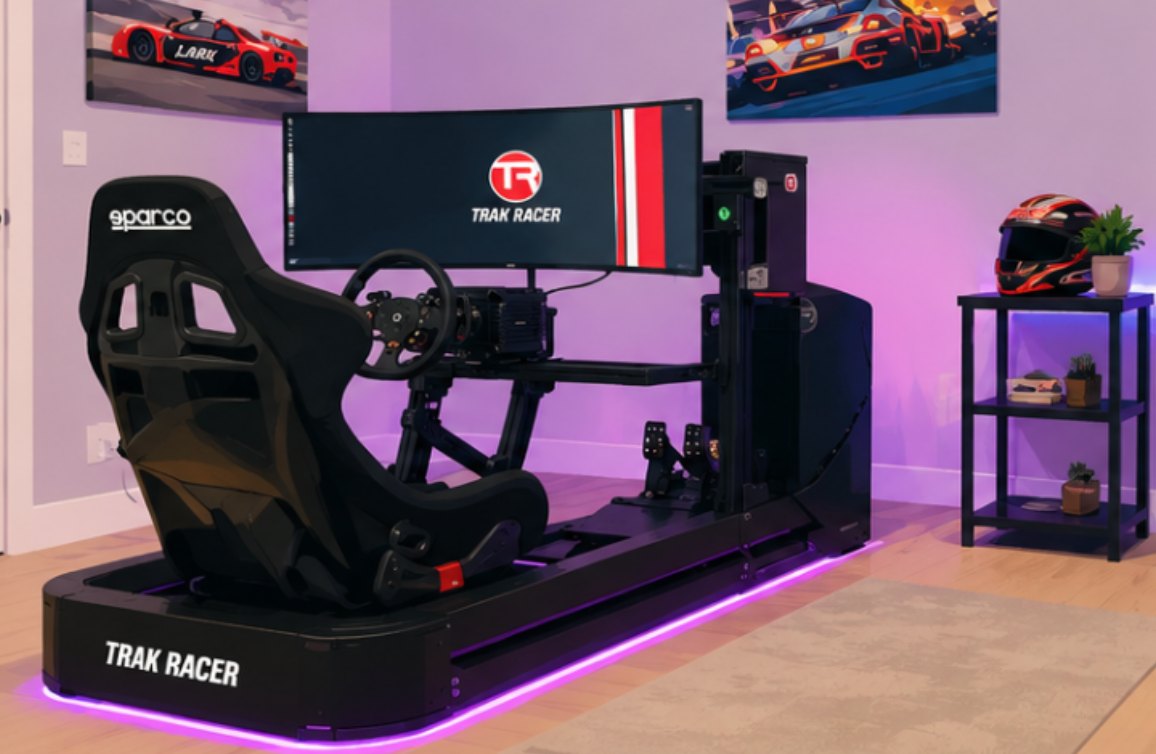
In Australia, a budget sim setup can still be enjoyable if you buy in the right order. Start with the basics and avoid paying for extras before you know what kind of sim racing you enjoy most.
That is why affordable does not mean cheap in a bad way. It means picking parts that work well together and match your goals from the start.
Affordable Racing Sim Rigs For Starters
Yes, there are affordable sim rig options for beginners in Australia. The key is to avoid a poor option that feels unstable after a week. A simple rig or stand paired with basic controls is often enough for a first home system.
A smart budget sim plan with game design in mind is to buy in stages. Get your wheel, pedals, and display working first. Then add a proper frame when desk movement starts getting in the way.
SimRigs helps Australian drivers compare options based on budget, space, and driving goals. That can save money because you avoid replacing the wrong part too soon.
Where To Buy Racing Sim Hardware Online In Australia
If you want to buy online in Australia, look for stores that can explain how the parts work together. That matters more than just filling a cart with random sim gear. A setup should fit your space, PC, and driving habits.
A useful online seller should offer:
- Clear help with matching racing sim hardware
- Support before and after purchase
SimRigs also lets drivers try gear in person, which can be a big advantage before you commit. If you prefer less guesswork, a custom or turnkey package can make the process much easier.
Setting Up Your Racing Sim At Home
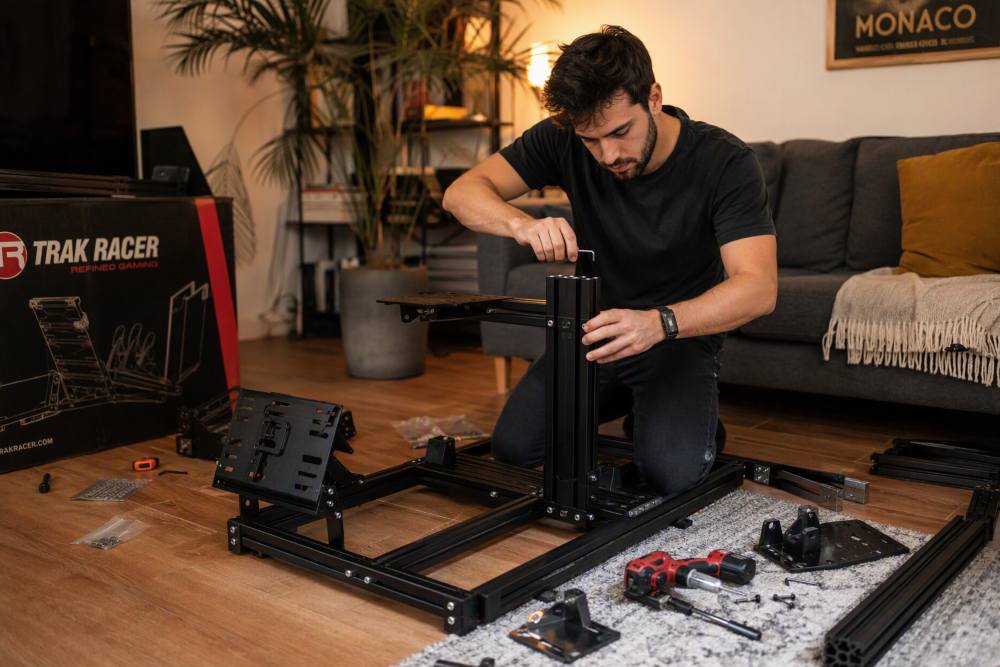
A home racing simulator should feel organised, not crowded. Your wheel, pedals, screen, and seat all need to work together in a way that supports longer sessions. If one part shifts, the whole setup feels less like a real car.
Before spending more, make sure your capable PC and frame can support what you already own. Then build from there with purpose.
Step-By-Step Guide To Building A Simple Sim Race Station
You only need a few parts to build a simple station at home. The shortest answer is this: a PC, display, wheel, pedals, software, and something secure to mount them on. That is enough to start sim racing properly.
- Set up the capable PC and hard drive, screen, and software first
- Set up the capable PC, screen, and software first
- Mount the wheel and pedals to a desk, stand, or frame
- Adjust seat and screen position before your first session
This approach keeps your racing setup practical. It also makes it easier to spot weak points, such as pedal movement or poor seating, before you spend more.
Common Setup Mistakes Beginners Should Avoid
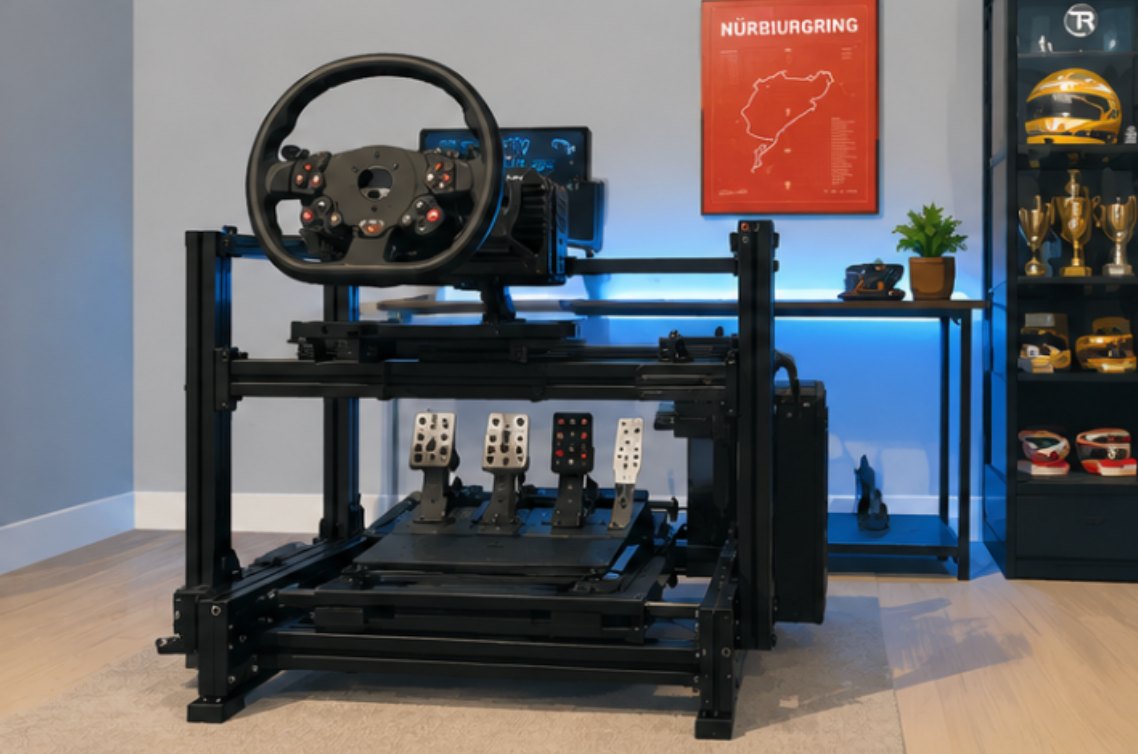
Many first-game problems come from buying too much too fast. A new sim racer often spends on add-ons before checking if the base setup is solid. That usually leads to frustration, not better lap times.
Watch for these setup mistakes:
- Choosing a poor option with too much flex
- Ignoring comfort and pedal position
- Buying extras before testing the basics
It also helps to remember that racing sim and flight simulator gear are built for different controls and seating needs. Keep your first build focused on racing, not mixed-use compromises.
Fine-Tuning Your Racing Sim Experience
Once the hardware is in place, small changes can make your online racing setup feel much better. This is where optimisation matters. You do not need new parts to improve comfort or control.
Simple tweaks to force feedback, pedals, and seating often do more than another purchase. Fine-tuning helps your setup feel more natural and easier to trust.
Adjusting Force Feedback And Brake Settings
Start with moderate force feedback, not the highest setting. Too much weight can hide useful detail and tire your arms. Your racing wheel should feel clear, not heavy for the sake of it.
When adjusting controls, focus on:
- Smooth force feedback that you can read easily
- A brake feel you can repeat lap after lap
- Tactile feedback only if it adds useful feel
Some racing simulation gear works on both console and PC, but compatibility depends on the hardware. Check that before you buy, especially if you plan to switch platforms later.
Optimising Seat Position And Ergonomics
Comfort affects speed more than many beginners expect. If your seat position is off, your braking and steering become less consistent. Good ergonomics help you stay relaxed and repeat the same inputs.
Focus on two simple checks:
- Keep your arms and legs slightly bent, not locked
- Place the screen where your natural view stays forward
A sim rig should support your body, not fight it. When comfort improves, your racing setup starts to feel easier, cleaner, and more controlled over longer sessions.
Frequently Asked Questions
Are Racing Simulators Good For Learning Real Driving Skills?
- Yes. A racing simulator can help build timing, coordination, and consistency. Many drivers use sim racing, including those playing popular games, to sharpen skills away from a real car, and professional racers do the same, especially those aiming for competition in the world championship. It is not the full real world, but realistic driving habits can carry over.
Can I Hire A Racing Simulator For Events In Australia?
- Yes. In Australia, SimRigs offers racing simulator hire for events through its event partnership service. That includes corporate functions, brand activations, and private events, with simple setup options suited to live races and guest use.
How Much Should Beginners Expect To Spend On A Sim Racing Setup?
- Costs vary because sim racing setups can be built for value, performance, or a mix of both. , similar to what is seen in the Porsche TAG Heuer Esports Supercup. For beginners, the smartest budget sim approach is to buy affordable core sim gear first, especially a stable racing wheel and pedals, then upgrade later.