
Blog
How To Animate Game Stills With Seedance 3.0

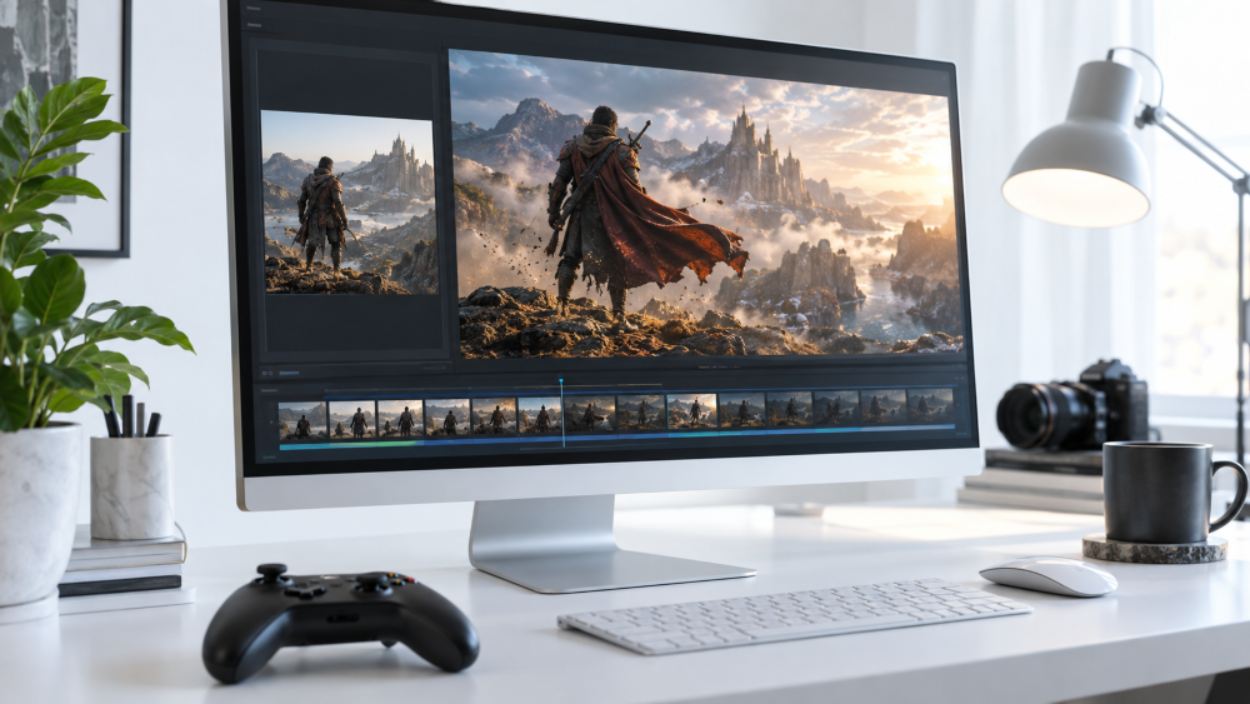
Browser game storefronts still ship a still as if the Play Now tile can sit still forever. On a casual portal, the tile is the whole pitch: one screenshot, one HUD, one button. Turn that still into a four-second hover, and the clip often invents a second Play badge, or slides the coin counter into a number the build never showed readers who already opened the game notice before the loop ends. Seedance 3.0 is worth a pass on that desk only after the storefront still is locked, because extra camera travel will not restore an icon the screenshot never printed.
The old fix was a reshoot. Someone opened the build, recorded a hover, cut a silent loop, and hoped the HUD stayed readable on a phone. That afternoon disappears when the still was never the live tile. The useful job is narrower: keep the screenshot, name one motion, and reject the file the moment the icon sprouts a second badge.
Storefront Tiles Die When Icons Drift
Casual portals do not fail because the art is dull. They fail because a second interface appears. The locked still shows a single Play Now button in the lower third. The generated hover writes a second badge on the character’s chest, or swaps the coin glyph for a gem the shop never sold. The lighting can look more expensive. The tile cannot ship.
That second badge is expensive because it is public. A still on a desktop can be deleted. A promo loop already sitting above “Play Now” is a correction. Players who tap expecting the same shop they saw yesterday will treat the extra button as a bait-and-switch, even when the written patch notes are honest.
Storefront editors already argue in chat that a screenshot and a trailer are different jobs. The argument only holds if the object on screen is the same in the tile. A prettier orbit around the hero does not rescue a HUD that names a currency the build does not use.
Prepare One Locked Still Before Prompting
The still has to come from the same build the portal will feature. Do not grab a press key art with extra glow. Key art already tidy the HUD to fit a square, and the model will treat that tidy square as truth. If the still is missing the coin counter, the generated overlay will invent one, because game clips like numbers.
Put the screenshot beside the live tile before anyone writes a prompt. If a second editor cannot read the same button label and the same coin figure, the still is not ready. Soft glare on a character’s shoulder can wait. A second Play badge cannot wait. SeedVideo is useful here only as a place to test that lock, not as a reason to replace the screenshot with a louder key-art version of the same shop.
Crop Competing Backgrounds Off The Still
Export a full-width frame from the storefront or from the first playable screen, then crop after the clip is approved, not before. A crop that drops the coin tile teaches the model to guess. Guessing is how 250 coins becomes 2,500 in the first three seconds.
If the portal compares two titles in one module, keep two stills in two folders. A single prompt that names both games often parks the first game’s currency on the second game’s HUD. The desk then spends the next hour explaining a number that never belonged to that build.
Assign The Still One Product Job
Give the screenshot one job in the notes: product shape. That means the character silhouette, the Play Now plate, and the coin glyph stay where they are. Do not also ask the same file to set a new lighting style and a new arena. One image asked to control everything at once is how the model ignores the HUD and paints a trailer.
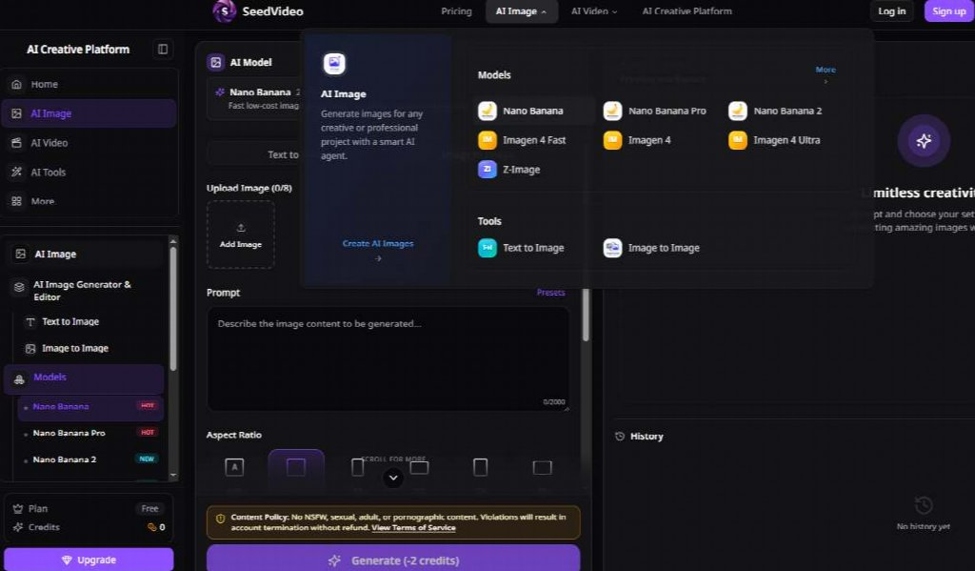
Write the role in the brief the same way the how-to notes do it: the first image preserves product shape. If a second image is needed later, give it a different job, such as scene. Two images fighting for the same job is how a Play badge grows a twin.
Write A One Motion Production Brief
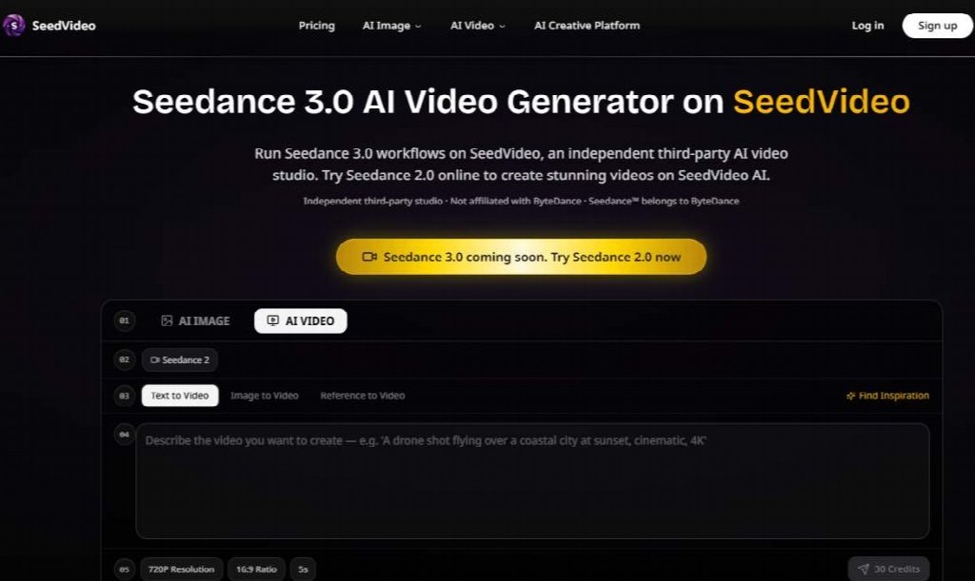
The first prompt should read like a production note, not like a pile of adjectives. Name the subject, the one action, the one camera path, the location that already exists in the still, the duration, and the reference role. Mood words such as “epic launch energy” are how a second badge sneaks onto the chest. The model fills empty language with a louder shop.
Keep the first paragraph short enough that the next revision is easy to compare. If the brief already contains a storyboard, cut it. One four-second hover cannot carry a whole campaign trailer. Seedance 3.0 AI Video Generator work on this desk is a still that moves once, not a new cinematic that replaces the tile.
Keep One Camera Path In The Brief
Pick one move and stop. A slow push-in on the Play plate is enough. A hover that also orbits the hero, tilts up to a skybox, and snaps back to the shop is four shots stuffed into one generation. Packed motion is the usual reason a coin counter smears.
Name the ratio that the portal actually uses. Storefront modules on a casual site are often wide. Vertical crops belong to a later pass, after the HUD still reads. Switching ratio on the first draft is how the button slides off the safe area.
- Lock the live storefront still and name it as product shape.
- Write one subject, one action, and one camera path.
- Generate a short draft with one ratio and audio off.
- Reject the file if the Play badge or coin glyph drifted.
How To Check The First Short Draft
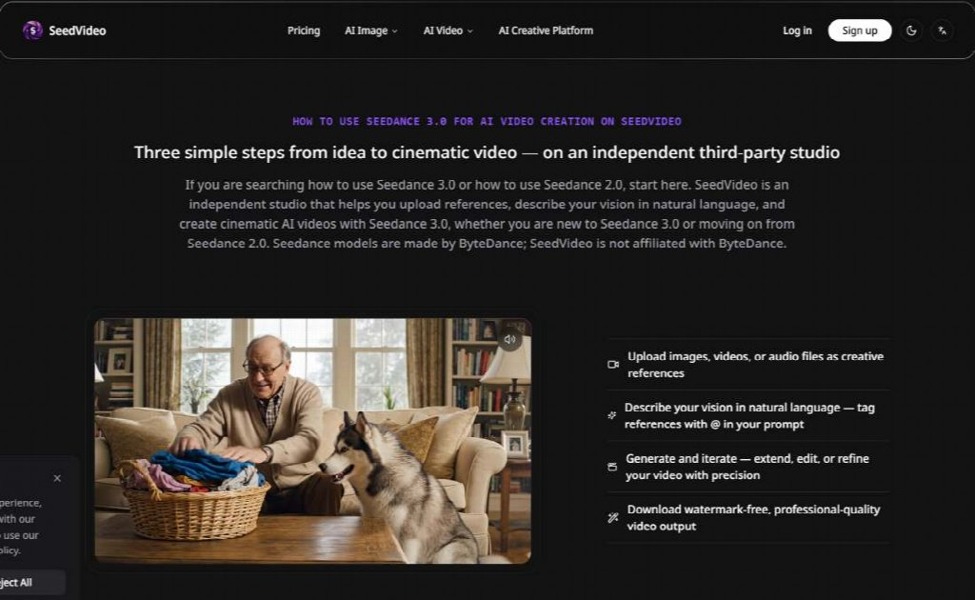
Start small on purpose. The published first-test habit is a short clip, one aspect ratio, moderate quality, one reference role, and no audio unless timing is the point. Five seconds is enough to see whether the HUD holds. A longer first pass only gives a wrong badge more time on screen.
Review the file like footage, not like a trailer premiere. Look at motion, identity, product shape, camera path, and whether the title is readable in the first two seconds. If the Play plate already grew a twin, stop. Do not add lyrics, do not raise resolution, and do not write a second paragraph of style words. Change one variable.
Raise resolution or duration on SeedVideo only after the HUD still matches the screenshot. A longer clip will not walk a guessed icon back. Extending a second Play badge only prints the guess for longer.
Read The HUD Before The Lighting
Freeze the largest readable frame and open it against the locked screenshot. Read the button label out loud. Read the coin figure out loud. If a second person cannot repeat the same two strings, the clip is unusable for the portal, even when the rim light looks expensive.
Character cloth can shimmer. A skybox can drift. Those are taste problems. A new currency glyph is a reject. Write the reject reason on the file name so the next weekly update does not repeat the same adjective stack.
Errors That Send The Clip Back
Most wasted afternoons on this desk come from the same four mistakes. The prompt put mood ahead of subject and camera, so the model invented a louder shop. Two references competed, so the HUD was ignored. The first draft was already a long clip, so a wrong badge had time to look finished. Several settings changed at once, so nobody could tell which change smeared the coin tile.
Fix one thing. If the badge drifted, shorten the shot and tighten the product-shape line before you touch quality. If the camera path was chaotic, delete the extra moves before you add a style image. If credits disappear too fast, the usual cause is retries on a brief that never named the still’s job.
Do not treat a failed hover as a reason to film a new trailer. The still was the argument. The workspace is only the test bench. When the original screenshot is soft, the video will be softer. Fix the screenshot first.
- Second Play badge or a shop label the live tile never used.
- Coin or gem count that no longer matches the live tile.
- Button sliding out of the storefront safe area after a ratio change.
- Extra text overlay the portal was never designed.
Ship The Tile Only If The Icon Holds
The portal should hang the loop only after the largest HUD frame still matches the locked still. Button label, coin figure, and character silhouette have to survive a two-window check. Rim light can change. The shop plate cannot.
SeedVideo fits a weekly storefront update when the editor already owns the screenshot and only needs one honest motion. If the HUD was never in the frame, go back to a capture from the live build. Publish the hover when the Play plate still reads as the tile players already know.
Final Thoughts
A storefront hover earns its place only when it tells the same truth as the screenshot beneath it. Lock the still, give it one product job, write one motion, and read the HUD before anyone praises the lighting. A draft that passes that check keeps the Play Now plate, the coin figure, and the character silhouette exactly where players left them. A draft that fails gets a reject reason in its file name and one changed variable on the next pass. Work that way and the weekly update stops being a guessing game, and the tile keeps selling the same game players will actually open.