
Blog
How Android Apps Expand Access To Social Casino Play

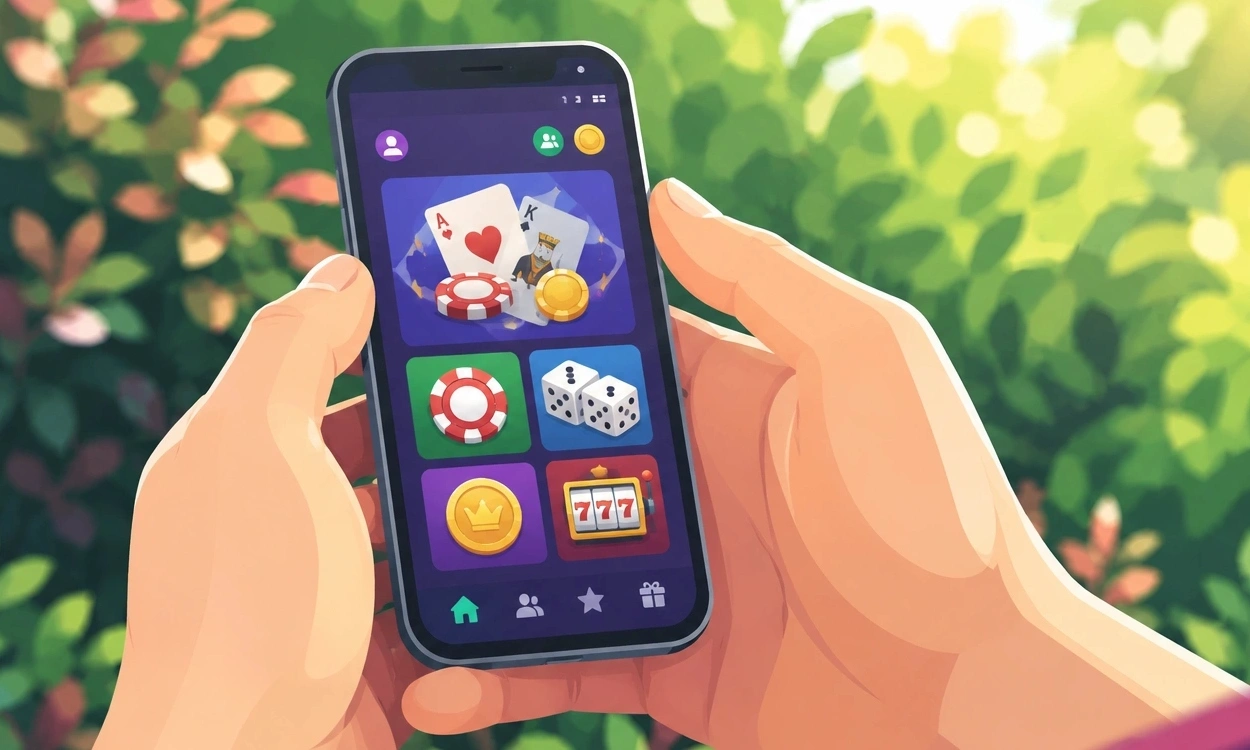
Social casino-style games used to feel tied to desktop screens and long sessions. Android apps have changed that. Players can now open a game for a few minutes, check a leaderboard, join a community event, or continue where they left off without planning their day around it.
That convenience is a large part of the appeal, but access is not only about speed. A well-designed Android app can make installation clearer, controls easier to use, community features more natural, and account settings easier to manage. At the same time, users still need to pay attention to age ratings, app permissions, privacy policies, and spending controls.
Mobile Access Fits Around Everyday Life
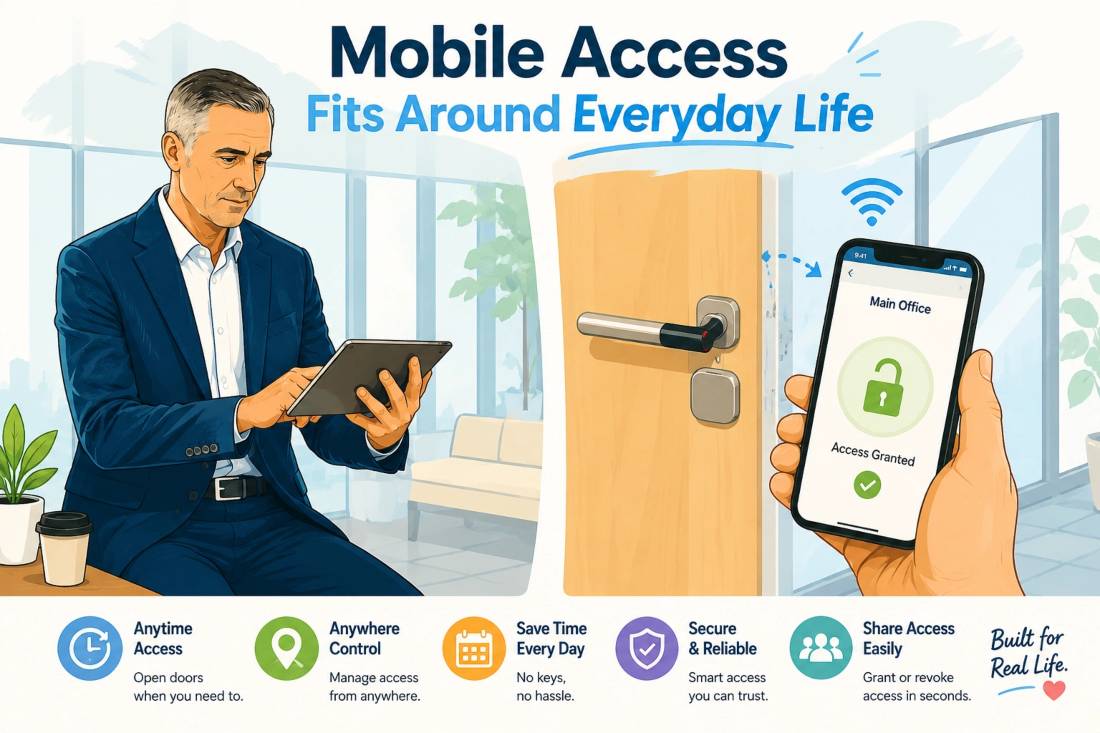
Mobile gaming works because it meets people where they already are. A phone is usually within reach, whether someone is commuting, waiting for an appointment, relaxing at home, or taking a short break.
This makes social casino-style games suitable for shorter sessions. Users do not need to sit down at a computer or keep several browser tabs open. They can launch the app, complete a challenge, check their progress, and leave when they are ready.
Android also runs on a wide range of phones and tablets. That gives developers the chance to reach users with different budgets, screen sizes, and device capabilities. Good app design should account for these differences rather than assuming everyone owns the newest phone.
Google’s adaptive app quality guidelines explain how developers can make apps work more comfortably across phones, tablets, foldable devices, and larger screens.
Easy access, however, does not mean every app is suitable for every user. Content ratings and age guidance should always be checked before installation.
A Clear Store Listing Builds Confidence
People are more likely to install an app when they can understand what they are getting. An official store page usually brings the most important details together in one place, including the developer’s name, screenshots, update history, reviews, support information, and privacy details. Pages discussing an Android release, such as the Casino app for Android, should also explain where the official version is available and clearly outline any age restrictions, virtual currency features, or optional purchases.
That clarity matters because misleading download pages can look convincing. Copied logos, similar app names, and outdated files can make it difficult to tell which version is genuine.
A reliable listing should make the publisher easy to identify and explain what the app does without hiding important details. Users should also check the app’s Google Play content rating. These ratings can highlight mature themes, simulated gambling, user interaction, and other features that may affect whether the app is appropriate.
Parents and guardians can use Google Play parental controls to limit downloads based on age ratings and content categories.
Official Downloads Reduce Unnecessary Risk

Downloading from a trusted app store is generally safer than installing files from unfamiliar websites, advertisements, or message links.
A professional-looking page is not always proof that a download is legitimate. Users should confirm that the publisher name matches the official developer and avoid files promoted through suspicious pop-ups or unsolicited messages.
Keeping Google Play Protect enabled adds another layer of protection. It checks apps for potentially harmful behaviour and may warn users when an application appears unsafe.
Updates are important as well. They do more than introduce new features. They may fix security weaknesses, improve compatibility, reduce crashes, or correct problems that affect account access.
An app that has not been updated for a long period may still work, but users should be more cautious if support information is missing or recent Android versions are not mentioned.
Native Apps Can Feel Smoother Than Browser Play
Browser-based games remain useful, especially for users who do not want to install additional software. However, a properly developed Android app can feel more stable during everyday use.
Native apps can be designed specifically for touchscreen controls, smaller screens, background interruptions, and changing internet connections. They may also remember session information more reliably when a user switches to another app and returns later.
Developers can store selected assets on the device, reduce repeated loading, and improve how the app manages memory. These details may not be obvious when everything works correctly, but they become noticeable when an app freezes, reloads too often, or loses progress.
Google’s core Android app quality guidelines encourage developers to focus on stability, clear navigation, responsive controls, and sensible permission requests.
Of course, downloading an app does not automatically guarantee a better experience. Performance still depends on the quality of the software, the age of the device, the strength of the connection, and how actively the developer maintains the product.
Community Features Work Better When They Feel Connected
The social side of these games is often what keeps users interested. Leaderboards, clubs, shared achievements, and group challenges can make the experience feel less isolated.
Inside a mobile app, those features can sit naturally alongside the main game. Players do not need to open another site to see where they rank or whether a community event has started.
Common features may include:
- Leaderboards that show progress over time
- Clubs built around shared goals or challenges
- Achievement badges and optional sharing tools
- Limited-time events with clear start and end dates
- Friend lists and community activity updates
These features work best when they add interest without creating pressure. Users should not feel pushed to play longer, spend more, or compete constantly to remain visible.
Friend requests, direct messages, public profiles, and sharing options should also be easy to control. Social features are more useful when users can decide how much interaction they want.
Privacy Settings Deserve More Attention
Many users approve app permissions quickly because they want to start using the app. That can lead to unnecessary access being granted without much thought.
A gaming app may request permission to send notifications, save files, use the camera, access the microphone, or view location information. Some permissions may support a real feature, while others may not be essential.
Android allows users to review and change app permissions after installation. This gives people the option to remove access they no longer want to provide.
The Google Play Data Safety section can also help users understand what information an app may collect or share. It should be read alongside the developer’s own privacy policy.
Useful questions include:
- What information does the app collect?
- Why does it need that information?
- Is the data shared with advertising or analytics companies?
- Can the user delete an account and associated data?
- How does the company protect login and payment information?
The US Federal Trade Commission provides additional privacy and security guidance on responsible data collection and protection practices.
Notifications Should Inform, Not Constantly Interrupt
Notifications can be useful when they alert users to account activity, security concerns, scheduled events, or important changes.
Problems begin when every notification is treated as urgent. Repeated reminders, promotional messages, and countdown alerts can make an app feel demanding rather than helpful.
Users should be able to keep security and account notifications active while turning off promotional alerts. Modern Android versions also give users more control over whether an app can send notifications at all.
A healthy notification system respects attention. It tells users something useful and then allows them to decide when to return.
Responsible Use Should Be Easy To Understand
Social casino-style games may use spinning wheels, virtual chips, card tables, reward streaks, or other familiar casino imagery. Even when there is no direct cash payout, these mechanics can still encourage repeated play or in-app spending.
That makes clear boundaries important.
Users should decide in advance how much time they are comfortable spending in the app and whether they are willing to make purchases. Virtual coins and digital rewards should be treated as entertainment features, not as income or investments.
Simple limits can help:
- Set a fixed entertainment budget
- Review purchase history regularly
- Turn off unnecessary promotional reminders
- Take breaks during longer sessions
- Avoid trying to recover previous spending through more play
- Disable purchase options when they are not needed
The National Council on Problem Gambling provides educational information about responsible participation, warning signs, and support resources.
Parents and guardians should pay particular attention to apps that include simulated gambling themes, social interaction, or in-app purchases. Age ratings and family controls should be reviewed before younger users are allowed to install them.
What Android Apps Add To The Experience
Android apps make social casino-style play easier to access, but convenience is only one part of their value.
A strong app can offer clearer installation, better touchscreen controls, smoother navigation, integrated social features, visible privacy information, and more direct account management. These features can make the experience feel more organised and dependable than a scattered browser-based setup.
The best apps also give users control. Permissions can be reviewed, notifications can be adjusted, social features can be limited, and spending tools can be managed.
Mobile access is most useful when it supports informed choices rather than removing them. Users should always know who operates the app, what information it collects, what content it contains, and how to step away when they have had enough.
Disclaimer
This article is provided for general informational and educational purposes only. It does not promote or recommend gambling, wagering platforms, paid casino services, or real-money gaming.
Social casino-style games may contain simulated gambling themes, virtual currencies, optional purchases, advertisements, and community features. Users should review the applicable age rating, local rules, platform terms, privacy policy, and purchase conditions before installing or using an app.