
Blog
Can You Stay Logged Into Winbox After Closing Your Browser? Kinda

Yes, you may remain logged into Winbox after closing your browser, but it is not guaranteed.
Ever closed your browser, reopened Winbox and wondered why you had to enter your password again?
Or perhaps you returned to the website and found yourself still signed in, which in that case, bagus.
But there’s more to it then “session continues” and your browser cookies plays a role if you can still swap to a Winbox browser.
So today, we will explain how Winbox browser login sessions work, why you might be logged out unexpectedly and what you can check when accessing Winbox through Chrome, Safari or another browser like Edge or Firefox.
Does Closing Your Browser Automatically Log You Out of Winbox?
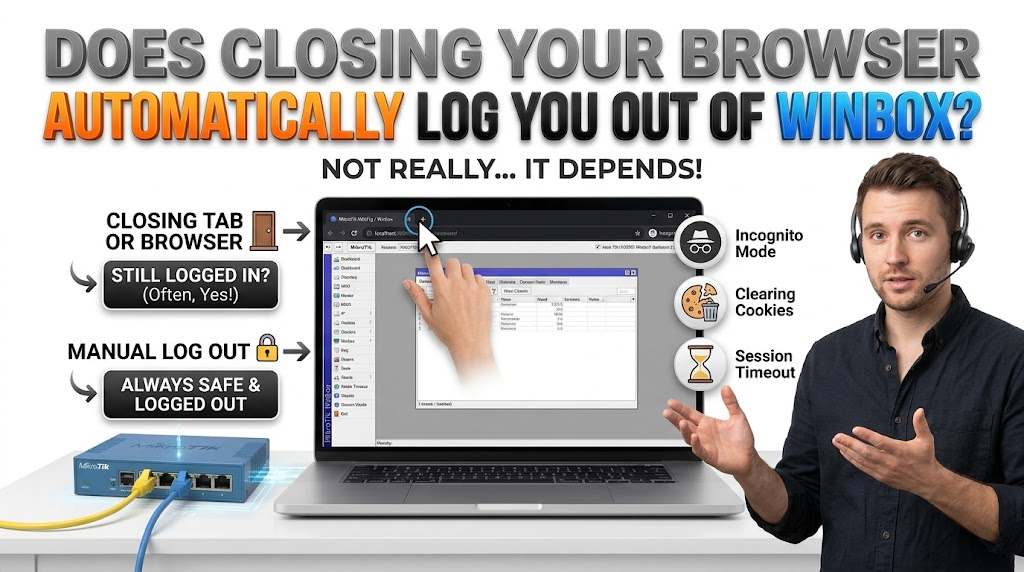
Not really but closing a browser tab or window is different from manually signing out of your account.
When you log into a website, it may create a temporary login session that allows you to navigate between pages without repeatedly entering your credentials.
Some sessions remain active after the browser closes, while others end when you exit or after a certain period of inactivity.
Here’s how different situations can affect your Winbox login.
| Situation | What May Happen |
| Closing a browser tab | Your login session may remain active |
| Closing the entire browser | You may stay signed in or need to log in again |
| Reopening Winbox shortly afterward | Your previous session may still be valid |
| Using Incognito or Private Mode | Your login normally ends when all private windows close |
| Clearing browser cookies | You will likely need to log in again |
| Switching to another browser | A separate login is generally required |
| Session expires | Winbox may ask you to verify your login again |
| Manually selecting Log Out | Your active session should end |
The important point is that your browser and the Winbox website both influence how long your login session lasts.
How Do Winbox Browser Login Sessions Work?
Winbox offers H5 browser-based access, allowing users to open the platform on supported mobile and desktop browsers without installing an application, which is pretty neat.
When you sign in, the website will use browser-stored information to recognise your active session.
Three factors are most important here.
1. Browser Cookies
Cookies are small pieces of information websites can store in your browser.
Some cookies help maintain authenticated sessions, meaning you do not have to enter your login details every time you move between pages.
However, deleting cookies associated with a website can remove the information needed to recognise your previous session.
2. Session Expiration
Login sessions do not last forever/
A website may automatically expire a session after a period of inactivity or require users to authenticate again for security reasons, so don’t be surprised by it!
This means you could close Winbox while signed in but still need to enter your credentials/passwords when you return later.
3. Browser Privacy Settings
Chrome, Safari, Edge and other browsers offer privacy settings that influence how website data is stored.
For example, automatically deleting site data or using private browsing can prevent login information from being retained between sessions.
Why Does Winbox Keep Logging You Out After Closing Chrome or Safari?
It can be annoying but before you sigh and move on, let us explain why.
Your Login Session Has Expired
The website has ended your previous session automatically, pretty straightforward.
Your Browser Is Deleting Cookies
Some browser settings, privacy extensions and device-cleaning applications can delete stored website data when you close the browser.
Without the appropriate session information, Winbox may no longer recognise your previous login.
You Are Using Incognito or Private Browsing
Private browsing generally stores cookies temporarily and yeah we know why 😉
Once all private windows are closed, their associated session data is removed, meaning you will usually need to sign in again next time.
You Are Opening a Different Website Address
Winbox has undergone domain changes (many in fact), which can affect saved bookmarks, browser data and password autofill.
Cookies are associated with specific websites or domains, hence a session from an older address may not carry over to a newer one.
If you previously bookmarked an outdated Winbox domain, check that you are using the current website address which is https://www.winbox88my12.com/
Your Browser Has Been Updated or Reset
Browser updates preserve saved website data, but a browser reset, profile change or privacy-setting adjustment may remove existing sessions.
If you suddenly encounter repeated logouts, check whether your browser settings have recently changed.
How to Check Your Winbox Login Session After Closing a Browser
Want to understand what happens when you close Winbox?
You can check your browser’s behaviour with these simple steps.
- Open your usual browser, such as Chrome, Safari or Edge.
- Visit the Winbox login page.
- Enter your registered UID and password, then complete any required verification.
- Once signed in, close the browser without selecting Log Out.
- Reopen the same browser and visit the website again.
- Check whether your account remains signed in or requires your credentials.
If you are asked to sign in again, this does not mean a problem.
Your session may have expired, your browser may have removed the necessary information, or the platform may require fresh authentication.
Important: Only test this on a personal, trusted device. Avoid leaving gaming accounts signed in on shared computers, especially home or work computers.
Is Winbox Browser Login Different From Using the APK?
Yes but both methods provide access to Winbox, they operate differently.
H5 browser access runs directly through a compatible web browser. The Android application is installed separately on your device.
| Feature | H5 Browser Login | Winbox APK |
| Installation | No separate app required | APK installation required |
| Supported access | Mobile and desktop browsers | Compatible Android devices |
| Login session | Managed through the website and browser | Managed through the installed application |
| Browser cookies | Can affect sign-in persistence | Browser cookie settings generally do not control the app’s own session |
| Browser updates | May affect access | Usually not directly affected |
| Reopening | May require login again | Depends on the app’s authentication settings |
If you prefer an installed Android application instead of accessing Winbox through Chrome every time, you can visit the Winbox apk page for the available download instructions!
One app, one tap, one play.
Should You Stay Logged Into Winbox?
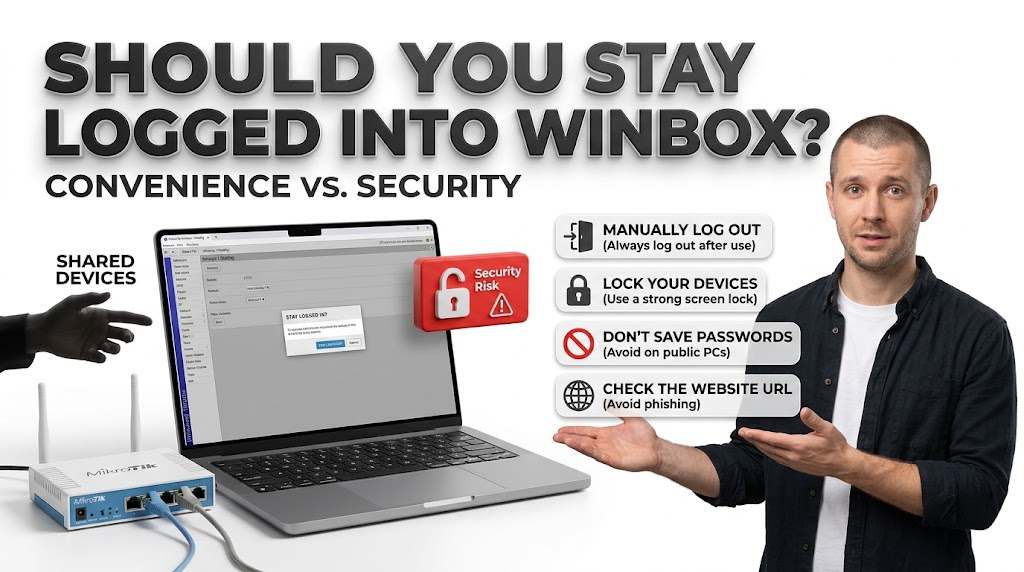
Remaining signed in can be convenient, especially when accessing a website repeatedly from the same personal device.
But, convenience should not come at the expense of account security.
If somebody else has access to your unlocked device, an active session could allow them to access your account.
For safer account management:
- Log out manually after using Winbox on a shared device.
- Protect your phone or computer with a strong screen lock.
- Avoid saving account passwords on public computers.
- Never share your password or one-time verification code.
- Check that you are visiting the correct Winbox website before entering account details.
If you suspect unauthorised account access, change your password and contact support ASAP.
Frequently Asked Questions
| Question | Answer |
|---|---|
| Does Closing Chrome Automatically Log Me Out of Winbox? | Not always. Your session may remain active after closing Chrome, depending on Winbox’s session settings and whether the browser retains the required cookies. |
| Why Do I Have to Log Into Winbox Every Time I Open My Browser? | Possible causes include expired sessions, deleted cookies, private browsing or changes to your browser settings. Repeated login requests do not necessarily indicate an account problem. |
| Can I Stay Logged Into Winbox Using Incognito Mode? | Usually not after closing all Incognito windows. Private browsing generally deletes temporary cookies and session data when the private browsing session ends. |
| Will Clearing My Browser Cache Log Me Out of Winbox? | Clearing cached images and files alone does not necessarily log you out. However, deleting cookies or other authentication-related site data can require you to sign in again. |
| Does Winbox APK Keep Me Logged In Longer Than the Browser? | Not necessarily. Browser and APK sessions may be managed differently, but there is no confirmed evidence that one consistently keeps Winbox users signed in longer than the other. |
| Can I Log Into Winbox Again After My Session Expires? | Yes, provided your account remains accessible. Return to the login page, enter your existing credentials and complete any required verification to start a new session. |