
Blog
How to Choose a $2000 Pre-Built Gaming PC Without Overpaying

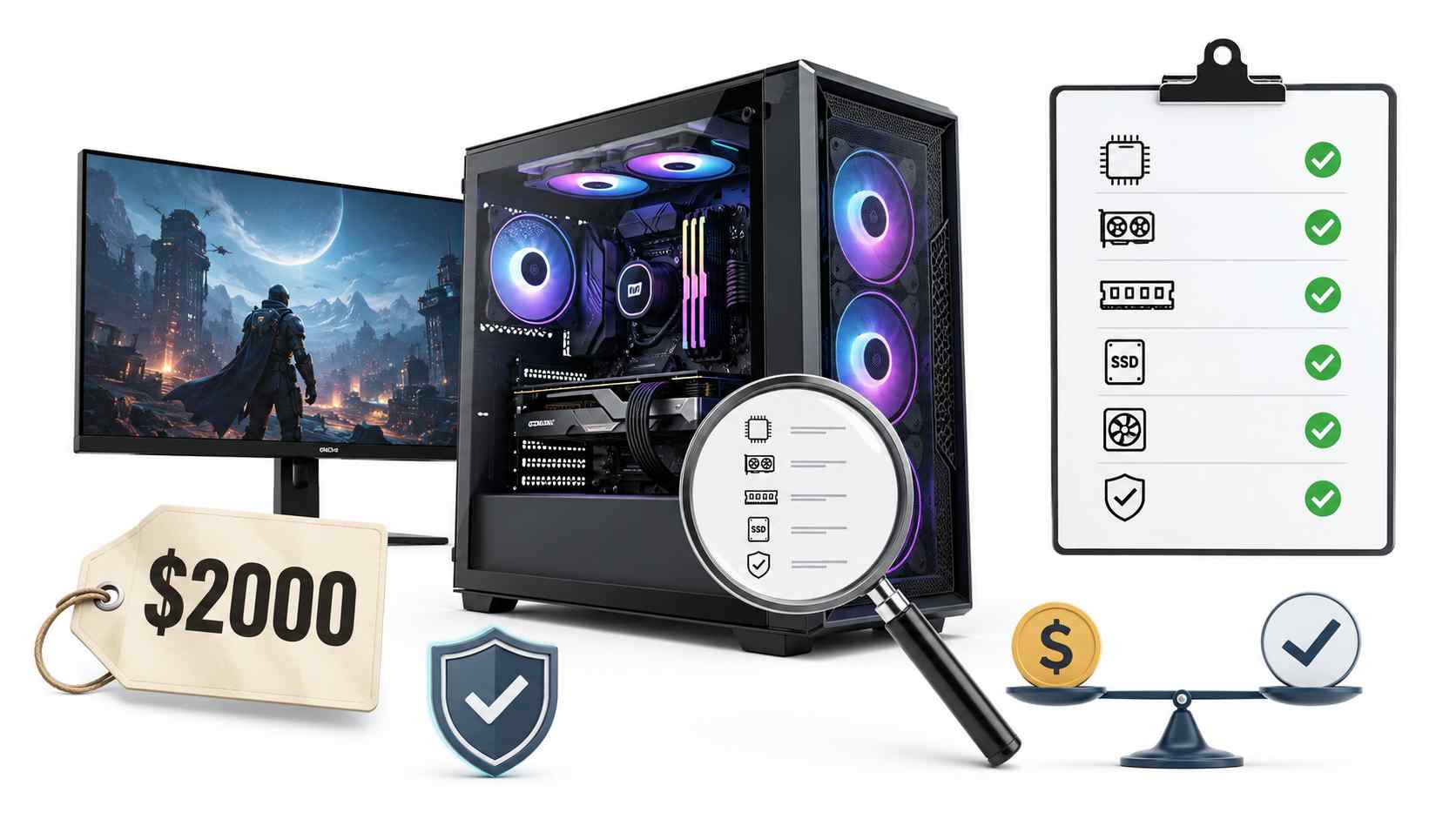
Spending around $2000 on a pre-built gaming PC is a serious purchase. At this price, you should not be paying only for RGB lights, a glass case, or a big brand name. You should be getting strong gaming performance, reliable parts, clean cooling, fast storage, and a system that can stay useful for years.
The problem is that many pre-built gaming PCs look powerful in photos but hide weak parts inside. A listing may highlight the graphics card in large text while staying quiet about the power supply, motherboard, memory setup, storage speed, or airflow. Those hidden details can decide whether the PC feels fast and stable or noisy, hot, and disappointing.
If you are shopping for a high-performance system around 2000 USD, the goal is simple: spend your money on real performance, not on weak parts hidden behind a flashy design.
Start With the Graphics Card
The graphics card is the most important part of a gaming PC. It has the biggest effect on frame rates, visual settings, resolution, and smooth gameplay. At the $2000 level, you should expect an upper-tier modern graphics card, not a mid-range card placed inside an expensive case.
This matters because some pre-built systems use one good-looking feature to distract buyers from the rest of the build. A PC may have a strong graphics card but still come with slow memory, poor cooling, a small SSD, or a weak power supply. That kind of system can look good on paper, but perform worse than expected in daily use.
A good $2000 gaming PC should be ready for high-refresh 1440p gaming. Depending on the game and settings, it should also handle 4K gaming well. It should feel smooth in modern titles, competitive games, and demanding single-player releases.
Check the CPU and GPU Balance
A powerful graphics card needs a processor that can keep up. If the CPU is too weak, the graphics card may not reach its full potential. This is called a bottleneck, and it can be especially noticeable in competitive games where high frame rates matter.
For this price range, a modern eight-core processor is a smart target. It gives enough power for gaming, voice chat, streaming, background apps, and light content creation. You do not always need the most expensive CPU, but you do need one that matches the level of the graphics card.
A balanced PC is usually better than a system that spends too much on one part and cuts corners everywhere else.
Do Not Ignore RAM Details
RAM is one of the easiest places for sellers to cut costs. Many buyers only look at the total amount of memory, but the setup matters too.
For a $2000 gaming PC, 32 GB of RAM is a strong standard. It gives enough room for modern games, Discord, browsers, recording software, editing tools, and background tasks. The RAM should also be installed in dual-channel mode, which usually means two memory sticks instead of one.
Before buying, check these RAM details:
- At least 32 GB of memory
- Dual-channel setup
- Good memory speed
- Clear model or specification details
- No vague wording like “high-speed gaming memory” without proof
If a seller does not mention whether the RAM is single-channel or dual-channel, that is worth checking before purchase.
Make Sure the Storage Is Fast and Large Enough
Modern games take up a lot of space. A few large titles can quickly fill a small drive. That is why storage should not be treated as a minor detail.
At this price, the PC should include NVMe SSD storage. NVMe drives are much faster than older hard drives and basic SATA SSDs. They help the system boot faster, load games quicker, and feel smoother in normal use.
A 1 TB NVMe SSD is acceptable, but 2 TB is much better for long-term comfort. With 2 TB, you can install more games without constantly deleting old ones to make room.
Look Closely at the Power Supply
The power supply is not the most exciting part of a gaming PC, but it is one of the most important. A poor-quality power supply can cause random shutdowns, instability, noise, and long-term hardware problems.
For a $2000 gaming PC, look for a trusted power supply with enough wattage for the graphics card and processor. An 80 Plus Gold rating is a good sign, but you should still check the brand and model when possible.
Be careful with listings that only say “high-wattage PSU” or “gaming power supply.” These phrases sound strong, but they do not tell you much. A serious seller should provide clear details.
Cooling and Airflow Matter More Than Looks
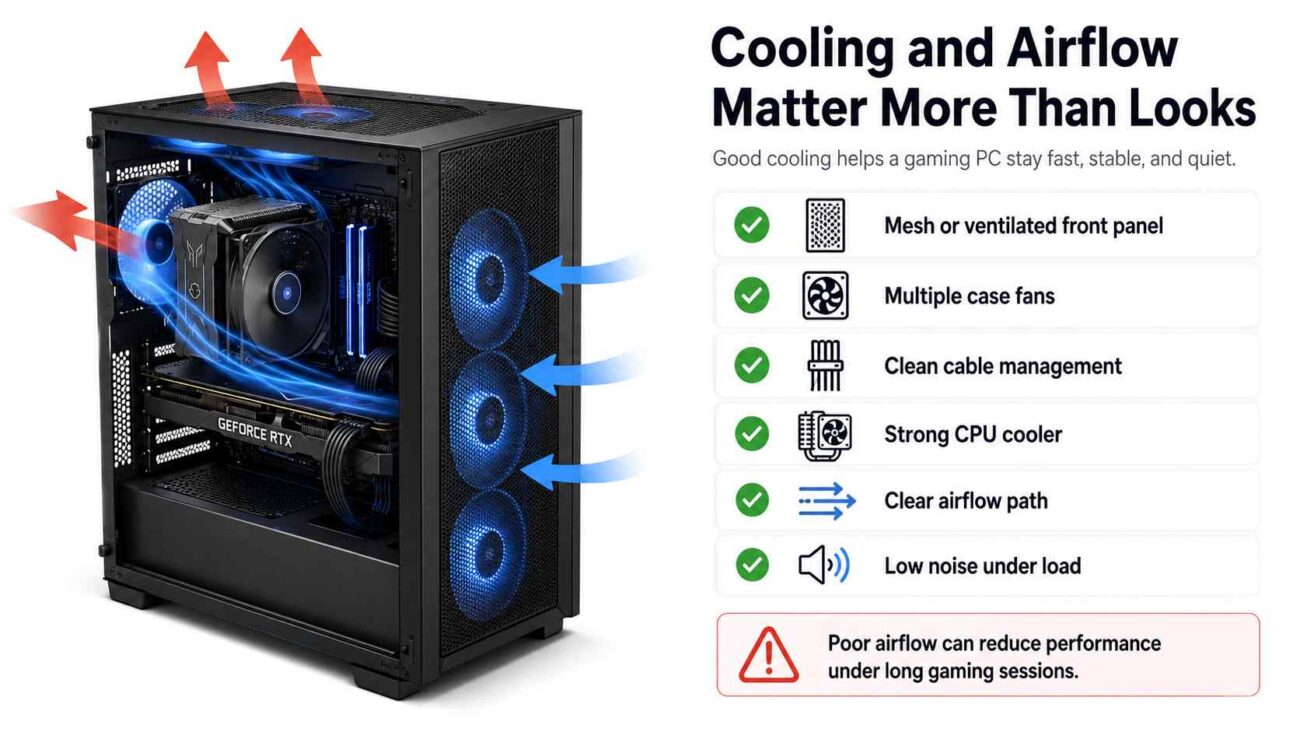
A powerful gaming PC creates heat. If the case has poor airflow, the parts inside can get too hot during long gaming sessions. When that happens, the system may reduce performance to protect itself. This means you may not get the full speed you paid for.
Good cooling starts with the case. A mesh front panel is usually better than a sealed glass front because it allows more fresh air to enter. You also want enough intake and exhaust fans so hot air can leave the case properly.
Good cooling signs include:
- Mesh or ventilated front panel
- Multiple case fans
- Clean cable management
- Strong CPU cooler
- Clear airflow path
- Low noise under load
A PC does not need to look extreme to cool well. A simple case with strong airflow is often better than a flashy case that traps heat.
Check the Motherboard Before You Buy
Many buyers forget about the motherboard, but it affects upgrade options, stability, ports, storage expansion, and overall build quality.
You do not need the most expensive motherboard in a pre-built PC, but you should avoid very basic boards in a high-end system. A weak motherboard can limit future upgrades and may offer fewer useful features.
Look for practical details such as:
- Enough USB ports
- Wi-Fi support if needed
- Extra M.2 slots for future SSD upgrades
- Good CPU support
- Proper memory support
- Clear model information
If the seller hides the motherboard model, ask for the details before buying.
Avoid Paying Too Much for RGB and Branding
There is nothing wrong with wanting a gaming PC that looks good. RGB lighting, glass panels, and clean case designs can make a setup feel more personal. The problem starts when looks take money away from performance.
Some pre-built PCs cost more because of the brand name or case design, not because they include better parts. Before paying extra, ask yourself whether the feature improves performance, cooling, reliability, storage, or support. If it does not, it should not be the reason the PC costs more.
A clean and well-cooled system with strong parts is usually a better buy than a flashy system with weak hidden components.
Watch Out for Software Bloat
Some pre-built PCs arrive with trial software, brand utilities, background apps, and unnecessary programs already installed. These can slow down startup, create pop-ups, and make the system feel messy from day one.
A cleaner software setup is better for most gamers. You can install the apps you actually need instead of removing things you never wanted. Less background software also means fewer distractions and fewer possible performance issues.
When comparing pre-built systems, check whether the seller mentions a clean Windows installation or minimal pre-installed software.
Why Specialized Assembly Can Be Worth It
A good gaming PC is not only about the parts list. The way the system is built also matters. Cable routing, cooler installation, airflow direction, thermal paste, BIOS setup, driver checks, and stress testing all affect the final experience.
This is where a focused gaming PC builder can offer value. A careful build can reduce common problems such as poor airflow, loose cables, messy wiring, loud fans, and unstable performance.
HyperCyber focuses on customized gaming PC builds rather than treating every system like a basic factory product. For buyers who do not want to build a PC themselves, that kind of careful assembly can be helpful because the system is prepared to run properly from the start.
Quick Buying Checklist
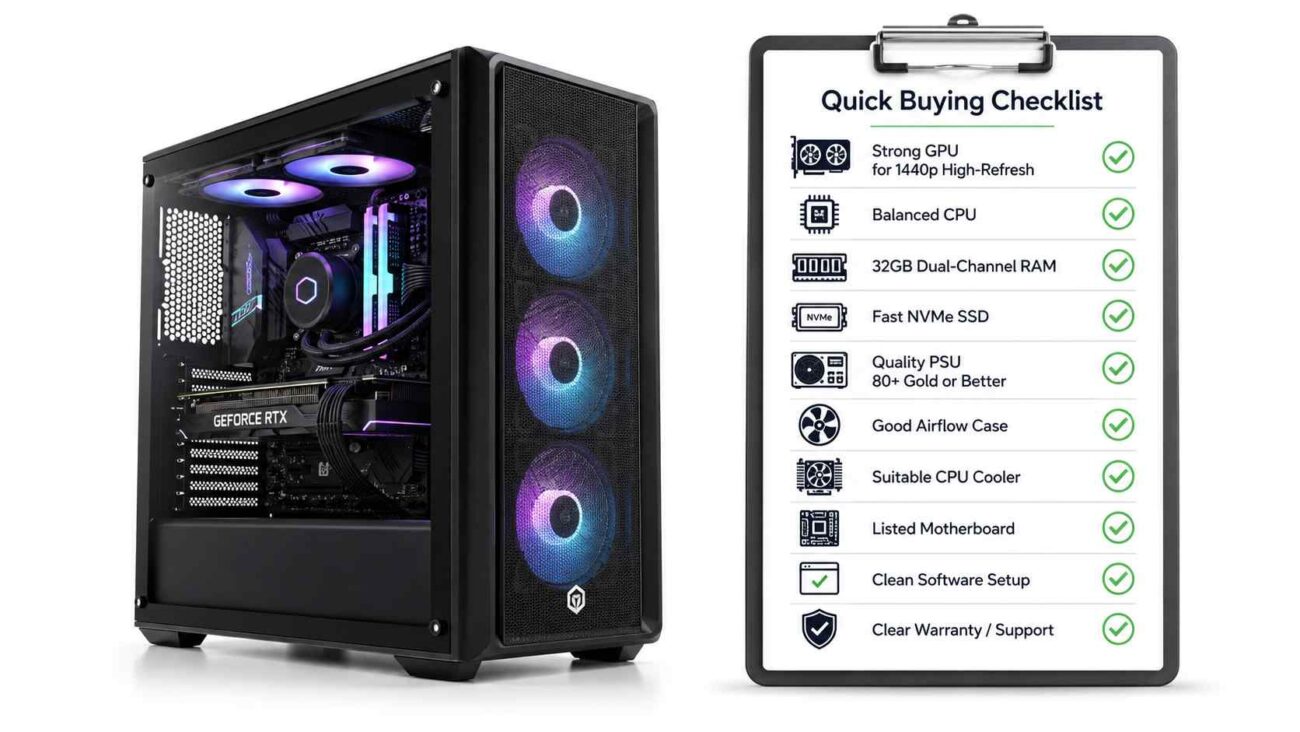
Before buying a $2000 pre-built gaming PC, check these points:
- The graphics card is strong enough for high-refresh 1440p gaming
- The CPU matches the graphics card level
- The PC has at least 32 GB of dual-channel RAM
- The system includes fast NVMe SSD storage
- The power supply has clear details and a strong efficiency rating
- The case has proper airflow, not just a sealed glass front
- The CPU cooler is suitable for the processor
- The motherboard model is listed or available on request
- The software setup is clean
- The warranty and support terms are clear
Final Thoughts
A $2000 pre-built gaming PC should give you more than a nice-looking case. It should offer strong frame rates, stable cooling, fast storage, reliable power, and enough upgrade room for the future.
Do not buy based only on RGB lights, brand names, or one headline part. Look at the full system. Check the graphics card, CPU, RAM, storage, power supply, motherboard, cooling, software setup, and warranty.
The best gaming PC is not always the one with the loudest marketing. It is the one that uses your budget wisely and gives you strong, real-world performance without hidden shortcuts.