
Blog
Best Image to Video AI Apps for Social Media Creators (2026 Version)


Social media moves fast. Your audience scrolls through endless content every second, which means standing out requires constant fresh material. Video gets engagement lots of it but producing quality video is time-consuming and expensive. That’s where image-to-video AI comes in. These tools let you transform static images into dynamic videos in minutes, keeping your content pipeline flowing without burning out. Here are the five best image-to-video AI apps built specifically for social media creators.
1. Pollo AI
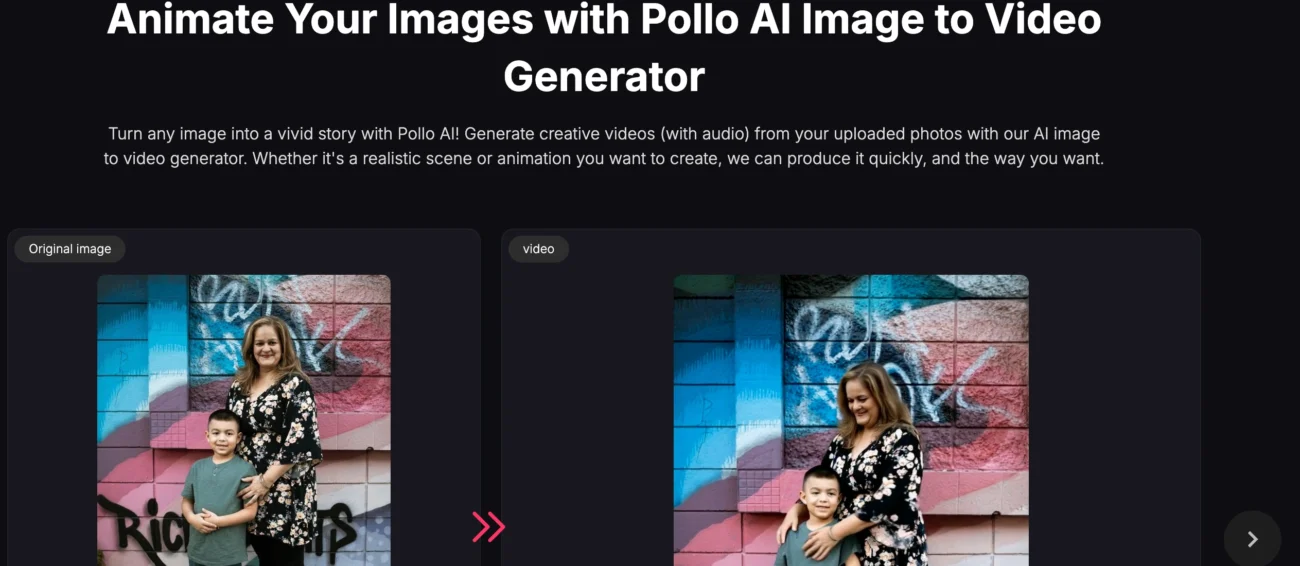
Pollo AI has become the favorite image to video app among social media creators who need speed without sacrificing quality. The platform understands what social media audiences want: dynamic, visually interesting content that stops the scroll.
The real strength is how fast you can work. Upload an image, optionally describe the motion you want, and you’ve got a finished video ready to post within minutes. For creators managing multiple platforms and posting schedules, that speed is genuinely game-changing. You’re not waiting around for renders or dealing with technical complexity.
The quality is surprisingly good for something this fast. The AI understands natural motion and applies it intelligently. A landscape photo becomes a sweeping cinematic shot. A portrait gains subtle, lifelike movement. A product image animates with realistic depth and perspective. The results look intentional, not randomly generated.
What social media creators specifically appreciate is how these videos perform. Animated content gets more engagement than static images—it’s just how social platforms work. Pollo AI videos are optimized for platforms like TikTok, Instagram, and YouTube Shorts. The aspect ratios work, the motion draws attention, and the quality holds up even when compressed by platform algorithms.
The pricing is reasonable for creators on tight budgets. You’re not paying enterprise rates for professional-quality output. That accessibility means creators at every level—from solo content makers to small agencies—can actually afford to use this consistently.
2. VEED
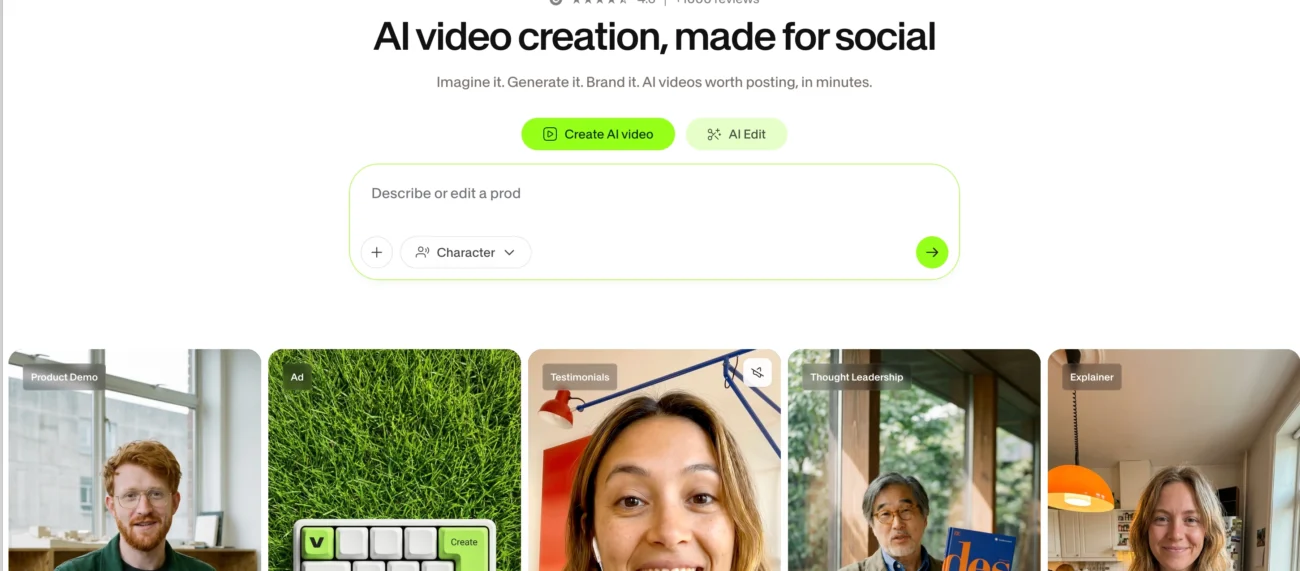
VEED approaches image-to-video as part of a broader video creation and editing platform. It’s built for creators who want to do more than just animate photos—they want a complete video production toolkit.
The image-to-video feature integrates seamlessly with VEED’s other tools. You can animate an image, edit the results, add captions, trim clips, adjust colors, and export—all without leaving the platform. That workflow efficiency matters when you’re producing multiple videos daily.
What makes VEED particularly useful for social media is its built-in optimization for different platforms. Creating content for TikTok? VEED formats it correctly. Instagram Reels? It handles the dimensions automatically. YouTube Shorts? Same thing. You’re not manually resizing or reformatting for each platform—the app does it intelligently.
The AI animation quality is solid. Motion feels natural and purposeful. The platform handles various image types well—photographs, artwork, designs, screenshots. Whether you’re animating a product photo, an illustration or bringing an editorial sports photo to life, VEED delivers consistent results.
The editing capabilities are genuinely useful. You can add text overlays, background music, sound effects, and transitions. You can adjust the animation intensity or direction. You can layer multiple elements. For creators who want to customize their videos beyond basic animation, VEED gives you the flexibility to do it.
The platform is user-friendly without being oversimplified. You can start with basic animations and gradually explore more advanced features as you get comfortable. That learning curve works well for creators at different skill levels.
3. Magichour
Magichour is an advanced AI video generator that helps creators, marketers, and businesses produce professional-quality videos from simple text prompts, images, or existing media. Whether you’re creating social media content, promotional campaigns, educational videos, or product showcases, the platform streamlines the entire video production process without requiring advanced editing skills or expensive production software.
The platform combines multiple AI-powered creative tools into a single workflow, making it easy to transform ideas into engaging videos in minutes. Users can generate videos from text, animate static images, enhance visuals with AI editing, and create polished content without spending hours on manual editing. This all-in-one approach is especially useful for teams that need to produce content consistently across multiple channels.
Magichour is designed for speed without compromising quality. The AI automatically handles scene generation, transitions, visual enhancements, and motion effects, allowing creators to focus on storytelling instead of technical editing. Whether you’re launching a product, creating YouTube content, or building short-form videos for TikTok and Instagram, the platform delivers professional-looking results with minimal effort.
For businesses and content creators managing multiple campaigns, Magichour significantly reduces production time while maintaining visual consistency across projects. The intuitive interface makes it accessible to beginners, while its AI automation provides enough flexibility for experienced creators looking to scale their content output efficiently.
The platform supports a wide range of creative use cases, including marketing videos, social media content, tutorials, advertisements, and branded storytelling. With fast cloud-based processing and high-quality exports, Magichour enables users to create compelling AI-generated videos that are ready to publish across today’s most popular digital platforms.
4. Synthesia
Synthesia brings a different perspective to image animation by combining motion synthesis with AI avatars and voiceover capabilities. It’s perfect for creators who want to add personality and narration to their visual content.
The platform excels at creating videos where animated elements appear to move with purpose and intention. You can animate a photo and have it feel like a complete scene rather than just random motion. Add a voiceover, and suddenly you have a fully produced video that tells a story.
For educational content creators, product reviewers, and storytellers, that narrative capability is valuable. You’re not just creating eye candy—you’re creating content that communicates and engages on a deeper level. Social media audiences respond to that intentionality.
The AI voiceover feature is surprisingly natural. You can write a script, choose a voice, and have the AI generate audio that sounds like an actual person speaking. The voice quality is good enough that viewers don’t immediately notice it’s AI-generated. That authenticity matters for building audience trust.
Synthesia handles various content types well. Whether you’re creating tutorial videos, product announcements, or storytelling content, the platform adapts to your needs. The motion synthesis is sophisticated enough to handle complex scenes while remaining fast enough for regular posting schedules.
The export options include direct optimization for major social platforms. You can export for TikTok, Instagram, YouTube, or LinkedIn with appropriate settings. That platform-specific optimization saves time and ensures your videos perform well wherever you’re posting.
5. Runway
Runway positions itself as the professional-grade tool for creators who want more control and advanced features. It’s ideal for social media creators with growing audiences who need production-quality video.
The image-to-video capabilities are powerful. The AI understands cinematography principles and applies them intelligently. Motion is smooth, composition is considered, and the overall aesthetic is polished. For creators building a recognizable visual brand on social media, that consistency matters.
What separates Runway is the editing capabilities. You’re not just generating videos—you can edit them extensively within the platform. Adjust motion, remove elements, change backgrounds, apply effects, color grade. That control lets you refine outputs until they match your exact vision.
The platform handles high-quality export beautifully. Videos render quickly and maintain quality across different resolutions. Whether you’re posting 1080p to YouTube or optimizing for mobile-only platforms, Runway handles it smoothly.
For creators collaborating with teams, Runway’s features make sense. You can share projects, get feedback, and iterate together. The platform supports professional workflows without being overwhelming for solo creators.
The learning curve is steeper than some alternatives, but the payoff in control and output quality is substantial. Serious social media creators who want to level up their production value find Runway worth the investment.
6. Artlist AI
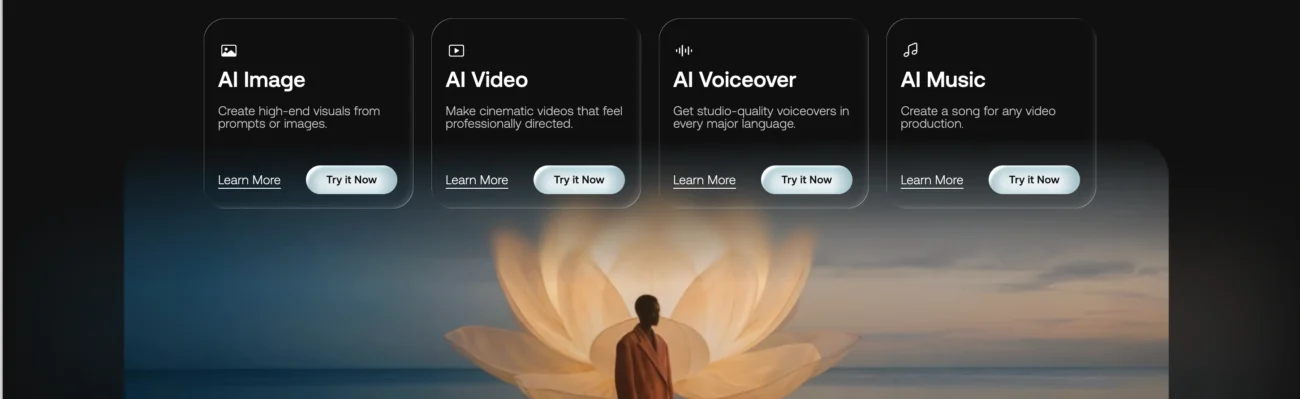
Artlist AI integrates image-to-video generation with a massive library of music, sound effects, and stock footage. It’s built for creators who want fully produced videos, not just animated images.
The strength is cohesion. The AI generates motion that syncs naturally with music suggestions from Artlist’s extensive library. You upload a photo, describe the mood, and get back a video with complementary music and sound design. Everything feels intentional and polished.
For social media creators, that integration is genuinely valuable. Music is crucial for social media performance—it sets tone, triggers emotion, and increases engagement. Having music recommendations that actually match your video’s motion and mood saves time and improves results.
Artlist AI’s understanding of pacing is particularly impressive. The generated videos have rhythm and intentionality. Motion builds naturally. Transitions feel earned rather than random. That sophistication in pacing is what separates videos that look good from videos that actually move people.
The platform handles various content types well product videos, lifestyle content, educational material, storytelling. Whether you’re creating short-form content for TikTok or longer pieces for YouTube, Artlist AI adapts appropriately.
Which Tool Is Right for You?
Choosing depends on your specific needs and workflow. Pollo AI is best if you prioritize speed and simplicity. VEED works well if you want a complete editing suite alongside animation. Synthesia excels for narrative-driven content. Runway suits creators wanting professional-grade control. Artlist AI is ideal if music and sound design matter to your content.
The good news is that all five tools are accessible to social media creators at various levels. Pick one, start experimenting, and watch how it transforms your content production. The barrier to creating quality video has never been lower now it’s just about choosing the right tool for your workflow.