
Blog
How Professional 2D Animation Supports Better Game Art

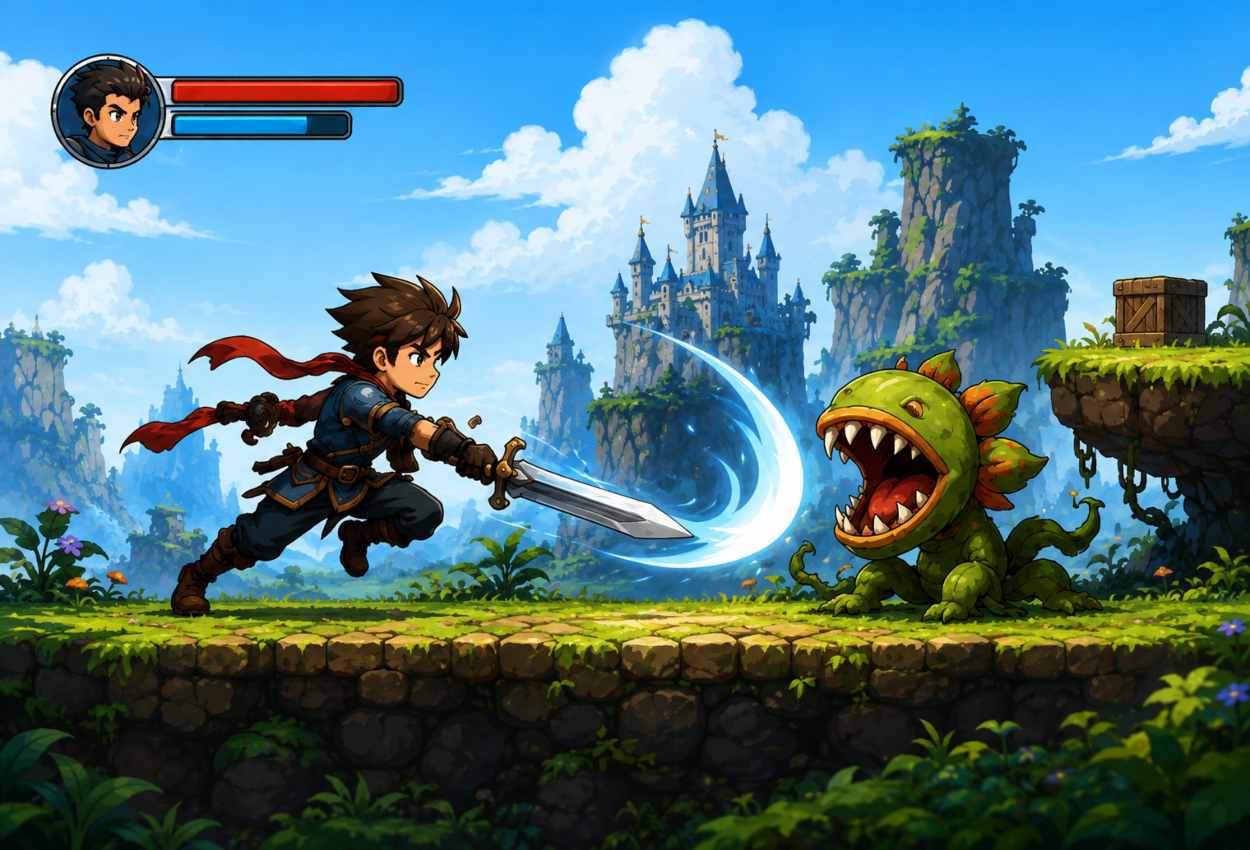
Game art must do more than look attractive in a still image. It needs to react to player input, communicate emotion, support gameplay, and stay visually consistent across menus, cutscenes, and active scenes. Animation is therefore best planned alongside concept art, character design, interface elements, and technical production.
A strong workflow connects visual style with movement from the beginning. Studios that need polished skeletal motion can use Professional 2D Animation to turn layered character artwork into responsive in-game performances. The aim is not simply to make an image move, but to create clear actions that suit the game’s pace, camera, platform, and technical limits.
Why 2D Animation Still Matters In Game Production
2D art remains a practical choice for mobile games, platformers, card titles, visual novels, casual games, and slot projects. It can create a recognizable visual style without requiring the heavier production pipeline of fully rendered 3D scenes. Artists can focus on silhouettes, expressions, timing, effects, and color harmony while developers keep greater control over memory use and loading performance.
The strongest results come from planning artwork around motion. A detailed costume may look impressive in concept art, but small parts can become difficult to rig or understand during fast gameplay. Early cooperation between illustrators, animators, and developers helps prevent these issues before production expands.
Building Characters Around Gameplay Needs
Character animation should support what the player needs to understand. An attack must show its direction, an enemy reaction should confirm impact, and an idle pose needs to communicate personality without becoming distracting. Clear anticipation and follow-through can make simple actions feel satisfying, while poor timing can make high-quality illustration feel weak.
Animators commonly prepare reusable states such as idle, movement, attack, hit, victory, and defeat. These states can later be adjusted for different character classes, costumes, weapons, or special abilities while keeping the overall visual language consistent.
How Spine Animation Improves The Workflow
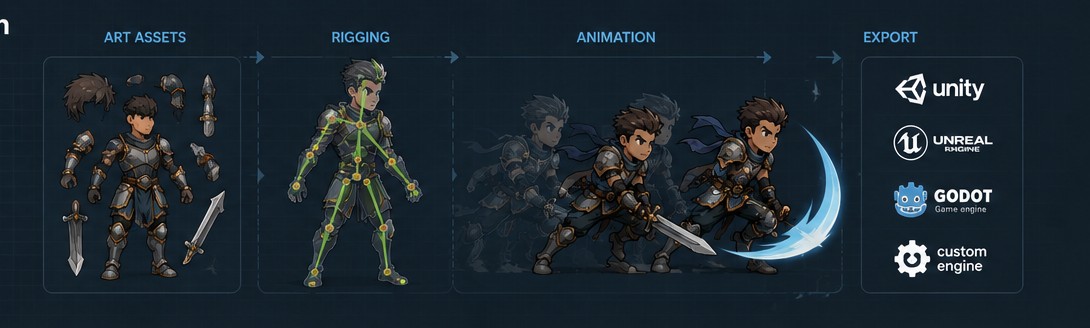
Spine animation uses a bone-based rig to control separate artwork pieces such as the head, arms, clothing, weapons, and facial parts. Instead of redrawing every frame, the animator moves and deforms these pieces through a structured skeleton. This approach is useful when a project needs smooth movement, repeatable actions, or several character variations built from the same production system.
Common workflow benefits include:
- Reusable rigs for related characters or skins
- Smaller asset requirements than long frame sequences
- Faster revision of timing and poses
- Support for layered effects and equipment changes
- Practical export options for common game engines
From Concept Art To In-Game Motion
A reliable pipeline begins with concept art that clearly shows proportions, costume layers, expressions, and important props. The final illustration is then separated into logical parts for rigging. Hidden areas may also need to be painted because a moving arm, cape, weapon, or head can reveal sections that were not visible in the original pose.
After rigging, the animator tests deformation, rotation, and overlap before building complete actions. Developers should review the animation inside the game engine because movement that looks correct in an art tool may feel too slow, too large, or unclear when placed beside interface elements, visual effects, and gameplay cameras.
Using Outsourcing Without Losing Art Consistency
Game development outsourcing can help a studio increase production capacity without hiring every specialist internally. It is especially useful when a project requires concept art, character illustration, UI UX assets, VFX, slot symbols, and animation at the same time. However, outsourcing works best when the external art team receives clear references, technical rules, and feedback from one responsible decision-maker.
A useful art guide should define character proportions, line quality, color ranges, shading, file structure, naming rules, canvas sizes, and export settings. These details reduce unnecessary revisions and help several artists produce assets that appear to belong to the same game world.
What Studios Should Prepare Before Production
Before animation begins, a studio should provide the latest character files, required action list, engine details, target resolution, frame-rate expectations, and examples of the intended mood. It should also explain whether each asset needs interchangeable skins, weapons, facial expressions, equipment, or localization changes.
Milestones are easier to review when they move from rough motion to cleaned animation and then final export. Approving timing, poses, and readability early is more efficient than requesting structural changes after secondary movement, effects, and final polish have already been added.
Connecting Animation With UI, UX And VFX
Character movement rarely works alone. Interface feedback, particles, lighting effects, sound cues, and screen transitions often complete the player’s understanding of an action. A reward animation in a slot game, for example, may combine moving symbols, glowing effects, interface counters, and celebratory character motion within a few seconds.
Animation teams should therefore coordinate with UI UX designers and VFX artists during production. Shared timing references help prevent effects from covering important poses, while early engine tests reveal whether the full sequence remains clear on smaller screens and lower-performance devices.
Creating Animation That Serves The Whole Game
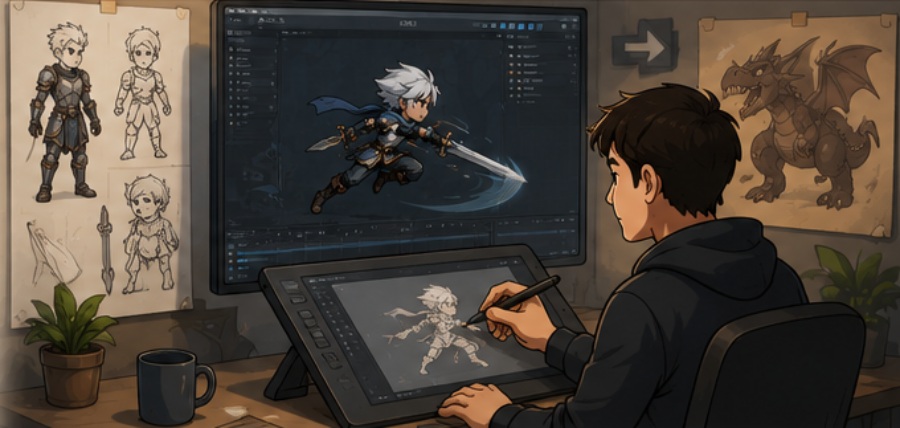
Professional game animation is a balance of art, performance, and technical planning. Attractive motion is valuable, but it must also fit the interface, respond at the correct speed, support player decisions, and run reliably on the target device.
When concept artists, illustrators, animators, UI designers, VFX artists, and developers share the same production goals, the finished game feels more unified. A structured 2D pipeline can maintain consistent quality across gameplay, menus, promotional scenes, downloadable content, and future character updates. Strong animation is not added decoration. It is part of how the game communicates.
Final Thoughts
Professional 2D animation plays an important role in how a game looks, feels, and responds to the player. When animation is planned alongside concept art, character design, UI UX, VFX, and technical development, every movement becomes more useful and visually consistent.
A well-organized Spine animation workflow can also reduce production time, support reusable assets, and simplify future updates. Whether a studio is creating a mobile game, platformer, slot title, or story-driven project, careful planning and clear communication between artists and developers can lead to smoother animation and a more polished final experience.