
Blog
Why an Affordable Dedicated Server Still Delivers Enterprise Performance


Most site owners can date the exact moment their hosting stopped being good enough. A campaign goes out to thirty thousand inboxes at once. A post gets picked up somewhere with a real audience. The store that has loaded in under two seconds for eighteen months suddenly takes eleven seconds to render a product page, and the traffic you spent months chasing bounces before it ever sees the checkout button.
The reflex after that is almost always the same, and it is almost always wrong. People assume the fix is expensive. Somewhere in the back of everyone’s head sits the idea that real server hardware is priced like a car lease, and anything cheaper must be salvaged parts humming away in somebody’s basement. That was a fair assumption around 2013. It has not been true for a while, and believing it leads to one of two bad outcomes: overspending by a factor of four, or staying on shared hosting long past the point where it quietly started costing you revenue.
So here is a more useful question than “how much should I spend.” What actually separates a budget-dedicated machine from an expensive one, and where does the extra money genuinely buy you something?
What You Are Really Paying For Is Silence
Shared hosting sells you a slice of a machine. The slice is real. The walls around it are soft.
Microsoft’s architecture team has a name for what goes wrong, and their write-up on the noisy neighbor antipattern is worth ten minutes of anyone’s time. The part people usually miss is that the problem is not always one greedy tenant eating the box. It also happens when a lot of ordinary tenants get busy at the same time, and the combined demand quietly exceeds what the hardware can serve.
You experience that as a slow first byte. Google’s engineering guidance on reducing Time to First Byte makes the point plainly: TTFB comes before every other meaningful loading metric, because the browser cannot start rendering anything until the server starts talking. You can compress every image on the site and lazy-load every script, and it will not rescue a page that spends 900 milliseconds waiting in a queue behind someone else’s cron job.
A dedicated machine removes that variable completely. The CPU is not magically faster. Nothing is lined up in front of you. That single change accounts for most of the speed difference people feel when they migrate, and it is identical whether you paid $45 a month or $450.
Budget Hardware Stopped Being Bad Hardware
The reason low-cost dedicated plans got genuinely good is unglamorous. The parts got cheap.
Storage is the clearest example. For years, SSDs were bolted onto a command path designed for spinning platters, which meant a single queue with 32 slots. That was plenty for a disk waiting on a physical read head. It was a hard ceiling for flash. The NVMe specification replaced that path with deep parallel queueing built for non-volatile memory, and the difference shows up immediately in anything that hits a database hundreds of times per page load.
Reliability worries are similarly out of date, and you do not have to take a host’s word for it. Backblaze has published open failure-rate data from its own fleet since 2013, and its Q1 2026 Drive Stats report covered 341,263 drives running at a 1.24% annualized failure rate, with the newest high-capacity drives coming in lower still. Commodity data center hardware is not fragile. It is manufactured at a scale that makes it boringly predictable.
None of this is exotic or reserved for flagship plans. A cheap dedicated server today typically arrives with a current-generation AMD or Intel processor, NVMe storage and ECC memory, for the simple reason that those are the parts sitting in the supply chain. Nobody is stockpiling 2015 components to sell you at a discount.
So What Are the Premium Plans Actually Charging For?
Rarely the silicon. The gap is usually made up of four things.
- Management. Someone else patches the kernel, watches the monitoring dashboard at 3 a.m. and picks up the phone inside fifteen minutes. That is a payroll cost being spread across customers, and it is priced accordingly.
- Licensing. Control panels, Windows Server, commercial backup agents and monitoring suites can add more to a monthly invoice than the hardware does.
- Headroom. Higher tiers are often provisioned with slack you will never touch, sold as future-proofing.
- Paperwork. Audited facilities, compliance attestations and contractual uptime guarantees cost money to maintain, and they matter enormously if you are handling regulated data.
Every one of those is a legitimate thing to buy. The question is whether you need them. If you have someone on the team who can hold an SSH session without breaking into a sweat, you are paying a second time for a capability you already employ.
Isolation Changes the Security Math
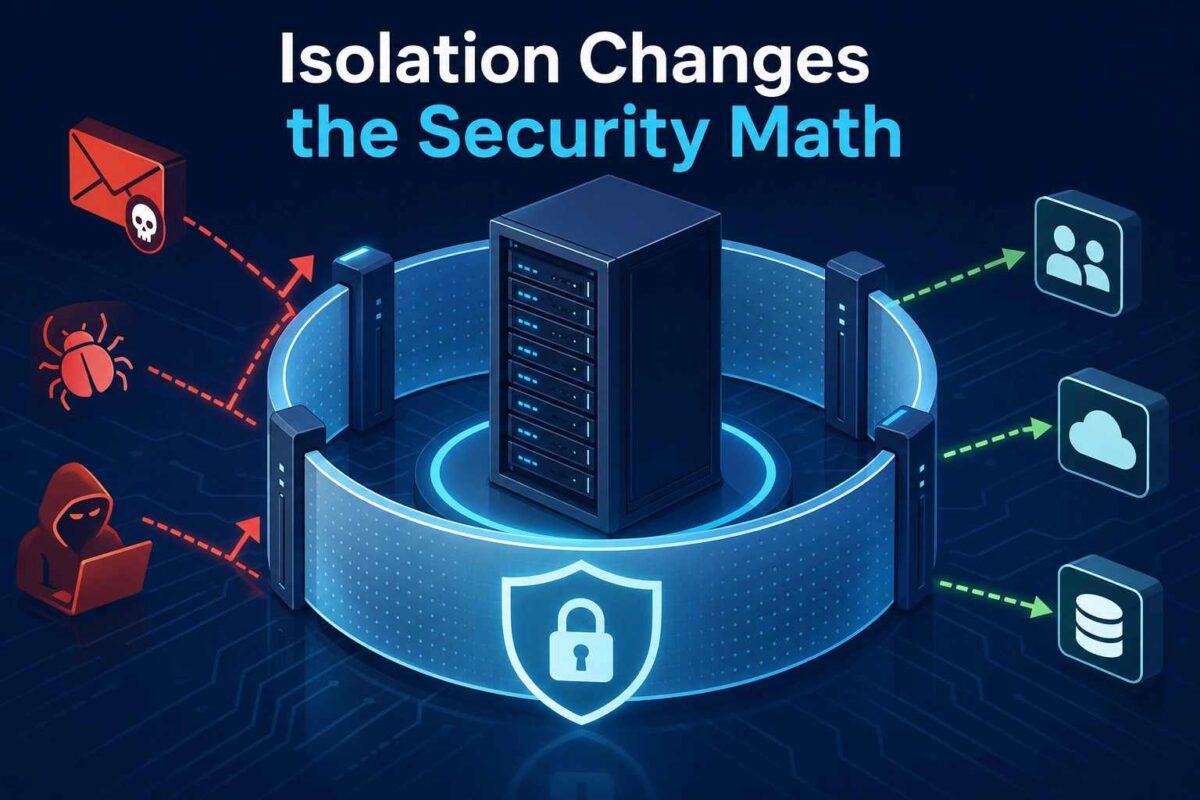
Speed gets all the attention in hosting comparisons, but the security difference between shared and dedicated is arguably the bigger deal, and it gets discussed far less.
On a shared machine, you inherit your neighbors’ hygiene. A compromised account elsewhere on the box becomes your problem the moment an attacker finds a privilege escalation path. That risk is not theoretical for smaller operators either. The Cybersecurity and Infrastructure Security Agency (CISA) has pointed out that small businesses are targeted roughly three times more often than large ones, with cybercrime costing them $2.4 billion in 2021. Attackers are not skipping you because you are small. They are choosing you because you are small.
Root access changes what you are able to do about it. You decide which ports are open, which services run at boot, how SSH authenticates and what the firewall policy actually says. If you want a starting point rather than a blank config file, the CIS Benchmarks publish consensus hardening guides for most major operating systems and server applications, free to download for non-commercial use, with audit steps alongside each recommendation.
This is the underlying reason why dedicated server hosting solves performance & security issues that shared architectures can only paper over. You are not competing for resources, and you are not trusting strangers to keep their WordPress installs patched.
Cheapest Performance Upgrade Is Configuration
Here is the part that embarrasses a lot of expensive setups. Most servers are slow because nobody configured them, not because they are underpowered.
The canonical example lives in MySQL. The InnoDB buffer pool defaults to 128MB regardless of whether the machine has 8GB of RAM or 256GB. On a dedicated box with memory to spare, raising that one value so the working set lives in RAM instead of being fetched from disk will do more for your query times than a processor upgrade ever will.
Two more that pay for themselves quickly:
- Serve static content with something built for it. Swapping a heavy application server for Nginx, or putting it in front as a reverse proxy, drops memory usage per connection substantially and handles concurrency far more gracefully under load.
- Cache in memory, not on disk. Putting sessions, query results and rendered fragments into Redis turns repeated database work into a lookup measured in microseconds. On shared hosting you usually cannot run a persistent cache daemon at all. On your own machine it is a thirty-minute job.
None of that requires a bigger invoice. It requires access, which is precisely what you gained.
Match the Plan to Your Bottleneck, Not to the Marketing
Spec sheets are designed to make core counts look like the whole story. They are not. Work out which resource actually runs out first for your workload.
If your application holds large working sets in memory, caches aggressively or runs an in-memory database, RAM is your ceiling, and everything else is secondary. If you serve large media files or handle heavy download traffic, port speed and transfer allowance matter more than the CPU. If you run game servers, per-core clock speed and network path quality beat raw core count, because tick rate depends on single-thread performance and player experience depends on latency. If you are running a busy transactional store, storage IOPS and database tuning decide the outcome.
Benchmark before you buy where you can. Load-test after you migrate, always.
When an Affordable Dedicated Server Is the Wrong Answer
Worth saying plainly, because a recommendation with no limits is just a sales pitch.
A single machine is a single point of failure. If an hour of downtime costs you more than a redundant setup costs per month, you need more than one box regardless of price tier. If your traffic is genuinely spiky in an unpredictable way, elastic infrastructure that scales in minutes may serve you better than fixed capacity. And if nobody on your team is going to apply security updates, an unmanaged server will become a liability faster than shared hosting ever was. Buy management in that case. It is cheaper than a breach.
Whatever you choose, keep off-server backups and test restoring them. Cheap hardware does not excuse you from that, and neither does expensive hardware.
Final Thoughts
Enterprise performance was never a price tier. It came from three things: not sharing your resources with strangers, running hardware built in the last few years, and configuring the software instead of leaving it on defaults. All three are available at the bottom of the dedicated market now, which is a genuinely recent development and one that most hosting advice still has not caught up with.
Work out what your application actually runs out of first, buy for that, and spend an afternoon tuning it. If you want to see what current-generation hardware costs when you strip out the management and licensing you may not need, take a look at the customizable configurations available at DashRDP.