
Blog
How Fast Can AI 3D Generators Prototype Game Assets?

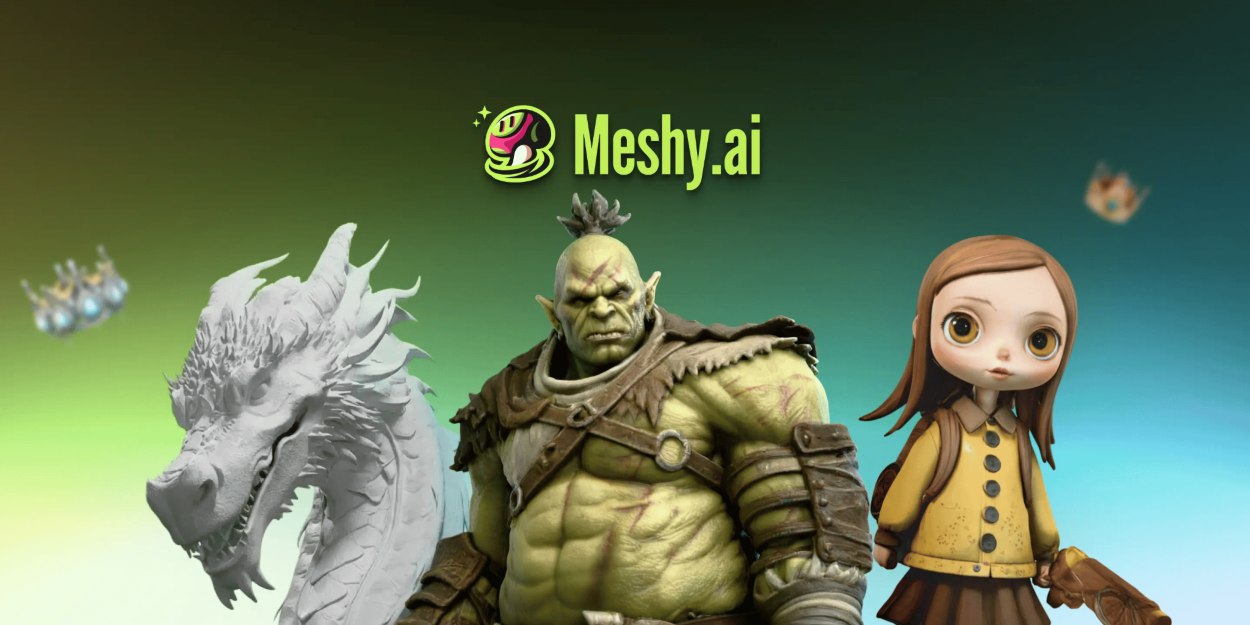
AI 3D model generators like Meshy AI turn a text prompt or photo into a textured, riggable game asset in under two minutes. Traditional modeling takes 20 to 40 hours per character. For game asset prototyping, that speed means a solo developer can populate a test level in a weekend instead of waiting weeks for a contractor the catch: roughly 1 in 10 generations come back usable without manual cleanup.
Why Does Prototyping Take So Long Without AI?
A single game-ready character isn’t just modeling. It’s concepting, retopology, UV unwrapping, texture painting across multiple maps, then rigging before anything moves.
That full pipeline runs 20 to 40 hours of skilled artist time per character. Outsource it, and you’re paying $100 to $300 per asset.
A typical indie game needs 100 to 300 assets. Do the math, and you’re looking at $20,000 to $60,000 before you even know if the game is fun.
That’s the real problem AI solves. Not better art, just faster validation.
How Does Text-to-3D and Image-to-3D Generation Work?
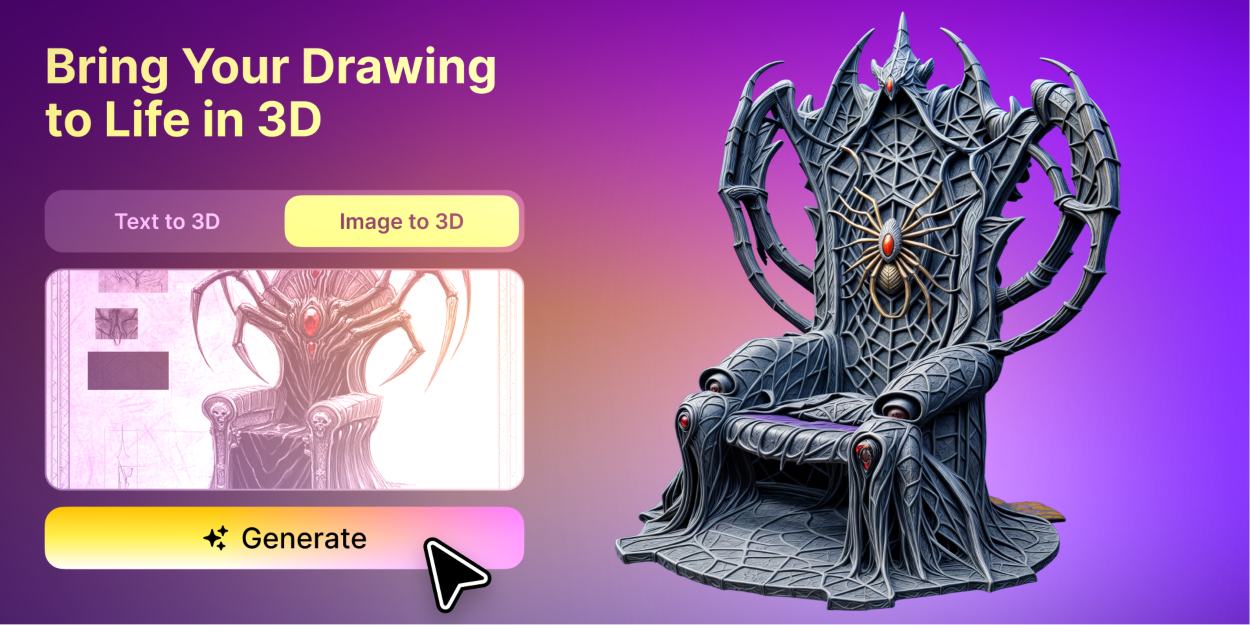
Most platforms run on diffusion models, the same general tech behind AI image generation, retrained to output geometry and PBR textures instead of pixels.
Meshy-6, released January 18, 2026, generates dense meshes, with Meshy’s own materials citing fidelity near 600,000 faces. It exports down to 1,000 faces for mobile budgets. Hyper3D Rodin’s Gen-2.5 model, from Deemos, launched in November 2025 and produces a textured model in about 5 seconds, supporting tens of millions of polygons.
Does Image-to-3D Need Multiple Reference Photos?
For accuracy, yes. A single photo forces the model to guess at sides it can’t see, which is where most proportion errors come from.
Turn on multi-view (front, side, and back shots), and you fix most of that guessing in one step. Meshy’s own documentation flags this as the single biggest accuracy lever.
What Happens When You Generate a Game Prop?
One reviewer testing Meshy AI ran the prompt “steampunk mechanical bird perched on a rusted metal branch, low-poly style for game engine.” They picked a 10,000-polygon budget and got a usable result inside one trial session.
That’s the realistic workflow: log in, start a project, set your prompt, pick a polygon budget, and generate.
Common failure points show up fast:
The claws weren’t fully gripping the branch; they hovered just above the surface. This is the “floating accessories” problem: generated parts that look connected in the render but aren’t actually touching. You’ll see the same thing with swords not meeting hands or hats not sitting on heads.
The head was asymmetric in a way that wasn’t intentional, one eye noticeably larger than the other, and the beak slightly off center. Mechanical subjects make this more obvious because your brain expects symmetry from engineered objects.
The back of the bird had visible holes where the geometry wasn’t fully closed. The mesh just stopped generating in a patch behind the wings. This is a manifold issue that will break your slicer if you’re printing or cause lighting artifacts in a game engine.
Fix prompt specificity first. It solves more problems than re-rolling the generation.
Which AI 3D Tool Actually Wins for Game Dev?
No single tool wins everything. Here’s how the four main ones stack up on what actually matters for prototyping.
| Tool | Speed | Rigging | Best For | Entry Price |
| Meshy AI (Meshy-6) | Under 2 min, full model | Auto-rig + 500+ presets | Full pipeline, prototyping to print | Free; $20/mo. Pro |
| Tripo3D (v3.1) | ~10 sec base mesh | Basic, built-in | Fast iteration, tight budgets | Free; ~$24/mo |
| Hyper3D Rodin (Gen-2.5) | ~5 sec | Non-native; ChatAvatar handles faces | Photoreal hero props | $0.50 to $1.50/model |
| TRELLIS 2 (Microsoft) | ~15 to 30 sec | None | Free, self-hosted photoreal | Free, open source |
A blind benchmark from Popular AI Tools tested this directly. Senior 3D artists at NetEase and Tencent cast 1,331 votes and preferred Meshy-6 over Tripo v3.1 in 63.8% of cases. One benchmark isn’t proof, but it’s a real data point.
What Breaks When You Push These Tools Too Far?
Why Do Faces and Hands Still Look Wrong?
Every model in this category trains heavily on organic shapes, but faces and hands score lowest across the board. SimInsights ran roughly 40 trials across Rodin, Meshy, and Tripo in 2026. Only about 1 in 10 generations came back client-ready with zero rework.
Multi-object prompts cause a different failure. Ask for “a wagon with crates and a barrel,” and you’ll often get one fused mesh instead of separate, selectable parts.
Dimensional accuracy isn’t guaranteed either. If a prop needs an exact measurement, plan to rescale it manually afterward.
How Much Does One Game-Ready Asset Cost?
Meshy’s Pro plan runs $20 a month for 1,000 credits. Text-to-3D generation costs 20 credits a pop, so that’s roughly 50 textured models, or about $0.40 each before retries.
Rodin flips the model. Generation is free, and you only pay when you download something worth keeping.
Quick cost cheat sheet:
- Meshy Pro: about $0.40 per textured model
- Rodin: $0.50 to $1.50 per download; generation itself is free
- Tripo3D: comparable to Meshy at roughly $24/mo
Credits don’t roll over on Meshy. Burn them on sloppy prompts, and you’re paying for retries, not assets.
Which Tool Should You Pick?
- Testing an idea solo: Start free on Meshy or Tripo—no card required.
- Building toward a vertical slice: Pay for the Pro tier on either ($20 to $24/mo) and iterate fast.
- Need photoreal hero props: Budget for Rodin’s pay-per-download model instead.
- Have spare GPU capacity: Skip subscriptions and self-host TRELLIS 2.
Key Takeaways
- Speed solves validation, not art direction. Budget cleanup time for any hero asset.
- Multi-view image to 3D fixes more proportion problems than any prompt tweak ever will.
- Credits punish bad prompts harder than bad luck. Write specific prompts before you regenerate.
Conclusion
AI 3D model generators won’t replace a 3D artist on your hero character, and they shouldn’t try to. What they replace is the three-week wait to find out if your prototype is worth building at all. Start on a free tier, generate against your actual level design, and count how many assets survive contact with your engine without rework. That number tells you more than any comparison article.
FAQs
| Question | Answer |
|---|---|
| Can I sell a game built with Meshy AI’s free-tier models? | Yes, but free-tier models use a CC BY 4.0 license, which requires attribution. Paid Meshy plans provide a private license without the need for Meshy credit. Always check your plan terms before publishing. |
| Do I need 3D modeling experience to use Tripo3D or Meshy AI? | No. Both tools allow users to create 3D assets from text prompts or images without prior modeling experience. Basic knowledge of game engines like Unity or Unreal is still helpful for using the outputs. |
| How long does populating a prototype level actually take? | Background props and environment assets can often be created within a weekend by generating batches of variations. Hero characters usually require more time for cleanup and rigging. |
| Is Hyper3D Rodin better than Meshy AI for game assets? | It depends on the project. Rodin is strong for realistic textures and detailed props, while Meshy offers a broader workflow with features like auto-rigging and animation support. |
| What’s the biggest mistake people make with image-to-3D? | Using a single low-resolution image and skipping multi-view generation often causes distorted results. Using multiple angles can improve proportions and asset quality. |