
Blog
A .NET Development Company Should Reduce Business Risk, Not Just Write Code.

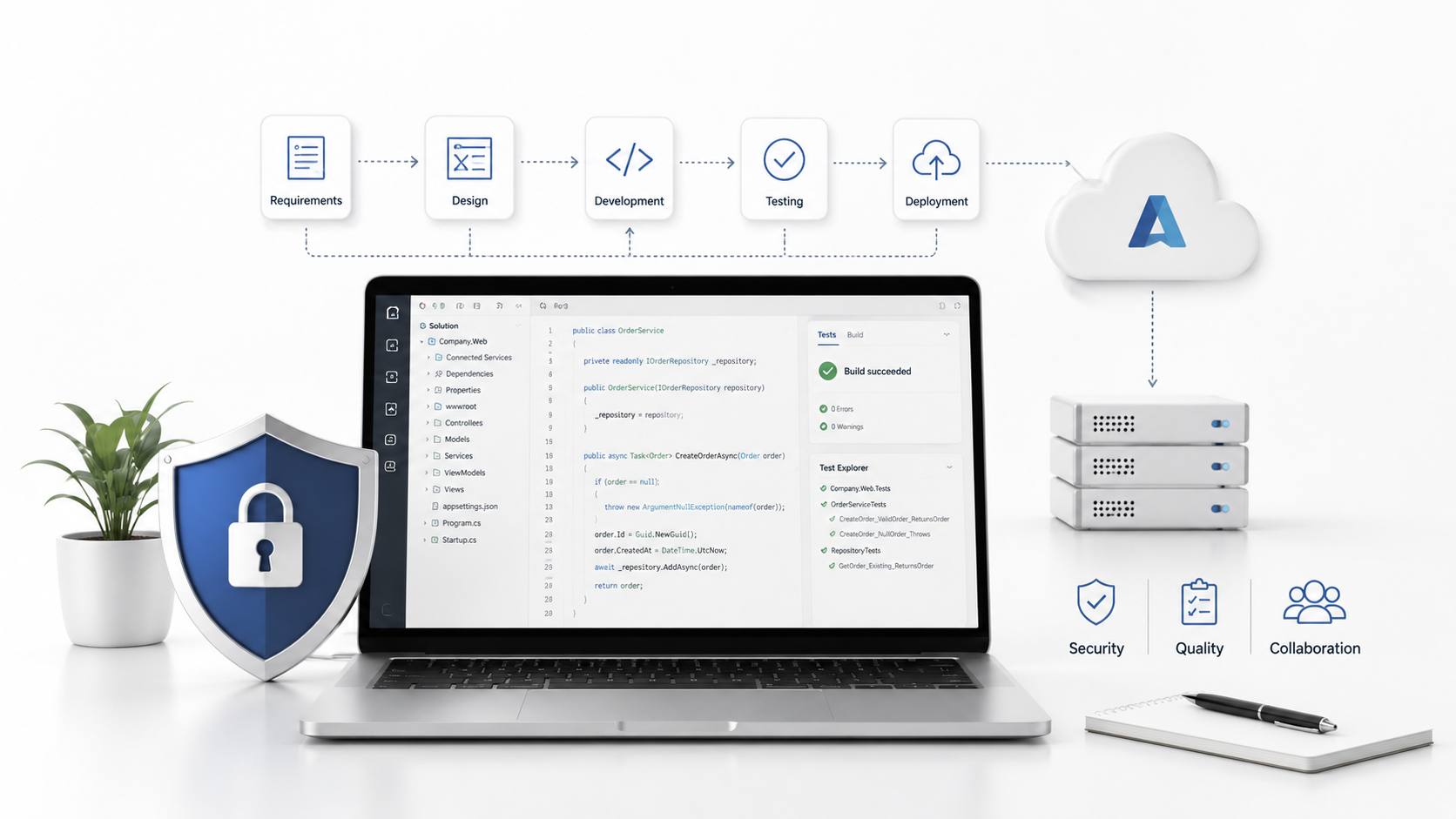
Choosing a .NET development company is often treated as a technical hiring decision. That is too narrow. For most businesses, the bigger question is not whether a team can build an application in .NET. The real question is whether that team can protect the business from slow delivery, weak architecture, security gaps, integration failure, and software that becomes expensive to maintain after launch.
A strong .NET partner does more than assign developers to tasks. It helps a company make better product decisions, choose the right architecture, avoid unnecessary complexity, and create software that can survive real business pressure. That matters because many software projects do not fail in one dramatic moment. They fail slowly through unclear requirements, poor data flow, rushed releases, and systems that cannot adapt when the business changes.
The value of a professional .NET development company is strongest when it connects technical decisions with commercial outcomes. Better code matters, but better judgment matters more.
Strongest Projects Begin Before Development Starts
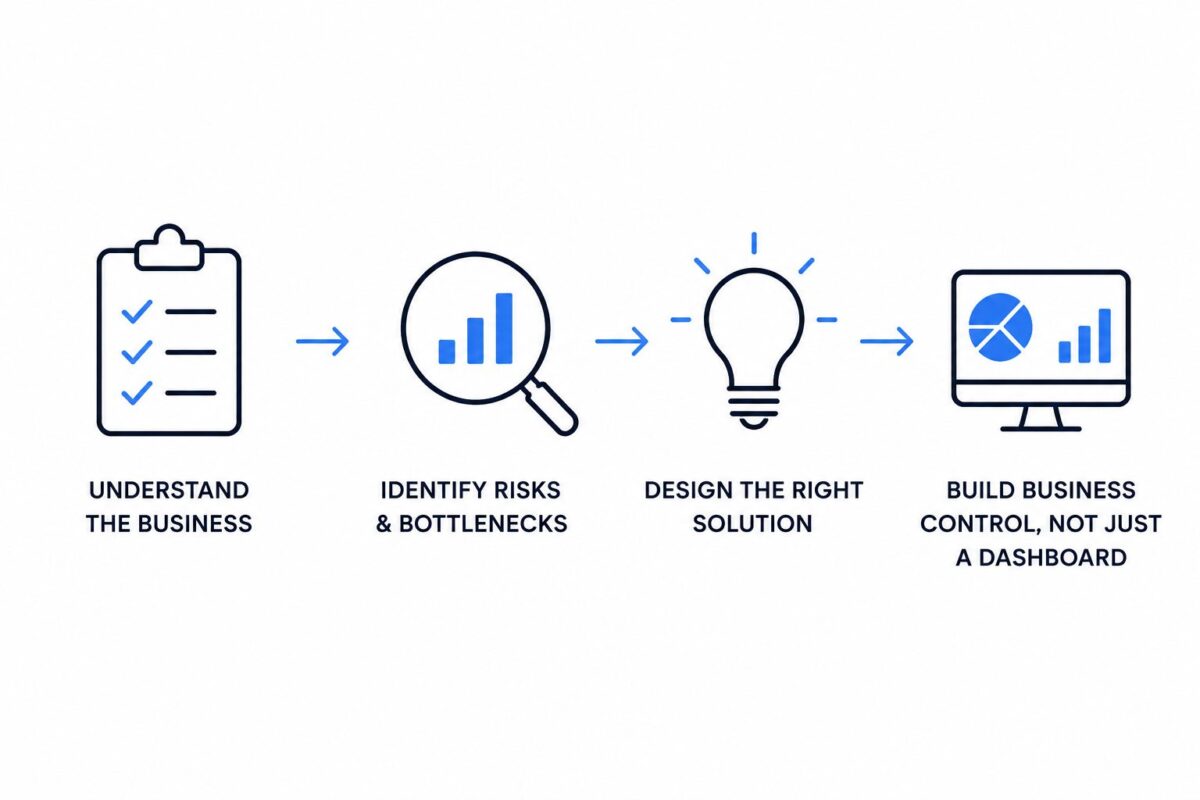
Many companies approach software development with a feature list. They know what screens they want, what users should click, and what reports they expect. That is useful, but it is not enough. A serious .NET team should first ask what business risk the software is meant to reduce.
For example, a logistics company may ask for a custom dispatch dashboard. A surface-level team may start designing screens. A better team will ask why dispatch is slow, where data is currently delayed, which approvals create bottlenecks, and what happens when one warehouse goes offline. Those answers change the project from a simple dashboard into a business control system.
A Risk Mapping Sprint Creates Better Requirements
One practical approach is a short risk mapping sprint before full development begins. In this process, the team identifies operational risks, user mistakes, security concerns, reporting gaps, and integration dependencies. The output is not just a feature backlog. It is a clearer view of what the application must prevent.
This can reveal issues that a standard brief misses. A finance approval tool, for instance, may need audit logs more urgently than advanced design features. A healthcare admin platform may need role-based access before performance optimization. A customer portal may need reliable identity management before adding extra self-service options.
When this thinking happens early, the .NET framework becomes a tool for solving the right problem, not just a platform for building whatever was written in the first document.
Architecture Decides Whether Growth Feels Controlled Or Chaotic
.NET is often chosen because it supports secure, scalable, high-performance applications. That promise only becomes real when architecture is handled with discipline. Poor architecture can turn a strong framework into a slow and fragile system.
A common mistake is building everything as one large application because it feels faster at the start. This may work for a small internal tool. It becomes a problem when the business adds new departments, new customer types, new markets, or new compliance requirements. Every change starts affecting unrelated parts of the system.
Right Structure Depends On Change Patterns
A seasoned .NET development company should not automatically recommend microservices, cloud native design, or a large enterprise setup. The better question is how often each part of the system will change.
If billing rules change every month but customer profile data rarely changes, those areas may need different design treatment. If reporting is heavy but transaction processing must stay fast, the system may need separate data handling paths. If mobile users depend on real-time status updates, API design becomes a core business concern, not a technical detail at the end.
Good architecture is not about choosing the most impressive pattern. It is about separating parts of the application based on business behavior. That makes future change cheaper and safer.
Integration Is Where Many Projects Become Expensive
Most business software does not live alone. It has to connect with accounting tools, customer relationship systems, payment platforms, inventory software, Microsoft 365, Azure services, SQL Server, and sometimes old internal databases that nobody wants to touch but everyone still depends on.
This is where an experienced ASP.NET development company can make a major difference. The challenge is not only writing the connection. The challenge is understanding data ownership, timing, error handling, permission rules, and what should happen when another system fails.
A Failed Integration Can Damage Trust Quickly
Consider a manufacturing business that builds a customer order portal. The portal looks modern, the user experience is clean, and the first demo goes well. After launch, customers notice that the order status is sometimes wrong because the portal receives delayed updates from the warehouse system. Support calls increase, customers stop trusting the portal, and staff begin checking orders manually again.
The failure was not the interface. The failure was in the integration design. A stronger .NET partner would define sync rules, fallback messages, error queues, and ownership of each data field before launch. It would also test real failure scenarios, not just happy path submissions.
Integration work should be treated as business reliability work. When systems disagree, the customer rarely blames the database. They blame the company.
Security Must Be Built Into Ordinary Workflows
Security is often discussed as if it were a final checklist. In real software delivery, security needs to sit inside daily development decisions. .NET gives teams strong security capabilities, but tools do not protect a system unless they are applied consistently.
A reliable Software Development Company should design security around user roles, data sensitivity, authentication rules, audit requirements, and deployment practices. The point is not to make the system difficult to use. The point is to make unsafe actions harder to perform by accident.
Permission Design Should Reflect Real Job Roles
One practical example is role-based access. Many systems begin with simple roles such as admin and user. That may work in a small team, but it becomes risky as the company grows.
A sales manager may need customer history but not payroll data. A support agent may need to view an order but not refund it. A regional manager may need performance reports for one territory but not the whole company. These rules should be designed before users are added at scale.
Good .NET teams document permission logic clearly and test it like core functionality. This prevents a common problem where access control becomes a patchwork of quick fixes after launch.
Cloud Adoption Should Improve Operations, Not Just Hosting
Many businesses move .NET applications to the cloud because they expect better scalability and lower maintenance pressure. Cloud benefits are real, especially with Azure, but cloud adoption can also create waste if the application is lifted into a new environment without operational planning.
The question is not simply where the application runs. The better question is how the cloud setup improves deployment, monitoring, recovery, cost control, and future expansion.
Monitoring Should Be Part Of The Product Plan
A business-critical application needs more than uptime. It needs visibility. Teams should know when response times slow down, when failed transactions increase, when API calls are delayed, and when user behavior changes after a release.
For example, an online booking platform may appear healthy because the server is running. But if confirmation emails are delayed or payment callbacks are failing, the business is already losing trust. A mature .NET development company will plan monitoring around business events, not only server metrics.
This is where cloud-driven development becomes practical. Alerts, logs, performance traces, and release pipelines help the business act before users complain.
AI Features Need A Business Case, Not Hype
AI is now appearing in many software discussions, but not every product needs an AI feature. A strong custom .NET development company should help decide where AI creates measurable value and where it adds cost without improving outcomes.
Useful AI in .NET applications often appears in focused areas. A support platform can suggest likely responses based on past tickets. A reporting tool can flag unusual sales patterns. A maintenance system can predict equipment issues based on historical records. A customer portal can use a chatbot for simple requests while sending complex cases to staff.
Best AI Use Cases Reduce Repetitive Judgment
The strongest AI features usually reduce repetitive judgment, not human responsibility. For example, a claims processing system might use AI to group documents, detect missing fields, and highlight unusual patterns. A human still makes the final decision, but the software removes repetitive review work.
This kind of use case is easier to justify than adding a chatbot just because competitors have one. It has a clear before and after. Before, staff spent hours sorting documents manually. After, they review organized cases with risk signals already highlighted.
That is the difference between practical innovation and decorative technology.
Long Term Support Is Part Of The Original Build
Some companies treat maintenance as a separate stage after launch. In reality, maintainability is designed from the first sprint. Naming conventions, test coverage, documentation, deployment rules, logging, and architecture decisions all affect how expensive the software becomes later.
A .NET application may work well on launch day, but become painful after six months if every small change requires risky edits. This is common when speed is valued without structure. It can also happen when no one documents why certain decisions were made.
A Clean Handover Protects The Business
A professional .NET partner should create a clear handover package. This may include architecture notes, environment details, deployment steps, database structure, API behavior, security rules, known limitations, and support priorities.
This protects the company even if team members change. It also helps internal staff understand the system without reverse engineering it from code. Good documentation is not paperwork for its own sake. It is insurance against future confusion.
Right Partner Changes The Quality Of Decisions
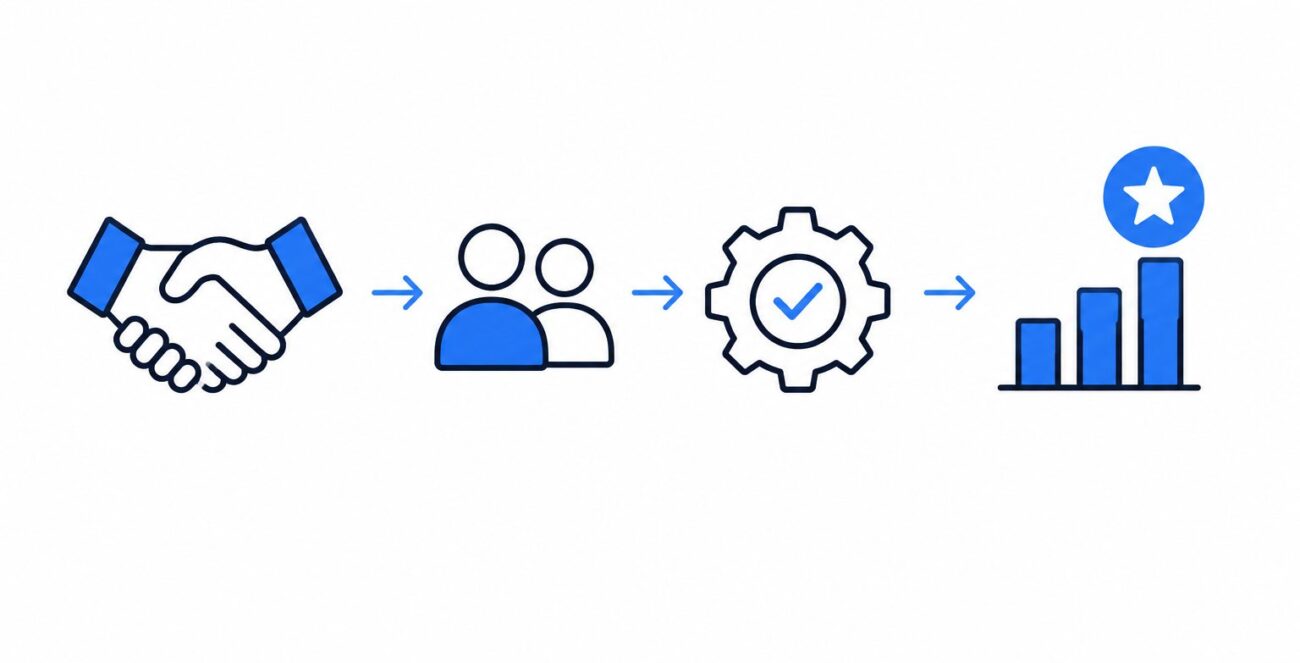
A .NET development company should not be judged only by hourly rate, portfolio design, or the number of developers available. The real test is how the team thinks when tradeoffs appear.
Should the business build a feature now or delay it until the core workflow is stable? Should an old system be replaced or integrated carefully for another year? Should the first version focus on internal efficiency or customer self-service? Should performance work happen before launch or after real usage data is available?
These are not only technical questions. They affect cost, speed, risk, and customer trust.
The right .NET partner helps a business answer these questions with evidence and practical judgment. It brings structure to uncertainty. It prevents avoidable mistakes. It builds software that works today without blocking tomorrow.
For companies investing in digital transformation, that is the real reason to choose carefully. The best outcome is not just a finished application. It is a dependable software foundation that supports growth, adapts to change, and gives the business more control over its future.