
Blog
How a Free Trial Spared My Wallet from a $120 Roaming Nightmare

Roaming charges can ruin the mood of a short business trip very quickly. You land, switch on your phone, check your messages, let a few apps sync in the background, and suddenly your carrier has charged you more than the cost of local transport, meals, or even part of the flight.
That was the exact worry I had before travelling to Turkey. I did not want to waste time hunting for a physical SIM at the airport, but I also did not want to trust a travel eSIM without knowing whether it would actually work on my phone.
So I started with a free trial from iroamly esim. It looked like a small offer at first, just 500 MB for one day, but it ended up saving me from a roaming mistake that could easily have crossed $120.
Official Setup Route That Took Under Four Minutes
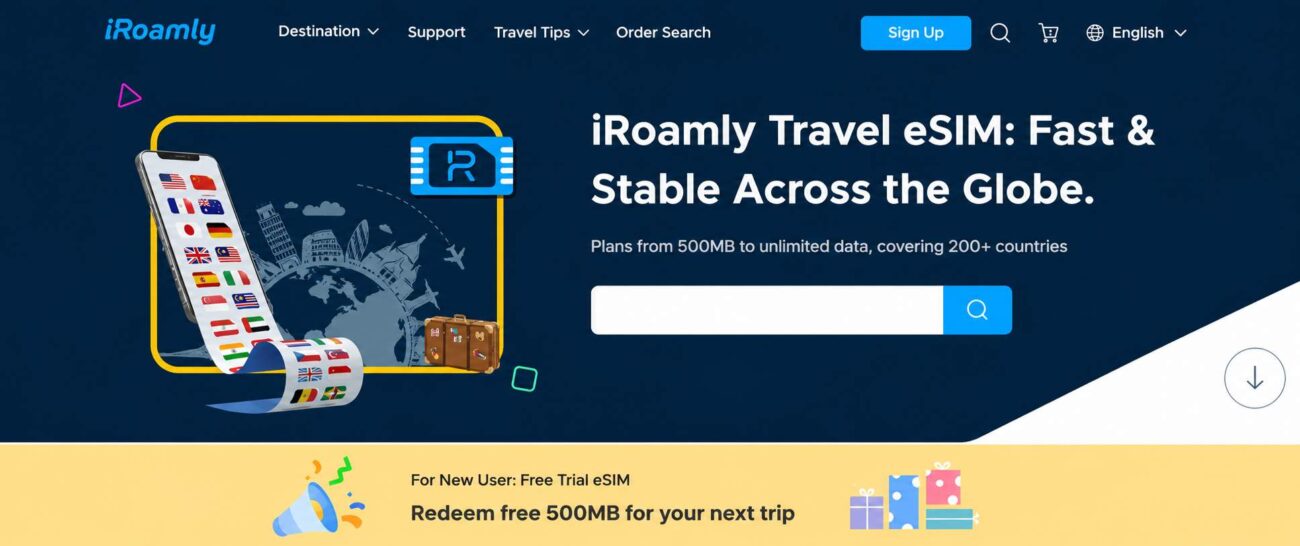
The setup process was simpler than I expected. There was no long account form, no passport upload, and no request for card details before starting the trial. That mattered because many “free” trials only feel free until they ask for a payment method.
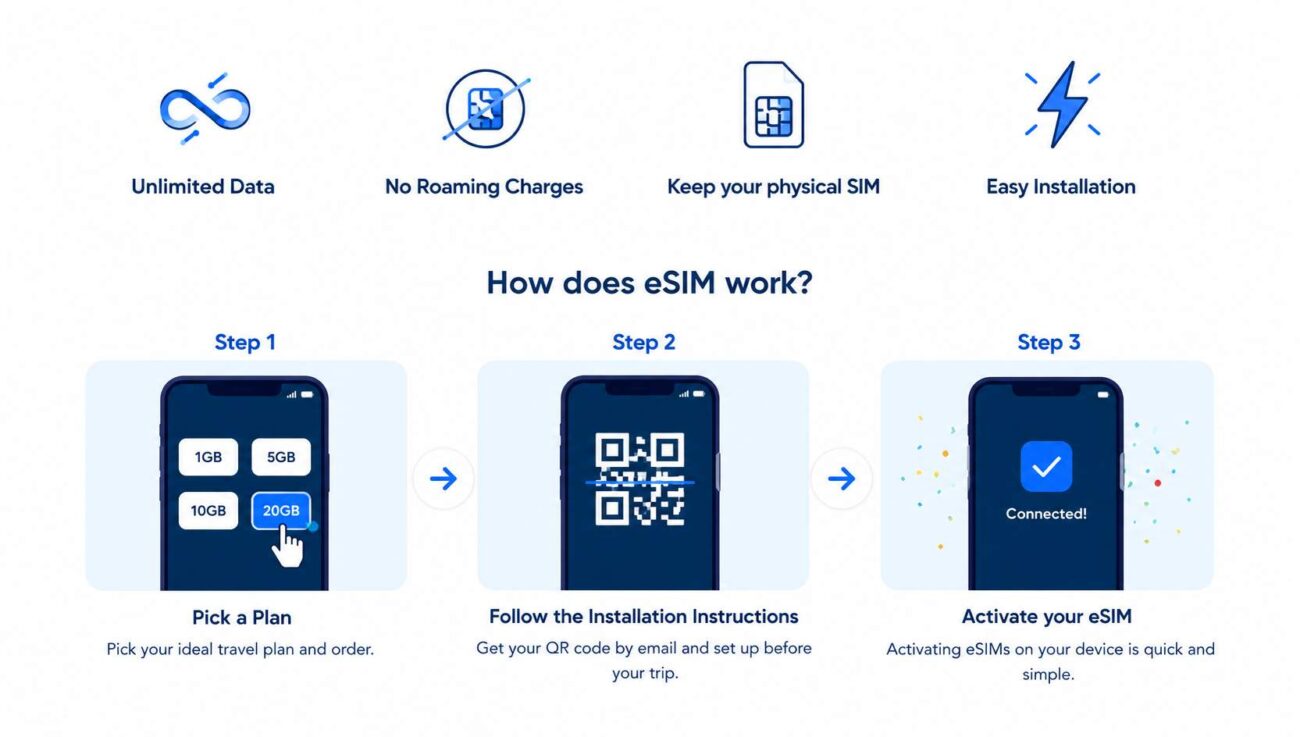
Step 1: Select a Plan or Claim the Free Trial
The trial section showed eligible destinations clearly. I chose Turkey, confirmed the option, and received both a QR code and a manual installation code almost instantly.
The best part was that no credit card was required. That removed the usual concern of forgetting to cancel something later or being charged for a plan I only wanted to test.
Step 2: Install the Profile While Still on Home Wi-Fi
I installed the eSIM before travelling, while I still had stable Wi-Fi at home. That is the right time to do it, not when you are tired at the airport and trying to fix settings with weak public Wi-Fi.
The installation took about a minute. My phone added it as a second cellular line, and I left it inactive until arrival.
One reminder on the setup screen stood out: keep data roaming turned off on your main SIM. That is not a small detail. If your home SIM starts roaming in the background, your carrier can still charge you, even if you meant to use the travel eSIM.
Step 3: Activate on Arrival and Let the Timer Begin
After landing at Istanbul Airport, I turned on data roaming only for the travel eSIM line. It connected to a local network, and the one-day trial started from that point.
That detail is important. The timer did not begin when I installed the eSIM at home. It started when the eSIM first connected in Turkey. For travellers who like to prepare early, that makes the trip much less stressful.
Where the Free Trial Proved Its Worth
Navigating the Spice Bazaar Without Burning Through Roaming Data
I used the trial properly, not just for a quick speed check. Inside the Egyptian Bazaar, I used maps, live camera translation for spice labels, messaging, and a few Instagram story uploads.
The connection stayed steady enough for normal travel use. I did not feel like I was testing something fragile. It worked in the background while I moved through busy streets and indoor market areas.
The 500 MB lasted around five hours with mixed use. That included translation, directions, browsing, and light social media. It would not last long with heavy video streaming or app updates, but that is not really the point of a free trial.
The real value is simple: it lets you check whether your phone, destination, and network connection all work before you spend money on a bigger plan.
Switching to a Country Plan for the Rest of the Trip
Why a Turkey-Specific Plan Made the Choice Easier
Once the trial ran out, I bought a dedicated country plan for the rest of the trip. I did not want to compare regional bundles or guess whether a wider plan was worth it. Since I was staying in one country, the Turkey eSIM page made more sense.
The paid plan is activated the same way as the trial. The remaining validity and data allowance were easy to check from the phone settings, so I was not guessing how much time or data I had left.
In Cappadocia, the connection stayed reliable for normal use. Messages, maps, ride apps, and uploads worked without much trouble. When I was in deeper valleys, the signal sometimes dropped to 3G, which is expected in areas with weaker coverage. Messaging still worked, which was the most important thing.
How the eSIM Compares With the Usual Travel Options
| Factor | Travel eSIM | Physical SIM from a Kiosk | Home Carrier Roaming |
|---|---|---|---|
| Cost control | You choose the plan before using it | Base cost can be unclear with top-ups | Daily fees can build up quietly |
| Setup time | Install before travel, activate after landing | Queue, show passport, wait for setup | Works automatically, but often expensive |
| Risk before paying | Free trial available with no card | Usually no trial | No trial, bill comes later |
| SIM handling | No physical SIM swap | Must remove and store your home SIM | No SIM swap needed |
| Hotspot use | Available on supported plans | May depend on local carrier rules | Depends on your home plan |
The biggest difference is control. With roaming, the bill often appears after the damage is done. With a travel eSIM, you choose what to pay for before using it.
That alone makes it easier to travel without worrying that one wrong setting has created a costly bill.
Honest Gaps First-Time Users Should Know
No travel internet option is perfect. The eSIM worked well for me, but there are a few things worth knowing before relying on it.
Hotspot Use Can Drain Battery Fast
Sharing the connection with a tablet worked, but it used more battery than normal phone browsing. When I used Hotspot for about an hour during some light video work, my phone dropped faster than expected.
If you plan to use a hotspot often, bring a power bank. It is not optional for a long travel day.
Dual-SIM Settings Are Still Your Responsibility
The eSIM will not automatically protect you from your home carrier. You still need to turn off data roaming on your primary SIM.
This is where many travellers make mistakes. They install a travel eSIM, but leave the main SIM roaming in the background. If that happens, the carrier charge is still possible.
Before flying, check your SIM settings carefully. After landing, check them again.
Support Is Message-Based
The help options are based on email, FAQ, and in-app support. That is fine for most basic issues, but it is not the same as calling someone instantly.
When I had a small signal question on a Sunday evening, I solved it through the FAQ rather than waiting for a reply. Travellers who are comfortable checking settings will be fine. People who prefer phone support may find this slower.
Unlimited Plans May Still Have Limits
As with many travel data products, unlimited does not always mean full-speed unlimited forever. Heavy users should read the plan details carefully.
For normal maps, messaging, browsing, and uploads, I would be comfortable with either a trial or fixed data bundle. For long HD streaming sessions, a total-volume plan may be easier to manage because the allowance is clear from the start.
Who Gets the Most Value From This Kind of Travel eSIM
This type of setup is best for travellers who want to avoid airport SIM counters, confusing local registration, and surprise roaming charges.
It is especially useful if you want your connection ready before you land. You can install the eSIM at home, keep it inactive during the flight, and turn it on when you arrive.
The free trial also removes the biggest fear: paying for something that may not work. You get a small amount of data to test the connection in real travel conditions before buying a larger plan.
Final Thoughts
The best thing I can say about the eSIM is that I stopped thinking about it after the first day. It did not need constant checking. It did not ask me to visit a kiosk. It did not surprise me with hidden roaming charges.
For a short business trip, that kind of quiet reliability matters. The free trial gave me enough confidence to avoid my carrier’s roaming rates, and the paid country plan handled the rest of the journey without turning mobile data into another travel problem.