
Best Ways to Showcase Your Interests at Your Desk (Complete, Practical Guide)

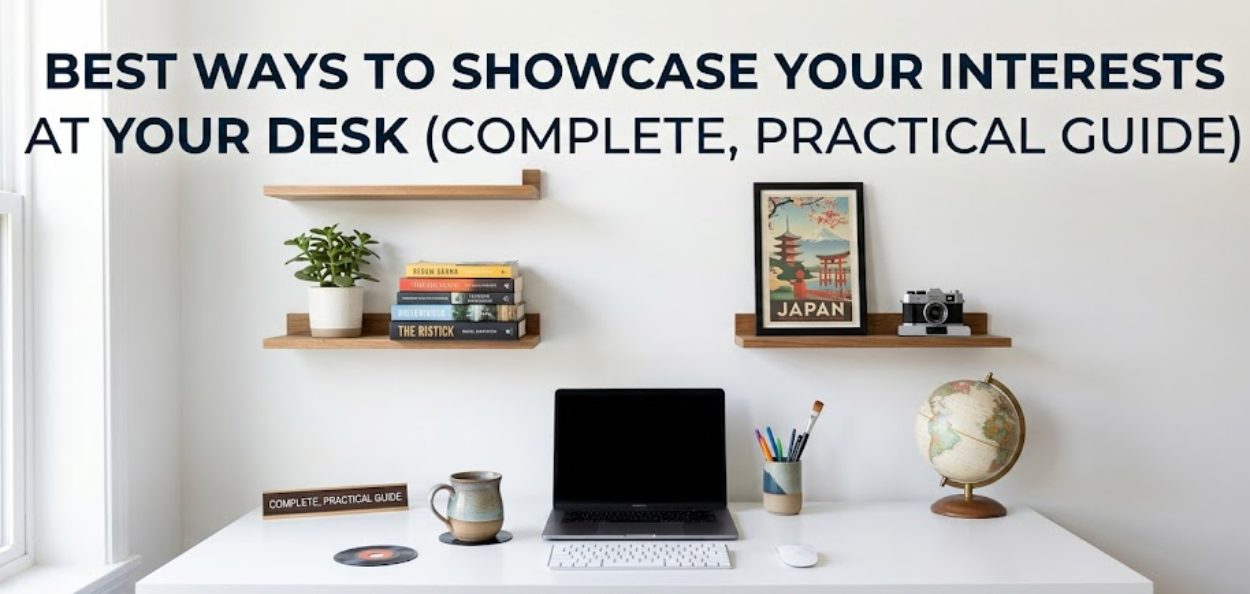
A personalized workspace is more than just decoration. It directly affects how you think, feel, and perform throughout the day. Studies suggest that up to 73% of remote workers feel more motivated when their workspace reflects their personality.
Most desks today are filled with plain, functional tech. But if you spend hours there every day, it becomes the perfect place to express who you are in a subtle, productive way.
This guide will show you exactly how to do that without creating clutter or distractions.
Why Personalizing Your Desk Actually Improves Productivity
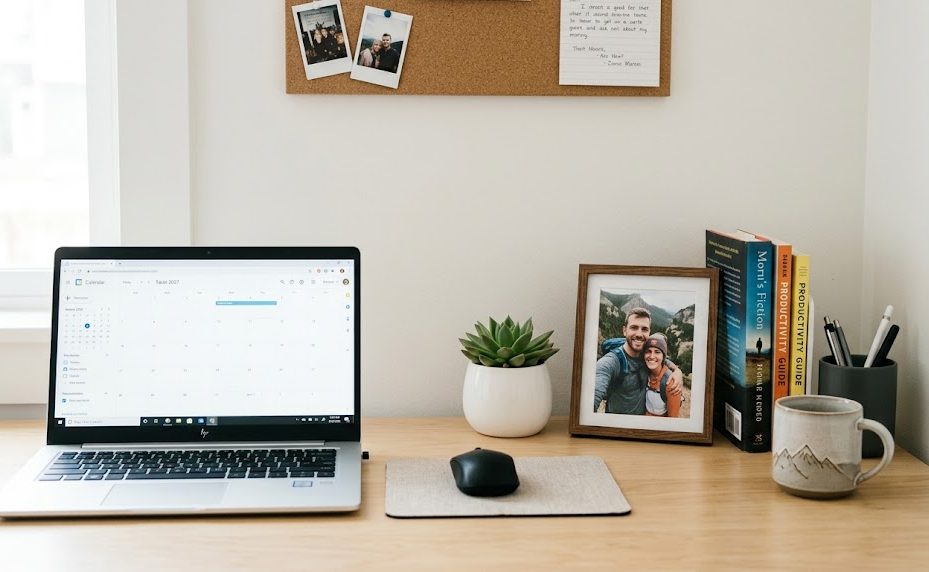
Personalization is not just about aesthetics. It’s rooted in environmental psychology, which explains how your surroundings influence your behavior and mindset.
When your workspace feels personal:
- You feel more in control of your environment
- Your stress levels naturally decrease
- You stay engaged for longer periods
- Your work feels less rigid and more enjoyable
Research has shown that employees with control over their workspace can be significantly more productive compared to those in rigid environments.
If you enjoy simple breakdowns of tools and setups, TechPount provides easy-to-follow guides that help you optimize your workspace step by step.
Golden Rule: Balance Personalization and Simplicity
The biggest mistake people make is either doing too little or too much.
When Your Desk Is Too Minimal
- It feels cold and uninspiring
- You disconnect from your environment
- Motivation drops over time
When Your Desk Is Overloaded
- Visual clutter reduces focus
- Important items get lost
- It looks unprofessional in meetings
Ideal Setup
Aim for 3 to 5 meaningful items on your desk. These should:
- Represent different parts of your personality
- Have emotional or functional value
- Not to interfere with your workflow
Think of your desk as a curated space, not a storage area.
Strategic Placement: Where and How to Display Your Interests
Placement matters as much as the items themselves.
Use Your Monitor Area Wisely
The space around your monitor is the most visible part of your desk.
Smart ideas include:
- Small collectibles placed neatly beside your screen
- A framed photo from a meaningful trip
- Minimal hobby items that don’t block your view
Examples:
- A musician displaying guitar picks in a small case
- A traveler is placing a tiny souvenir from a favorite destination
- A photographer using an old lens as a pen holder
Keep this area clean and intentional. Avoid overcrowding it.
Turn Your Screen Into a Personal Space
Your digital workspace is just as important as your physical one.
- Use wallpapers related to your goals or interests
- Choose calming or inspiring visuals
- Avoid overly bright or distracting images
A good wallpaper should motivate you without pulling your attention away from work.
Functional Personalization: Make Your Interests Useful
The best desk setups combine personality with practicality.
Multi-Functional Hobby Items
Instead of adding random decorations, choose items that serve a purpose.
Examples:
- Custom keyboard keycaps for gamers
- Character-themed bookends for readers
- Creative pen holders based on your hobbies
- Desk organizers that reflect your style
This approach keeps your desk both personal and efficient.
Simple Accessories That Make a Big Impact
One of the easiest ways to personalize your desk is through accessories you already use daily.
Anime mousepads are a great example because they:
- Add personality without taking extra space
- Stay fully functional
- Instantly change the look of your desk
They are especially useful for smaller desks where space is limited, but style still matters.
Use Color to Create a Clean and Cohesive Theme
Random colors create chaos. A simple color system creates harmony.
How to Build a Color Theme
- Choose 1 or 2 main colors based on your interests
- Use those colors across accessories and items
- Keep the base neutral (black, white, grey) for balance
Real Examples
- Comic fans can use colors inspired by their favorite heroes
- Music lovers can organize items around album cover themes
- Minimalists can stick to monochrome with one accent color
This makes your desk look intentional instead of cluttered.
Lighting: The Most Underrated Upgrade
Lighting can completely transform your workspace.
Why Lighting Matters
- It affects mood and focus
- It highlights your desk setup
- It reduces eye strain during long work sessions
Easy Lighting Improvements
- Add LED strips behind your monitor for a modern look
- Use a desk lamp with adjustable brightness
- Match lighting tones with your color theme
Soft, warm lighting works well for relaxed environments, while cooler lighting is better for focus and productivity.
Keep Your Workspace Professional
Personalization should never come at the cost of professionalism.
Think About First Impressions
Ask yourself:
- Would this setup look clean in a video call?
- Can I explain each item if a client asks about it?
Work From Home Considerations
- Keep your background neat and distraction-free
- Avoid overly personal or inappropriate visuals
- Use neutral tones behind you if possible
A well-balanced setup makes you look both creative and professional.
Rotate Your Items to Stay Inspired
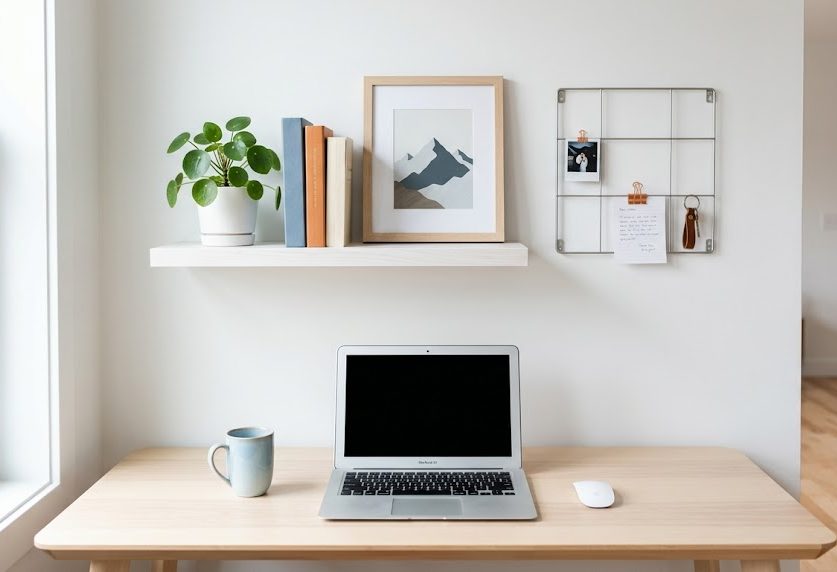
Even the best setups can become boring if nothing changes.
Why Rotation Works
- Keeps your environment fresh
- Prevents visual fatigue
- Reflects your evolving interests
Simple Rotation Plan
- Swap items every 30 to 60 days
- Rotate based on seasons or mood
- Keep extra items stored neatly
For example:
- Winter: cozy, calm themes
- Summer: bright, energetic items
This keeps your workspace dynamic without adding clutter.
Small Desk? No Problem
You don’t need a large desk to showcase your interests.
Space Saving Ideas
- Use vertical space like shelves or wall mounts
- Choose multi-purpose items
- Keep only essential items on the surface
Even a minimal setup can feel highly personal with the right choices.
Common Mistakes to Avoid
Avoid these to keep your workspace effective:
- Adding too many items at once
- Ignoring color coordination
- Using distracting visuals
- Keeping items that no longer inspire you
- Forgetting how your desk looks on camera
Your goal is clarity, not chaos.
Final Thoughts
Your desk should reflect who you are while helping you stay focused and productive. The best setups are not the most expensive or the most decorated; they are the most intentional.
Start small. Choose a few meaningful items. Build a simple color theme. Improve your lighting. Rotate your setup over time.
When done right, your workspace becomes a place that motivates you every single day.