
Taking Control of Your PC with iTop Easy Desktop

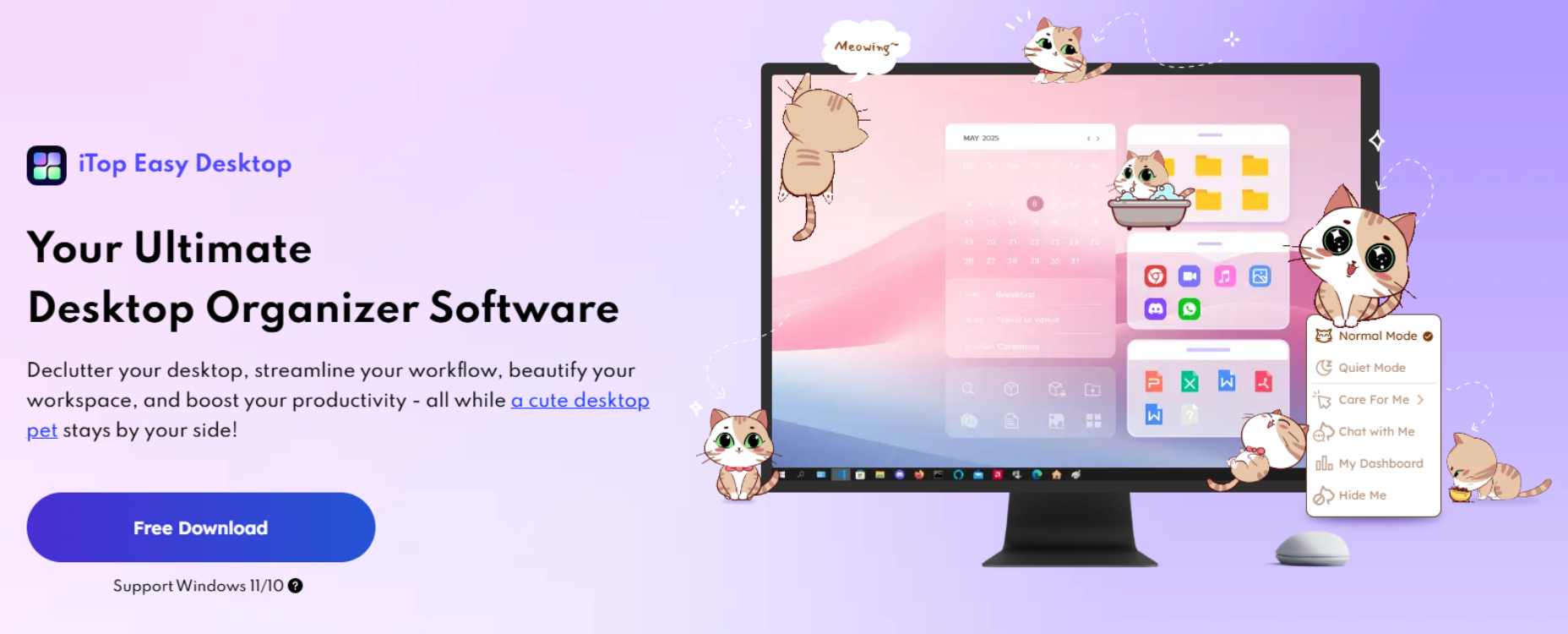
A cluttered desktop is more than just a visual distraction. It slows down your workflow, wastes your time, and reduces productivity. Scattered files, random screenshots, and dozens of shortcuts make it harder to focus and harder to find what you need.
If you are looking for a smarter way to organize your Windows workspace, iTop Easy Desktop offers a powerful and user-friendly solution. It is designed to automatically organize your desktop, improve efficiency, and give you full control over your digital environment.
This guide explains how iTop Easy Desktop works, its key features, and how it can help you build a cleaner, more productive PC experience.
Why Desktop Organization Is Important for Productivity
Your desktop is often the first thing you see when you start your computer. Over time, it becomes a temporary storage space for downloads, documents, images, and shortcuts. Without proper organization, it quickly turns into digital clutter.
A messy desktop can:
- Increase stress and visual distraction
- Slow down file searching
- Reduce workflow efficiency
- Make your system feel disorganized
A clean and structured desktop improves mental clarity. When everything is categorized properly, you spend less time searching and more time working.
iTop Easy Desktop simplifies this process by automating organization while still giving you full control over customization.
Automatic Desktop Organization in One Click
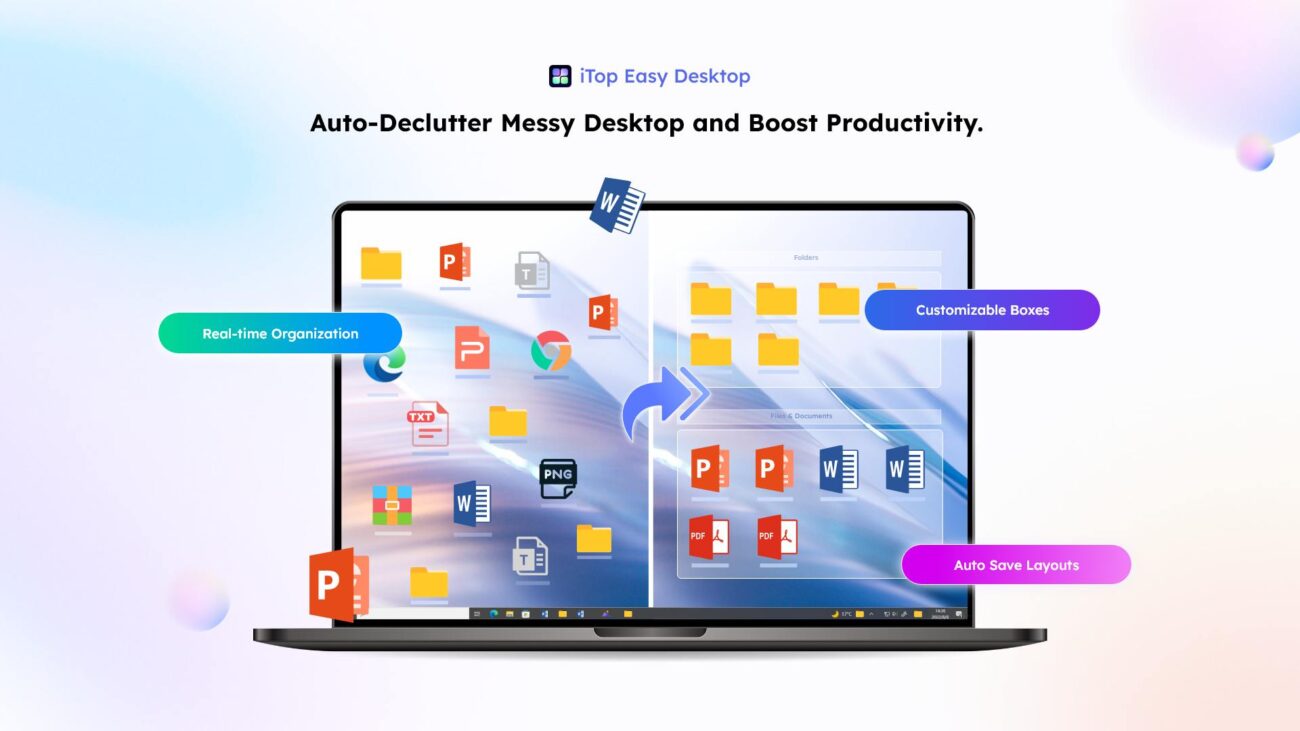
One of the strongest features of iTop Easy Desktop is its one-click automatic sorting system.
With a single click, the software intelligently groups desktop icons into clear categories such as:
- Documents
- Images
- Applications
- Folders
- Shortcuts
This eliminates the need to drag files manually into folders. Within seconds, your cluttered desktop becomes structured and easy to navigate.
Who Benefits Most from Automatic Organization
This feature is ideal for:
- Professionals handling multiple projects
- Students managing assignments and notes
- Remote workers sharing screens frequently
- Users with years of accumulated desktop files
Instead of spending hours cleaning up, you regain control instantly.
Custom Desktop Boxes for Personalized Workflow
Not everyone works the same way. That is why iTop Easy Desktop allows you to create fully customizable desktop boxes.
You can design categories that match your daily workflow, such as:
- Work Projects
- Urgent Tasks
- Client Files
- Personal Documents
- Study Materials
- Gaming Tools
Why Customization Matters
Personalized desktop organization helps you:
- Separate work and personal files
- Prioritize important tasks
- Reduce distractions
- Maintain long-term organization
Your desktop layout adapts to how you think and work, not the other way around.
Built-in Desktop Search for Faster File Access
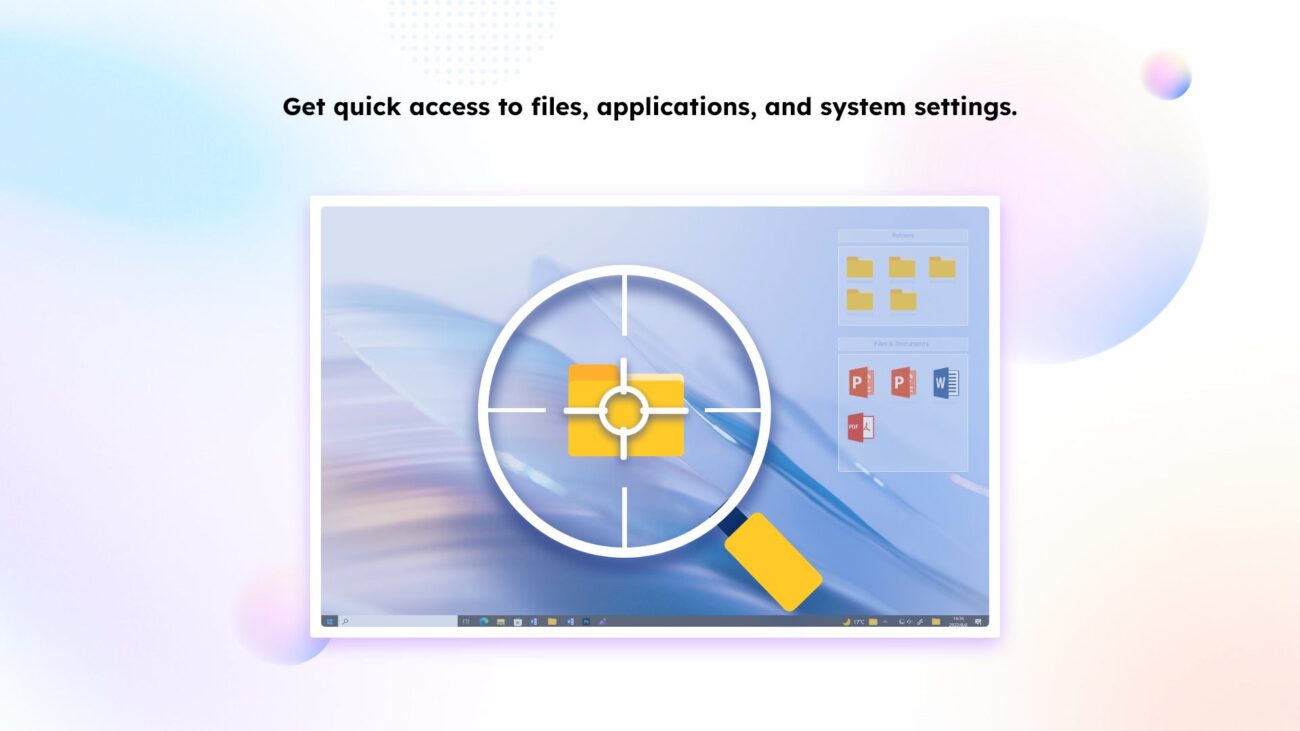
Searching manually through dozens of icons wastes valuable time. iTop Easy Desktop includes an integrated search bar directly on your desktop.
Type the file name and access it instantly without opening File Explorer.
Productivity Impact of Quick Search
This feature is especially useful if you:
- Handle large volumes of documents
- Frequently switch between projects
- Need quick access during meetings or presentations
Faster search means smoother workflow and fewer interruptions.
Built-In Productivity Tools That Save Time
iTop Easy Desktop is not just an organizer. It also includes tools designed to improve daily efficiency.
| Feature | Description | Key Benefits |
|---|---|---|
| iNotes and Schedule Management | Write reminders, notes, and to do lists directly on your desktop. The scheduling feature syncs with Google Calendar and Outlook to centralize deadlines. | Keeps tasks organized in one place, improves time management, reduces missed deadlines, and eliminates the need for separate reminder apps. |
| Screenshot Capture Tool | Instantly capture any area of your screen, including long scrolling pages, without using third party software. | Saves time, simplifies screen capturing, improves workflow efficiency, and reduces software clutter. |
| AI Powered Assistant | Built in AI assistant that helps with translations, quick writing tasks, and idea generation directly from your desktop. | Minimizes app switching, boosts productivity, supports content creation, and helps maintain focus during work. |
Visual Customization for a Better User Experience
A productive workspace should also feel enjoyable. iTop Easy Desktop includes over 20,000 HD wallpapers to refresh your desktop whenever you want.
You can also customize:
- Icons
- Themes
- Start menu appearance
- Mouse pointer
PawPal Desktop Companion
The built-in virtual pet adds a personal touch to your workspace. While optional, it makes your desktop feel more interactive and engaging.
Customization improves motivation and makes long working hours more pleasant.
Advanced Features for Greater Control and Security
For users who want deeper control, iTop Easy Desktop provides advanced features.
| Feature | Description | Key Benefits |
|---|---|---|
| Hide Desktop Instantly | Double click to instantly hide all desktop icons for a clean screen. | Ideal for presentations, screen sharing, and recordings. Creates a distraction free display in seconds. |
| Automatic Layout Saving | Automatically saves your customized desktop layout and arrangement. | Quickly restore your preferred setup if icons move or change. Maintains consistent organization. |
| New File Detection | Newly added files are highlighted with a red indicator for easy identification. | Helps you spot unorganized files quickly and maintain a clean desktop without missing anything. |
| Private Boxes for Sensitive Files | Secure important documents, photos, and videos inside password protected boxes. | Adds an extra layer of privacy and protects confidential information from unauthorized access. |
| Folder Portal Access | View and access folder contents directly from your desktop without opening File Explorer. | Speeds up navigation, reduces clicks, and improves overall workflow efficiency. |
How to Get Started with iTop Easy Desktop
Getting started is simple and takes only a few minutes.
| Step | Action | What Happens | Benefit |
|---|---|---|---|
| Step 1 | Download and Install | Install the software on your Windows PC. It is lightweight and optimized for smooth performance. | Quick setup without slowing down your system or affecting performance. |
| Step 2 | Enable the Boxes Feature | Activate the Boxes feature to automatically group and organize desktop icons into categories. | Instantly transforms a cluttered desktop into a structured and organized workspace. |
| Step 3 | Personalize Your Workspace | Create custom categories, select wallpapers, enable Private Boxes, and turn on productivity tools. | Builds a customized, efficient desktop environment tailored to your workflow. |
Who Should Use iTop Easy Desktop?
This software is suitable for:
- Business professionals
- Students
- Freelancers
- Content creators
- Remote workers
- Anyone frustrated with desktop clutter
Its combination of automation, customization, and productivity tools makes it valuable for both casual and advanced users.
Final Thoughts
A cluttered desktop reduces focus and wastes time. A structured digital environment improves clarity, productivity, and efficiency.
iTop Easy Desktop combines automatic organization, smart search, privacy tools, and personalization features into one streamlined solution. Instead of constantly managing files, you get a desktop that manages itself while still giving you complete control.
If you want a cleaner, faster, and more productive Windows experience, this tool offers a practical, effective way to transform your workspace.